Microsoft Power Automate spans cloud workflows, approvals, connectors, process automation, and desktop robotic process automation. It is most attractive to organizations already operating Microsoft 365, Azure, Dynamics, Dataverse, Entra, and Power Platform governance. It is also fundamentally different from SaaS-only workflow tools because desktop flows can automate Windows and legacy interfaces. That breadth creates licensing complexity: user, Process, Hosted Process, connectors, capacity, environments, and attended versus unattended RPA must be mapped before purchase.
Commercial disclosure: The product links are direct, non-tracked official links. ChoiceRidge does not currently earn commission from them, and commercial arrangements do not determine this verdict.
Quick verdict
Power Automate is best for Microsoft-centric businesses and teams that need cloud automation plus desktop RPA.
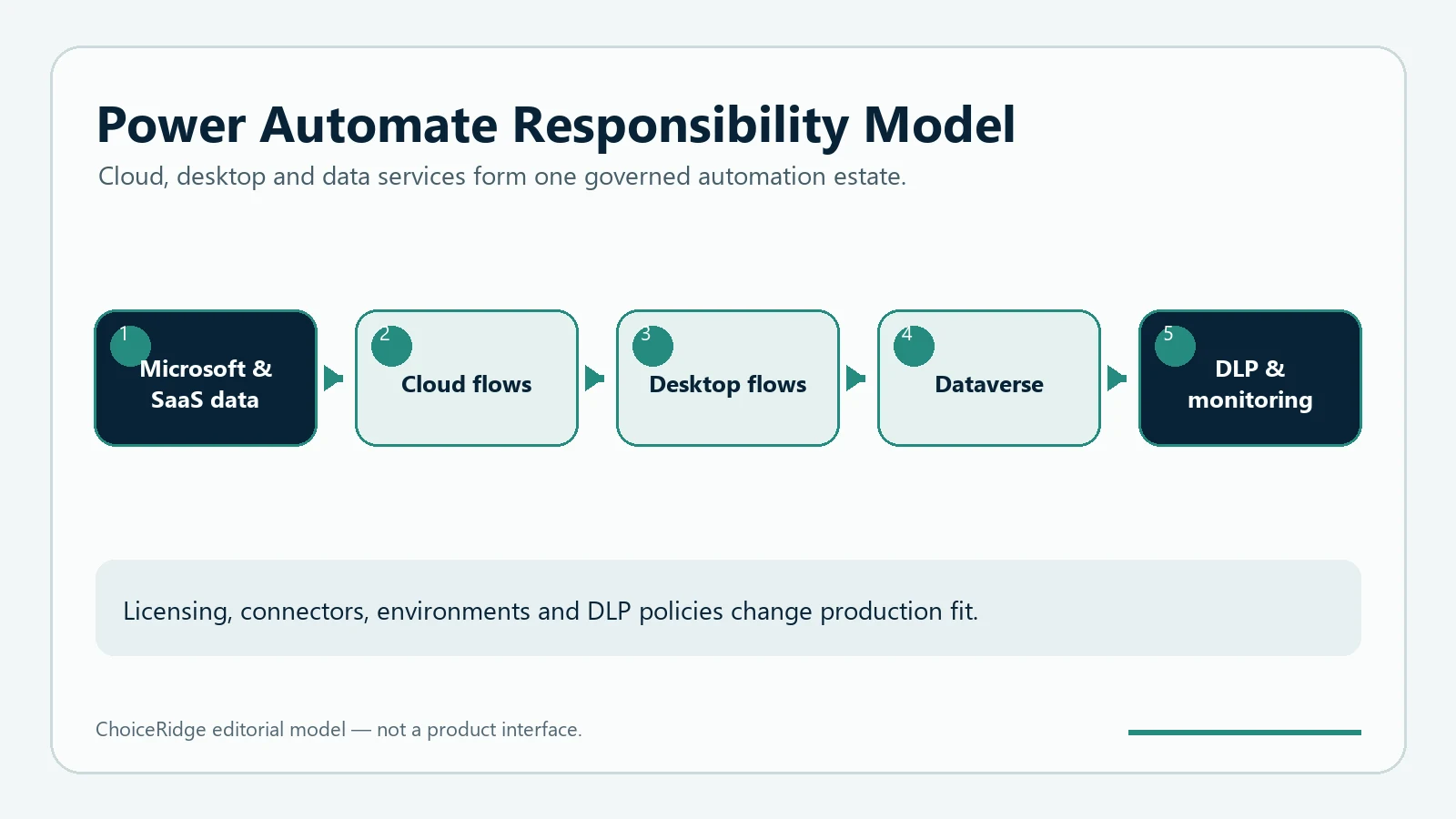
Microsoft Power Automate at a glance
| Area | Finding | Decision impact |
|---|---|---|
| Premium | $15/user/month paid yearly | Cloud flows and attended RPA development |
| Process | $150/bot/month paid yearly | Unattended RPA or business processes |
| Hosted Process | $215/bot/month paid yearly | Microsoft-hosted machine capacity |
| Trial | 30 days listed | Validate licensing and connectors |
Pricing and licensing explained
Premium is user-oriented; Process licenses an automation bot or business process; Hosted Process adds hosted machine capacity. Unattended desktop flows require appropriate Process coverage. Connector classification, action limits, environments, AI Builder, and user context can change the complete license requirement.
Features and operating model
Cloud flows
Automated, scheduled, instant, and approval workflows across connectors.
Desktop flows
Attended and unattended RPA for Windows and legacy interfaces.
Microsoft governance
Environments, DLP, Entra identity, solutions, and administration.
AI and process tools
Copilot, AI Builder, and process mining have separate eligibility and capacity considerations.
Security, governance, and reliability
Microsoft provides enterprise governance tools, but administrators must design environments, DLP policies, identities, service accounts, machine security, logging, and lifecycle management.
Who should choose Microsoft Power Automate?
Choose Power Automate
Microsoft-first organizations and desktop RPA programs.
Choose another
Teams seeking simpler cross-SaaS pricing or self-hosting.
Test carefully
Unattended RPA, premium connectors, AI Builder, and high-volume flows.
Pros and cons
| Pros | Cons |
|---|---|
| Cloud and desktop automation in one family | Licensing requires careful interpretation |
| Strong Microsoft ecosystem alignment | Environment governance adds administration |
| Enterprise DLP and identity path | Not the simplest fit for small cross-SaaS teams |
Final verdict
Power Automate is the strongest choice in this cluster when Microsoft governance or desktop RPA is a real requirement, not merely a familiar brand.
Explore the automation library or use the Automation Tool Selector.
Methodology and research limits
ChoiceRidge checked official pricing and product documentation on August 12, 2026. No controlled reliability benchmark or numerical score is claimed.
Read our Methodology, Editorial Policy, and How We Make Money.
Frequently asked questions
Does Power Automate include desktop RPA?
Yes, but attended and unattended scenarios require different licensing.
What does Premium cost?
$15 per user per month paid yearly on the verified page.
Is it only for Microsoft apps?
No, but Microsoft ecosystem alignment is its clearest advantage.