Zapier is a hosted automation platform designed to connect business apps and let nontechnical users build workflows quickly. Its strongest case is adoption: standard SaaS triggers and actions, filters, paths, built-in Tables and Forms, code, webhooks, and AI features live in one ecosystem. The central purchasing question is task consumption. Current rates vary by feature, so cost estimates must reflect the actual workflow rather than assuming every step always costs one task.
Commercial disclosure: The product links are direct, non-tracked official links. ChoiceRidge does not currently earn commission from them, and commercial arrangements do not determine this verdict.
Quick verdict
Zapier is best for broad app connectivity and easy business automation. Choose it for fast onboarding and common SaaS workflows; skip it when high-volume task economics, self-hosting, deep infrastructure control, or desktop RPA dominate.
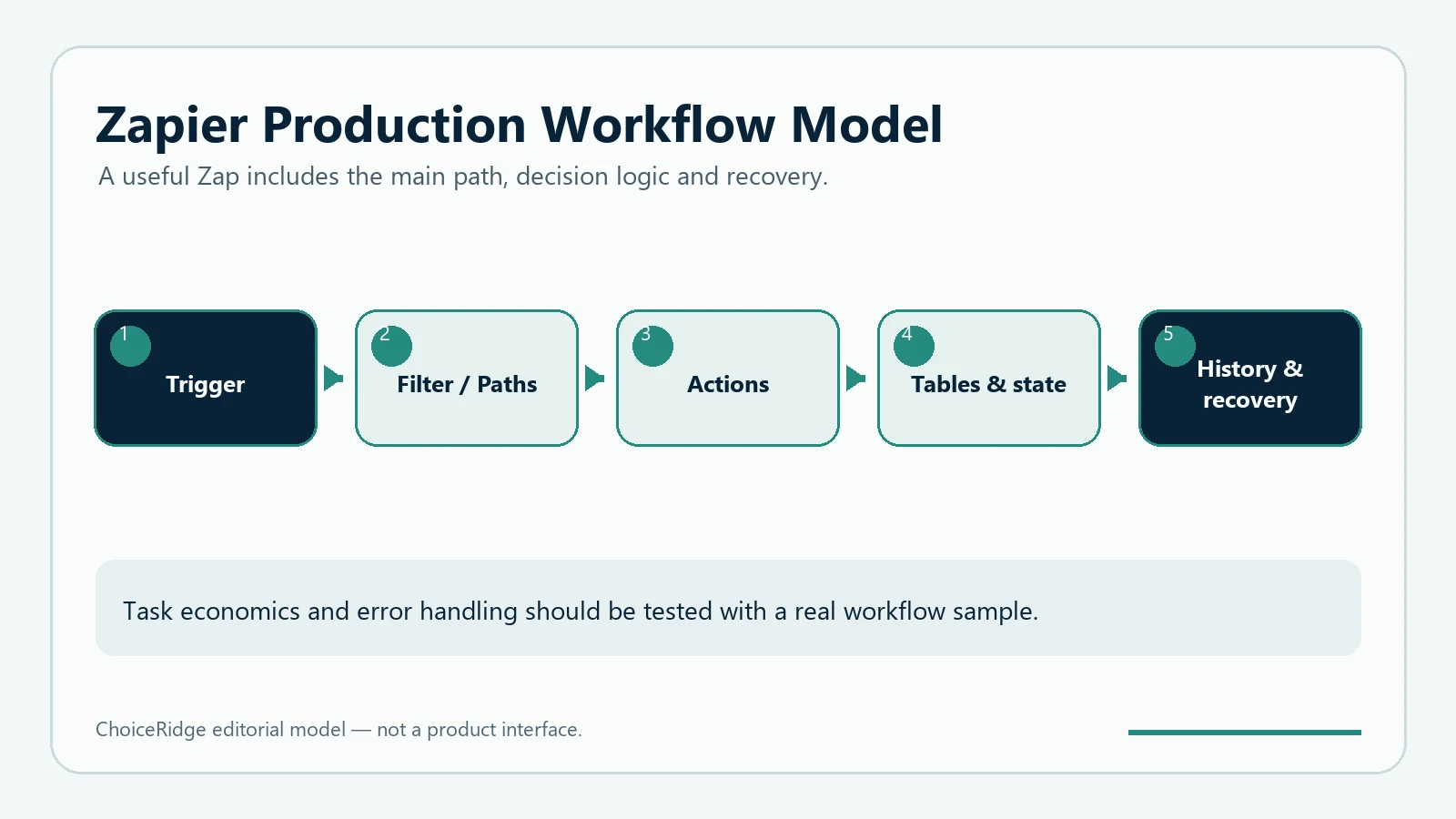
Zapier at a glance
| Area | Finding | Decision impact |
|---|---|---|
| Professional | $19.99/mo annually; 750 tasks | Multi-step production workflows |
| Standard step | Usually 1 task when successful | Count every successful paid step |
| Built-in tools | Many current tools use 0 tasks | Can reduce usage |
| AI/MCP | Model tiers and calls vary | Forecast agentic usage separately |
Pricing and licensing explained
Tasks are successful units of work. Standard app steps generally use one; built-in tools listed by Zapier can use zero; Lead Router uses five per step; MCP uses two per tool call; AI model tiers can use one, three, or five tasks per step and tool call. Rates can change, so use the official rate table.
Features and operating model
Zaps and app actions
Fast setup for common business triggers and actions.
Paths, filters, and built-ins
Useful branching and data tools; many built-ins currently cost zero tasks.
AI and Agents
Powerful, but model and tool-call task rates require separate controls.
Code and webhooks
JavaScript, Python, and webhooks extend standard actions.
Security, governance, and reliability
Review plan-specific admin roles, SSO, retention, app permissions, connected-account scopes, and AI data handling. Product features do not prove reliability for your workload.
Who should choose Zapier?
Choose Zapier
Nontechnical teams prioritizing speed and common SaaS connections.
Choose another
Technical teams needing self-hosting or low-level control.
Test carefully
High-volume, multi-action, or AI-agent workflows.
Pros and cons
| Pros | Cons |
|---|---|
| Fast onboarding and broad business use | Task cost can scale with successful actions |
| Useful built-in tools and app ecosystem | No self-hosted option |
| AI, code, and webhooks available | Advanced task rates add forecasting complexity |
Final verdict
Zapier remains the best general choice here for easy business automation, provided its task model fits the real workflow volume.
Explore the automation library or use the Automation Tool Selector.
Methodology and research limits
ChoiceRidge checked official pricing and product documentation on August 12, 2026. No controlled reliability benchmark or numerical score is claimed.
Read our Methodology, Editorial Policy, and How We Make Money.
Frequently asked questions
What counts as a Zapier task?
A successful unit of work; rates vary by feature.
Is Zapier free?
Zapier offers a free plan, but verify current task and workflow limits.
Can Zapier self-host?
No.