Changing hosts is not a file-copying exercise. A safe migration preserves content, transactions, email delivery, search visibility, certificates, redirects, scheduled jobs, and the ability to reverse the change. This guide turns that work into a controlled cutover that a small business can rehearse and verify.
Image disclosure: The editorial images in this guide are AI-generated illustrations. They depict realistic working situations but are not evidence of a ChoiceRidge test or a specific provider's facilities.

Short answer
Build and test the destination before changing DNS. Inventory every dependency, take a fresh backup, lower DNS TTL in advance, freeze or synchronize writes during the final copy, validate the new server through a local hosts-file override, then change DNS and monitor both environments. Keep the old host intact until traffic and data checks prove the cutover is stable.
What “zero downtime” really means
Absolute zero downtime is an unsafe promise unless the application was designed for active-active deployment. The practical target is no user-visible interruption and no lost writes. A brochure site can usually meet that target with a final database sync. A busy store or membership site needs a maintenance window, write replication, or a controlled queue for orders and form submissions.
Define success before touching production:
| Measure | Example acceptance rule |
|---|---|
| Availability | Public checks remain successful during cutover |
| Data integrity | No missing orders, users, comments, forms, or uploads |
| Functional parity | Login, checkout, search, forms, email, cron, and API calls work |
| Performance | Key pages are not materially slower than the baseline |
| Search continuity | Canonicals, redirects, robots rules, and status codes are unchanged |
| Reversibility | A named operator can restore the old route and data state |
Phase 1: inventory the real system
List the domain registrar, authoritative DNS, CDN or proxy, origin host, database, object storage, transactional email, third-party APIs, payment webhooks, scheduled jobs, SSL certificates, analytics, and monitoring. Record versions, credentials owner, renewal dates, and where configuration lives. For WordPress, include wp-content, wp-config.php, the full database, must-use plugins, server rules, and any files stored outside the normal document root.
Do not assume a hosting control-panel migration captures external mailboxes, DNS records, cron schedules, firewall allowlists, or environment variables. Capture the current DNS zone and response headers separately. WordPress's own migration guidance notes that changing servers may also require configuration and URL changes, not merely moving files.
Phase 2: prepare and rehearse the destination
Match the runtime first: supported PHP version, required extensions, database engine, memory limits, rewrite behavior, file permissions, and background workers. The current WordPress requirements favor supported PHP and MariaDB/MySQL versions plus HTTPS; confirm the application's own theme and plugin constraints before upgrading anything during a migration.
Restore a copy on a temporary hostname or access it by overriding the domain in your workstation's hosts file. The hosts-file method sends only your test device to the new origin, so the public site stays untouched. Validate:
- home page, high-traffic landing pages, 404 and redirect behavior;
- account creation, login, password reset, search, forms and file uploads;
- cart, taxes, payment sandbox, order email and payment webhooks;
- scheduled tasks, backups, cache purge and security rules;
- canonical tags, structured data, sitemap, robots directives and analytics;
- mobile layouts and real-browser behavior, not just server responses.
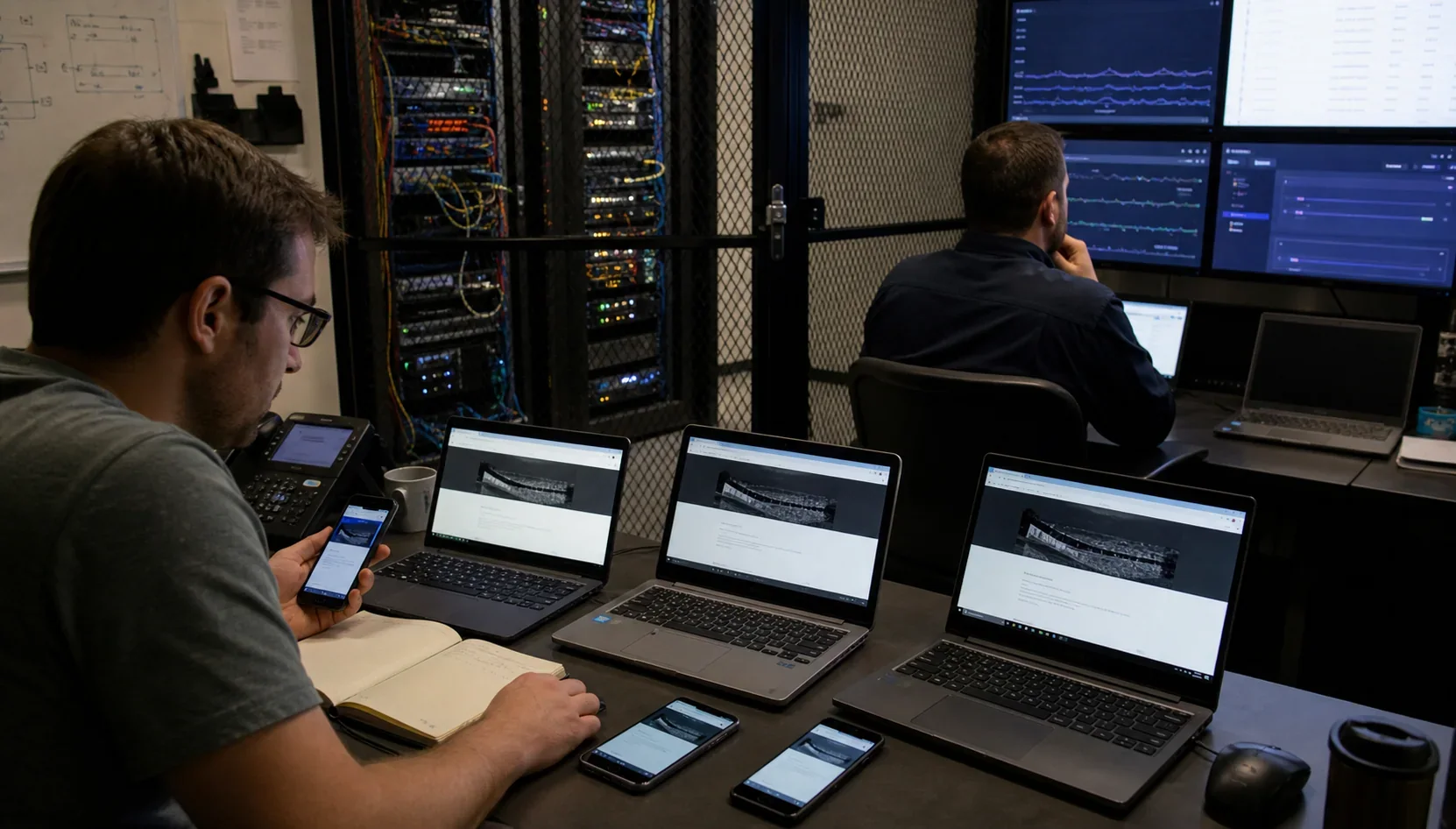
Create a baseline from the current host: response codes, screenshots, a small URL crawl, key Web Vitals, application logs, and several real transactions. Compare the destination with that baseline. A visually correct home page is not sufficient evidence.
Phase 3: control DNS and changing data
Lower the TTL for records that will change—typically the proxied or unproxied web records—at least one old-TTL period before cutover. TTL controls how long resolvers may cache a record; it does not force every resolver to refresh immediately. Do not alter mail records unless the mail service is also moving.
Choose a data strategy based on write volume:
- Static or rarely changed site: final backup and restore immediately before DNS change.
- Moderate WordPress activity: brief content freeze, final database and uploads sync, then cutover.
- Commerce or membership: planned maintenance, application-level replication, or a specialist migration process that accounts for orders, sessions, queues, and webhooks.
Before the last sync, take a timestamped backup of files, database, DNS zone, and relevant configuration. Keep it outside both hosts. Record who can declare rollback.
Phase 4: cut over with a runbook
Use a written sequence with owners and timestamps. Pause publishing or writes if required; run the final sync; verify row counts and recent records; change the origin record; purge only the caches that need purging; test from multiple networks; and watch access, error, application, email, and payment logs.
DNS propagation is not a single global event. Some visitors may reach the old origin while others reach the new one. Keep the old environment available and, where practical, place it in read-only mode or forward it to the new origin. Never delete the old account on cutover day.
Rollback decision
Rollback is appropriate when data integrity, checkout, authentication, TLS, or core routing cannot be restored inside the agreed window. Repointing DNS alone may not undo writes already accepted by the destination, so the runbook must state which database is authoritative and how new records will be reconciled.
After 24–72 stable hours, raise TTLs to the normal operating value. Continue monitoring through at least one billing, backup, cron, and traffic cycle before closing the old host.
Migration checklist
- System, DNS, email, integration, and content inventory complete
- Restorable pre-change backup stored off-host
- Destination runtime and security controls verified
- Hosts-file and device validation passed
- Data-freeze or synchronization method agreed
- TTL lowered early enough and mail records preserved
- Named cutover owner and rollback authority available
- External uptime, logs, payments, forms, and email monitored
- Old host retained until stability criteria pass
- Search, analytics, backups, and scheduled jobs rechecked
Where this fits in ChoiceRidge
Use the Infrastructure & Hosting hub to understand the wider stack. If the migration is also a provider decision, start with the small-business hosting guide and then use the relevant provider reviews or comparisons. This guide deliberately does not rank hosts; it starts after a destination has been selected.
Method and limitations
This is a product-neutral operational framework based on WordPress documentation and general DNS practice. Exact steps vary by application, database, proxy, mail setup, and provider. High-write or regulated systems need application-specific engineering and a tested business-continuity plan.