This research-based Hostinger review combines current published pricing, official product documentation, public interface evidence, and clearly attributed independent reporting. ChoiceRidge did not purchase a Hostinger account or run a hands-on speed, uptime, support, or load test for this edition.
- Pricing verified: August 14, 2026
- Review type: Research-based
- Evidence basis: official provider sources plus attributed independent evidence
- ChoiceRidge lab testing: not claimed
Review disclosure: This is a research-based editorial review, not a ChoiceRidge hands-on speed or uptime test. ChoiceRidge did not purchase a Hostinger account specifically for this edition. Public screenshots are identified by source, and third-party test results remain attributed to the publication that performed them. Pricing, promotions and plan terms can change.
Hostinger has an affiliate program, but the commercial Hostinger links in this edition are direct, non-tracked official links. ChoiceRidge does not currently earn commission from them. See How We Make Money.
ChoiceRidge verdict: excellent value — if the four-year commitment fits
| Best for | Value-focused SMBs, WordPress sites, and multiple modest sites |
|---|---|
| Avoid if | You require cPanel, phone support, or a short commitment |
| Plan analyzed first | Unlimited |
| Biggest caveat | Long prepaid term and materially higher renewal |
| Evidence level | Research-based |
| ChoiceRidge testing | No account benchmark claimed |
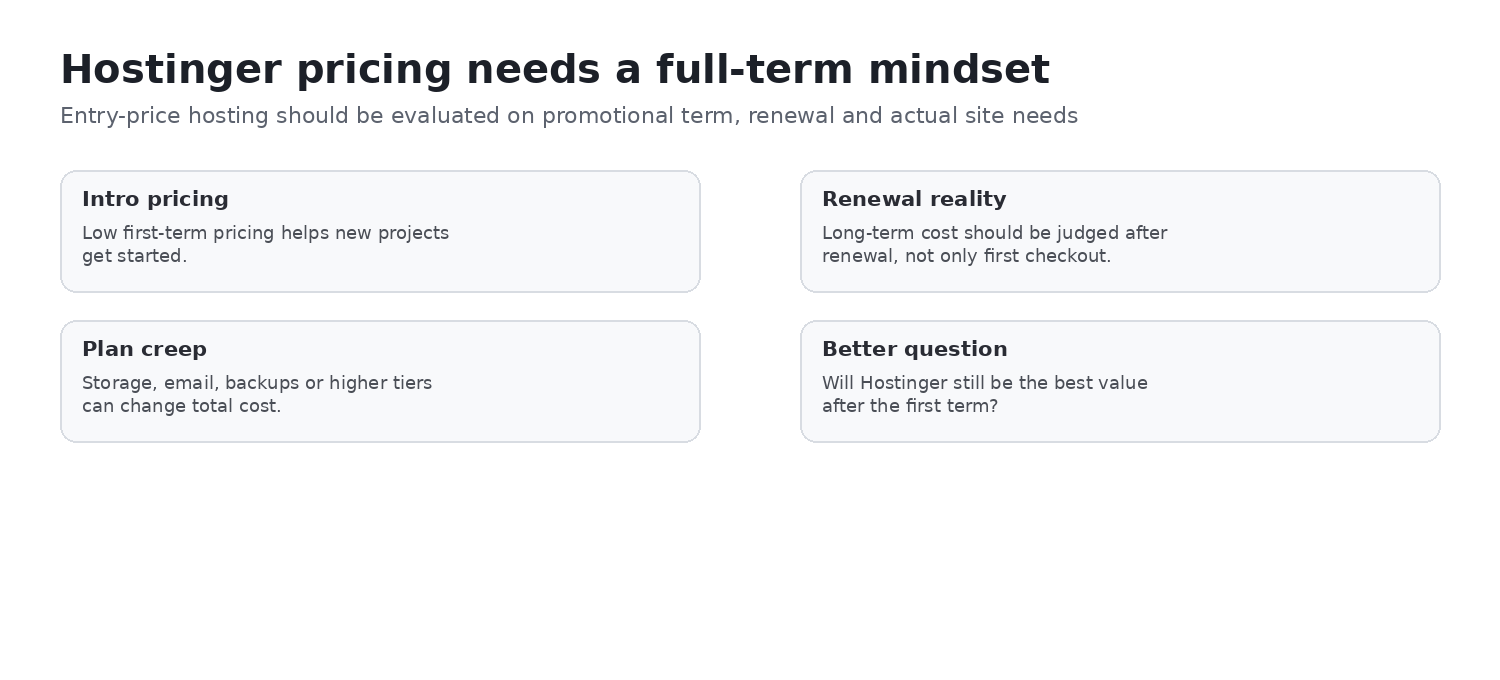
Unlimited is the decision-first plan for many small businesses: its published 50 GB NVMe storage, daily backups, CDN, WordPress tooling, email allowance, migration, and multi-site allowance make the promotional price meaningful only if the four-year prepayment and later renewal fit the buyer’s operating budget. View current Hostinger pricing.
Pricing: what you pay now and later
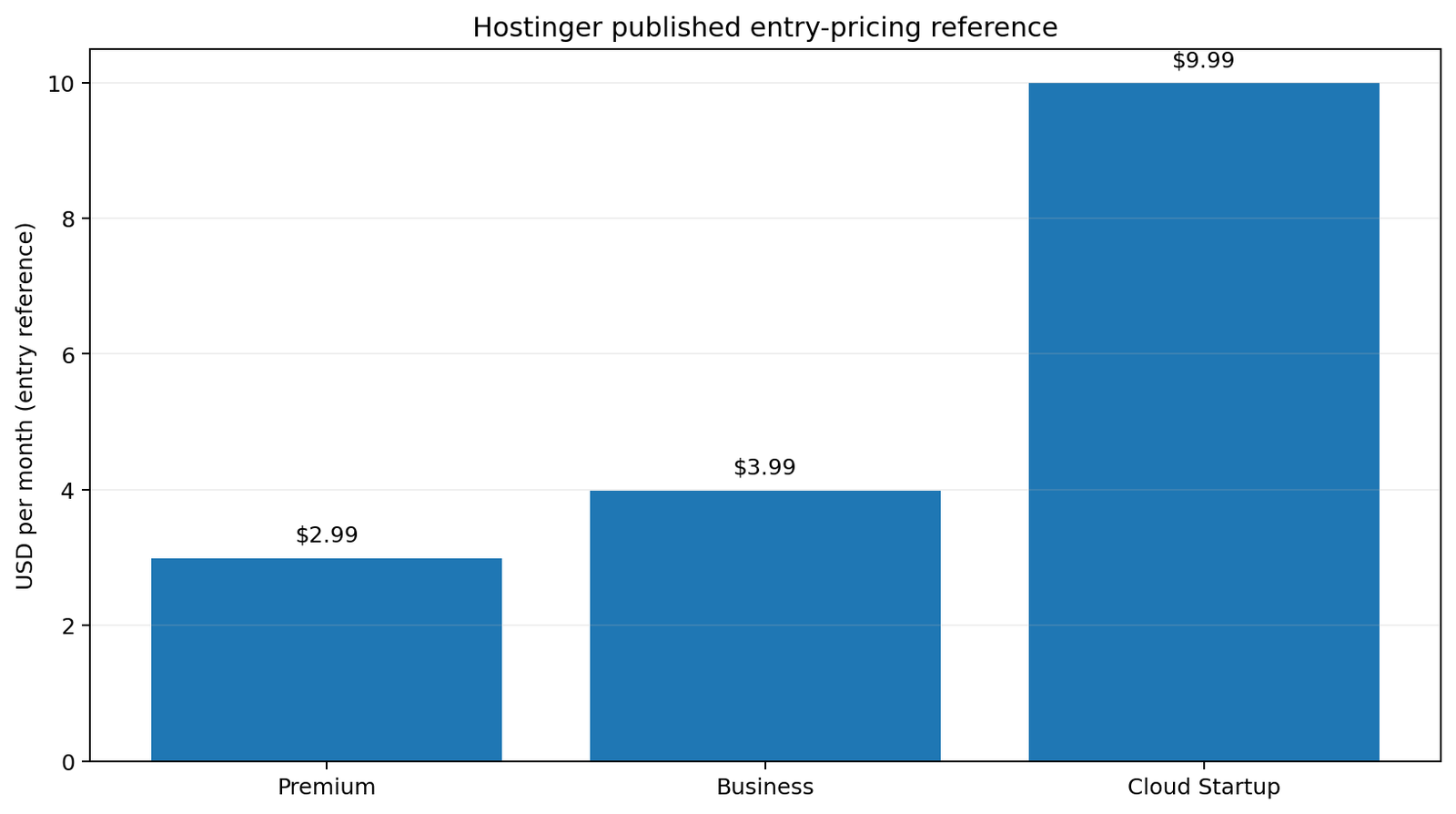
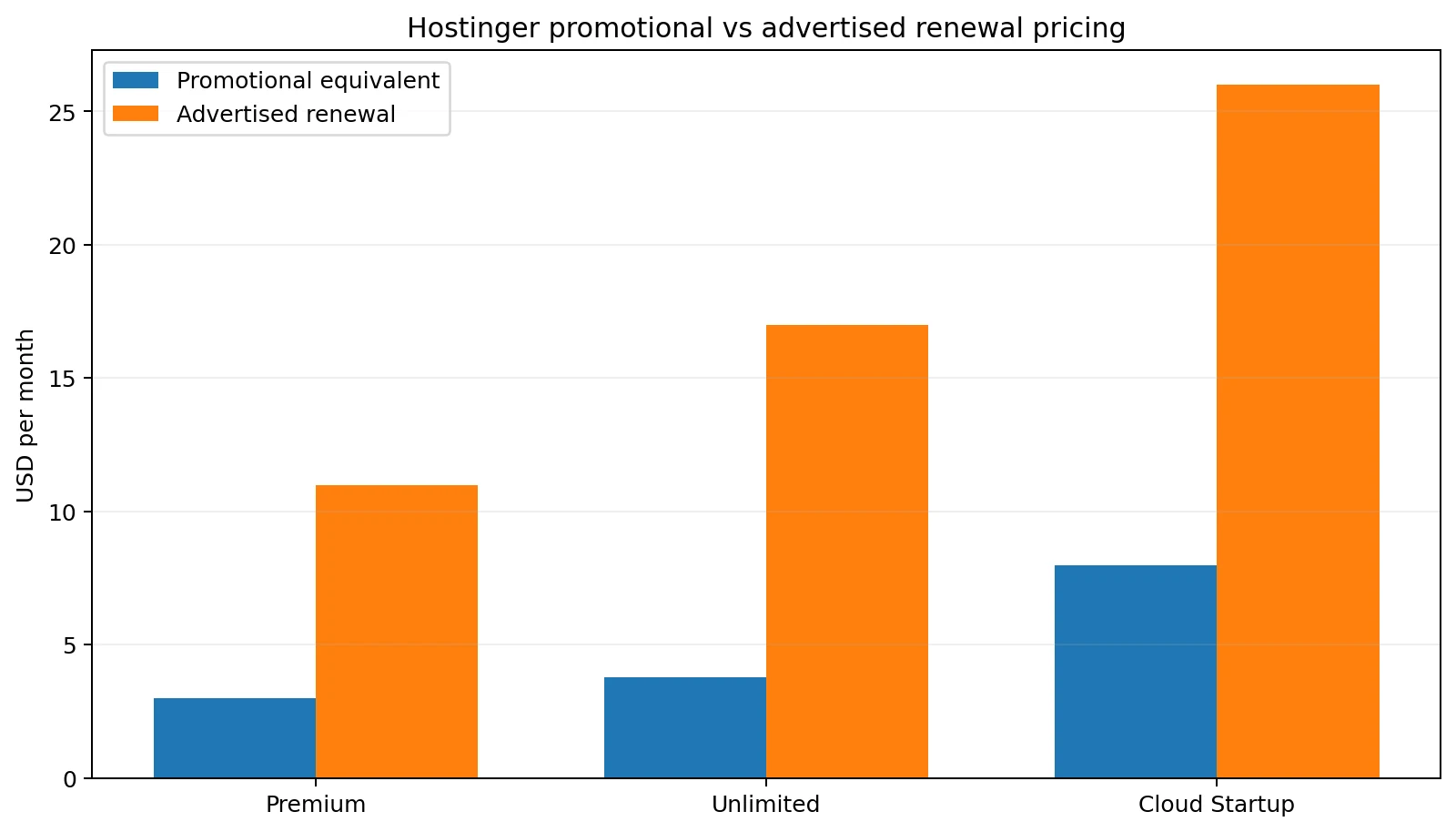
Hostinger’s US pricing page was checked on August 14, 2026. Its advertised monthly figures are 48-month equivalents, and the full term is paid upfront. Checkout region, tax, eligibility, and promotions can change the final amount.
| Plan | Current promo | 48-month total | Advertised renewal | Decision note |
|---|---|---|---|---|
| Premium | $2.99/mo | $143.52 | $10.99/mo | 3 websites, 20 GB SSD, weekly backups |
| Unlimited | $3.79/mo | $181.92 | $16.99/mo | Unlimited websites, 50 GB NVMe, daily backups |
| Cloud Startup | $7.99/mo | $383.52 | $25.99/mo | Higher-resource workloads, 100 GB NVMe, daily and on-demand backups |
Domain and email economics
A free domain and included mailboxes are promotional plan benefits, not a promise of permanently free ownership. Premium includes two mailboxes per website free for one year; Unlimited and Cloud Startup advertise unlimited mailboxes per website free for one year. Domain and email renewal, term eligibility, and any paid add-ons belong in the total cost of ownership calculation.
Plan comparison
| Factor | Premium | Unlimited | Cloud Startup |
|---|---|---|---|
| Websites | 3 | Unlimited, subject to fair use | Unlimited, subject to fair use |
| Storage | 20 GB SSD | 50 GB NVMe | 100 GB NVMe |
| Backups | Weekly | Daily | Daily and on-demand |
| CDN | Included | Included | Included |
| WordPress / Node.js | Listed | Listed | Listed |
| Typical fit | Small, simpler sites | Multi-site and growing SMBs | Agencies or higher-resource projects |
hPanel: a different operating model from cPanel
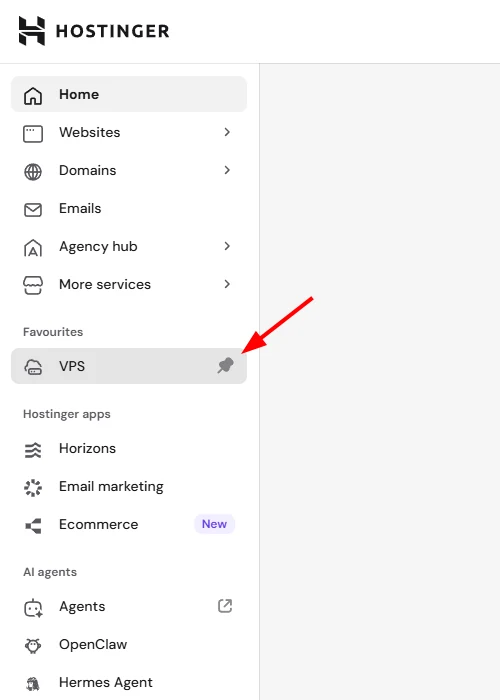
Based on Hostinger’s current public interface and documentation, hPanel is organized around common website-management tasks: websites, domains, email, services, apps, files, databases, and account controls. That can suit beginners and teams that value an integrated workflow. Administrators who rely on cPanel-specific habits, tooling, or support processes should treat the control-panel difference as a real migration consideration.
WordPress management
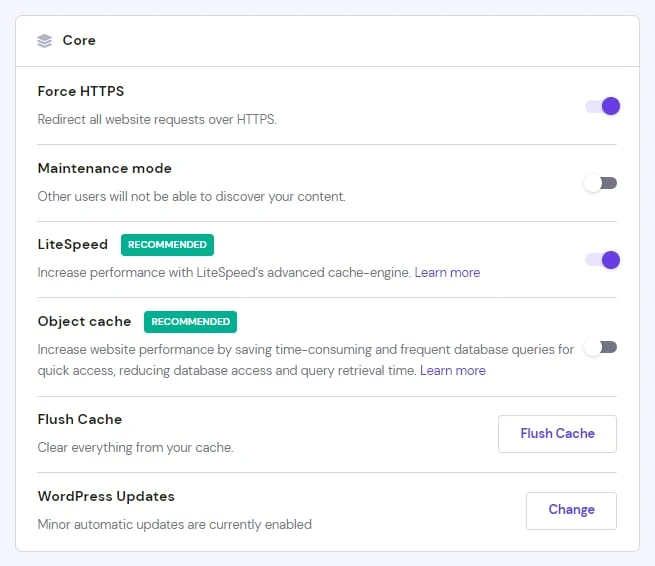
Hostinger documents a WordPress Overview area with controls such as Force HTTPS, maintenance mode, LiteSpeed-related settings, Object Cache where available, cache flushing, updates, file management, databases, and wp-admin access. These are documented capabilities; ChoiceRidge is not presenting them as hands-on account findings.
Staging: reduce production-change risk
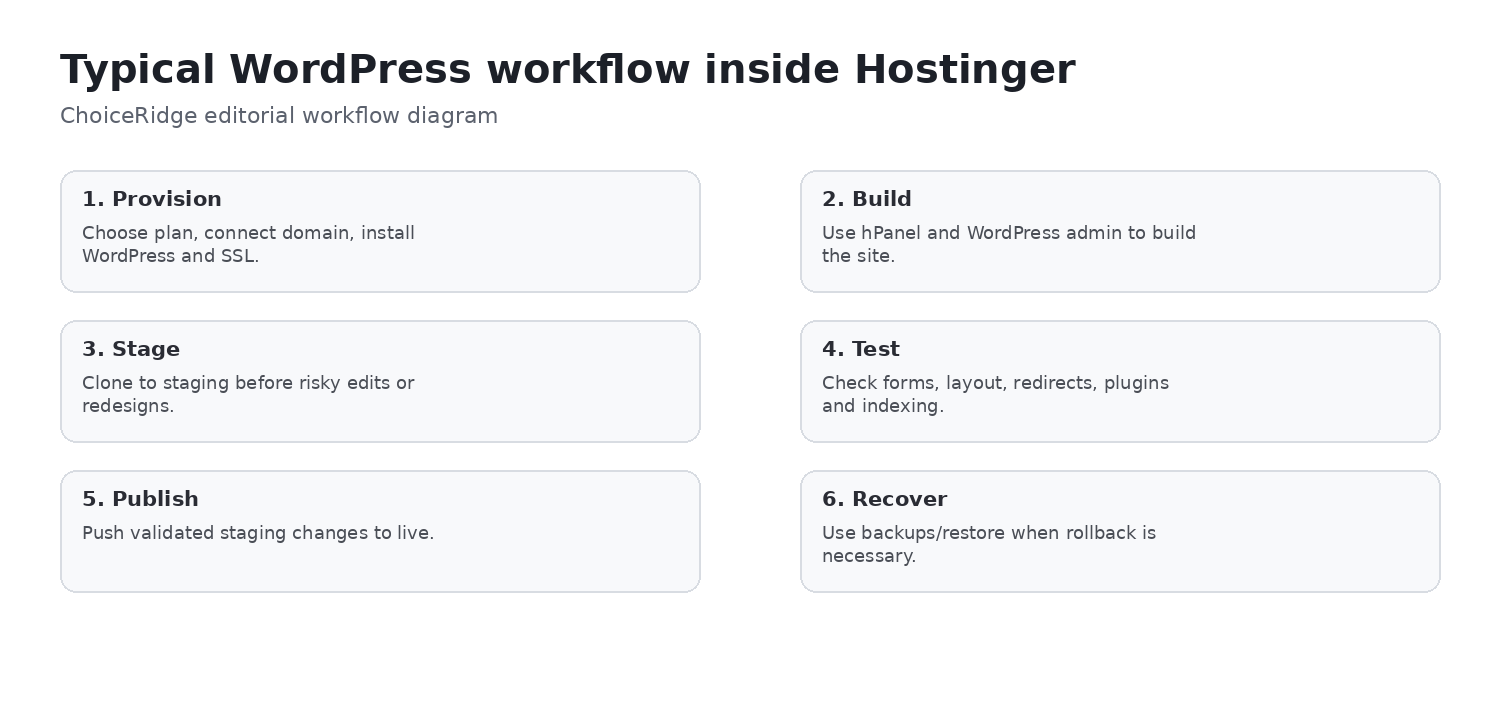
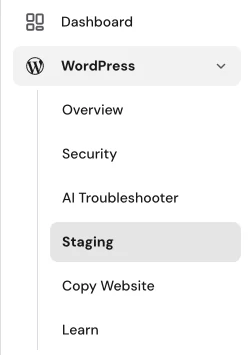
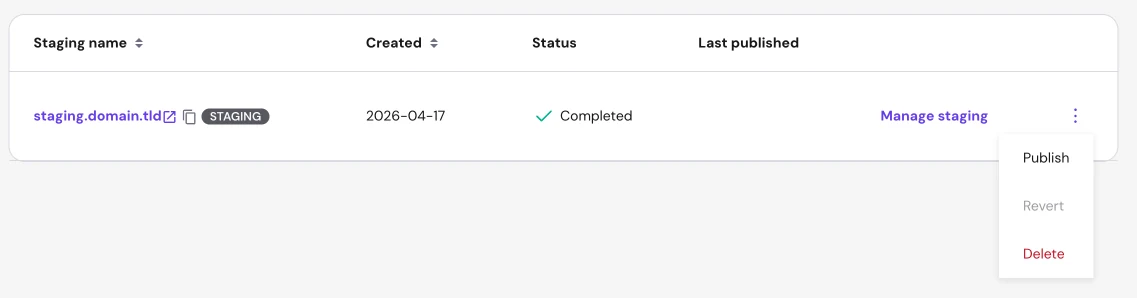
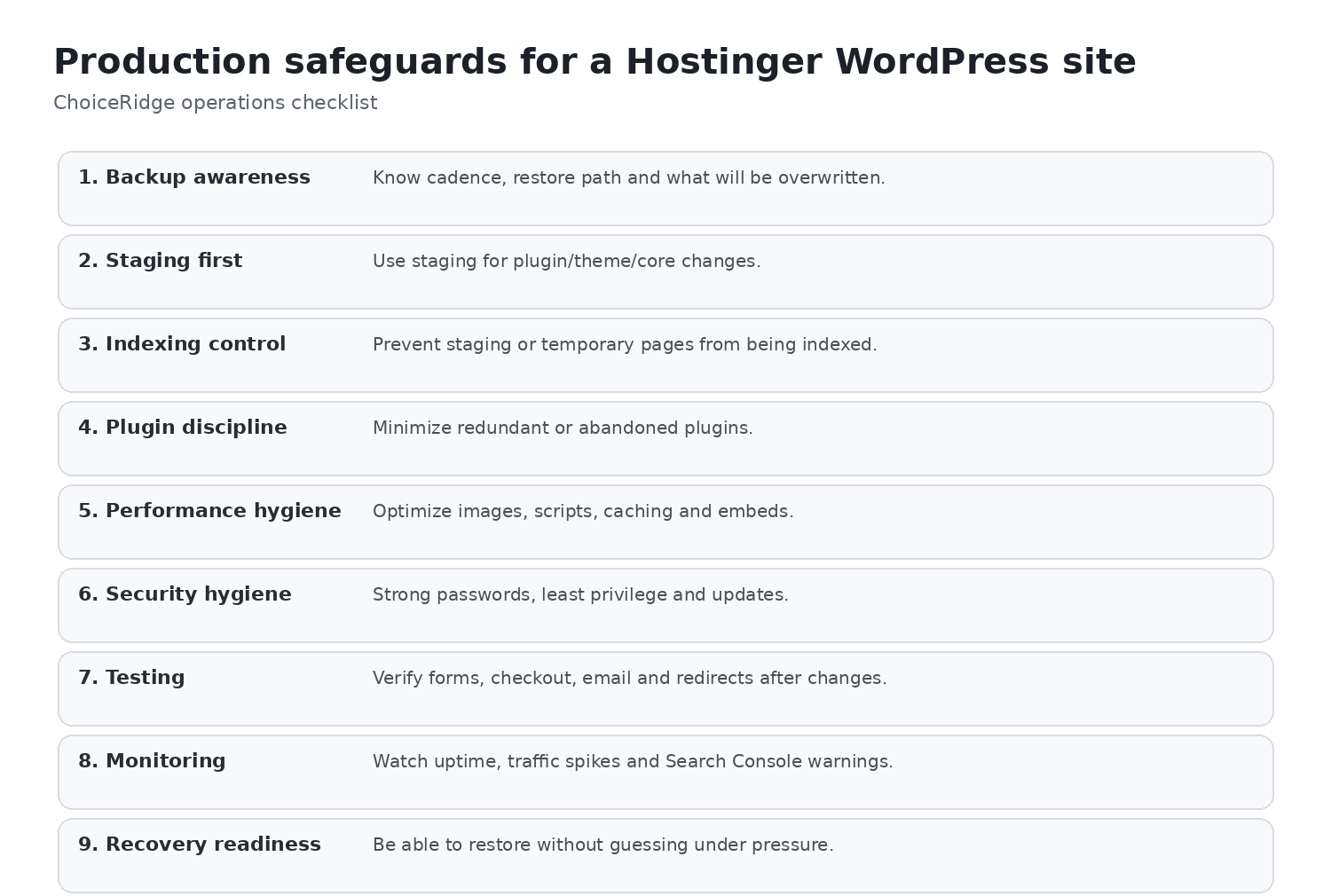
A staging environment is a separate copy used to assess changes before publishing to production. Where a qualifying plan and site configuration support it, staging can lower risk around plugin updates, WooCommerce changes, themes, design work, and major content revisions. Confirm eligibility and the current workflow in Hostinger’s documentation before treating it as a purchase requirement.
Backups: useful provider protection, not complete disaster recovery
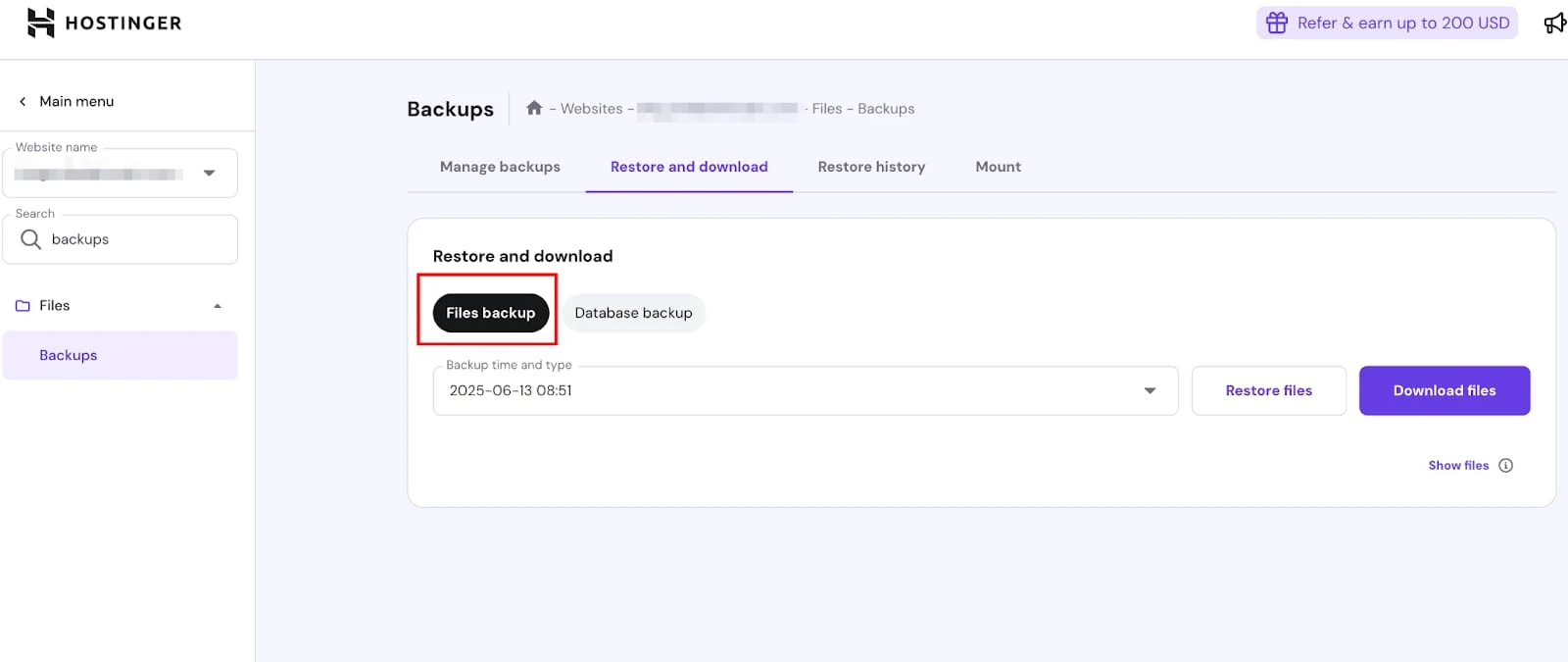
Hostinger advertises weekly backups on Premium, daily backups on Unlimited, and daily plus on-demand backups on Cloud Startup. Restore and download options are useful operational controls, but a revenue-critical WordPress site should still maintain an independent backup, a restoration plan, and tested recovery access.
Performance infrastructure and independent evidence
Hostinger publishes LiteSpeed servers, NVMe storage on the relevant plans, CDN, caching, Object Cache where available, and plan resource information. These are provider specifications, not a guarantee of an individual site’s speed. TechRadar’s Hostinger review is independent context; any test result it publishes remains TechRadar’s result, using its methodology, location, and test dates—not ChoiceRidge’s measurement.
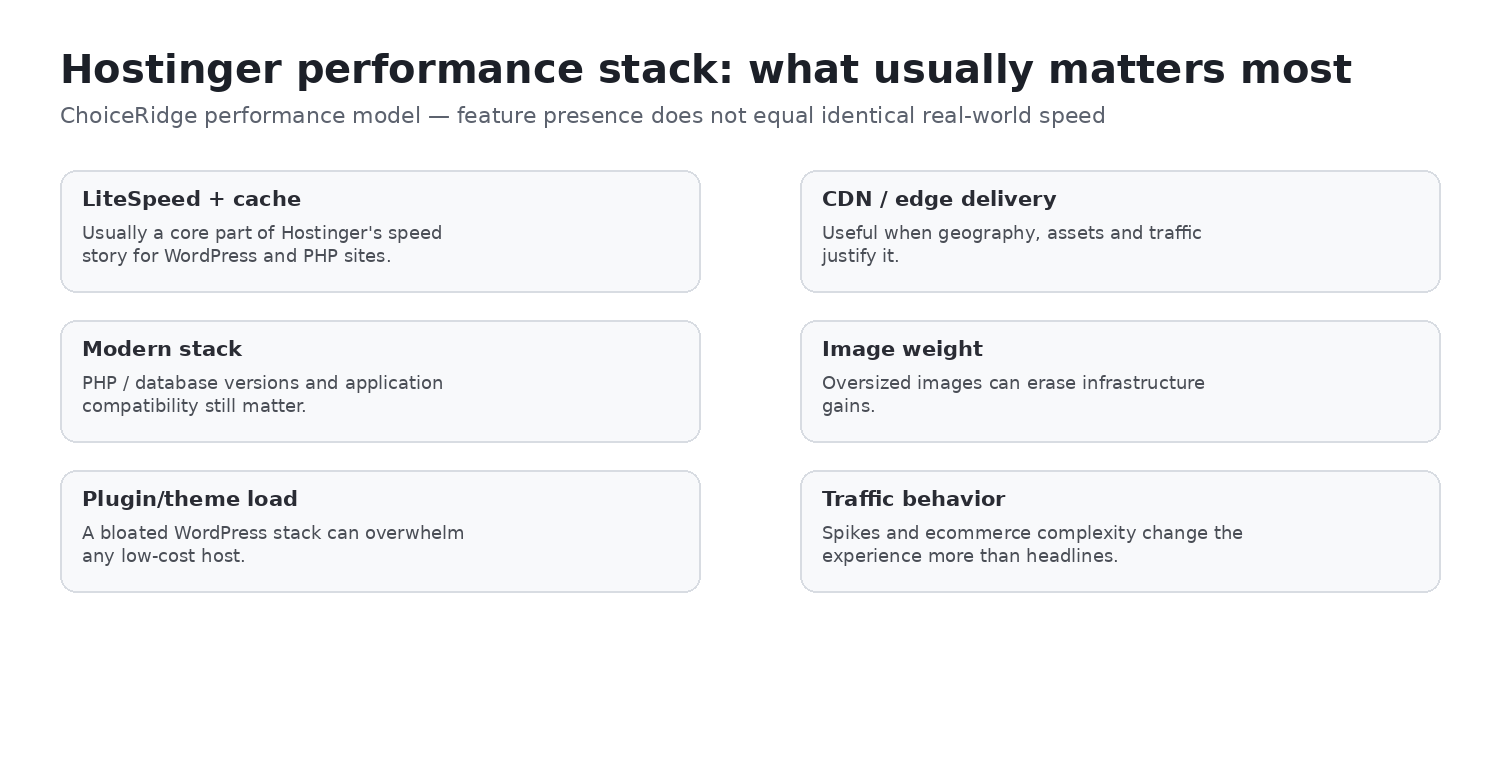
TechRadar reported a 0.607-second LCP, 99.96% uptime over its stated monitoring period, an average response time of 382ms, and about 15 requests per second in its published shared-hosting tests. Those results use TechRadar’s test site, dates and methodology; they are independent context, not ChoiceRidge measurements or a guarantee for another plan or workload.
Published resource limits and fair usage
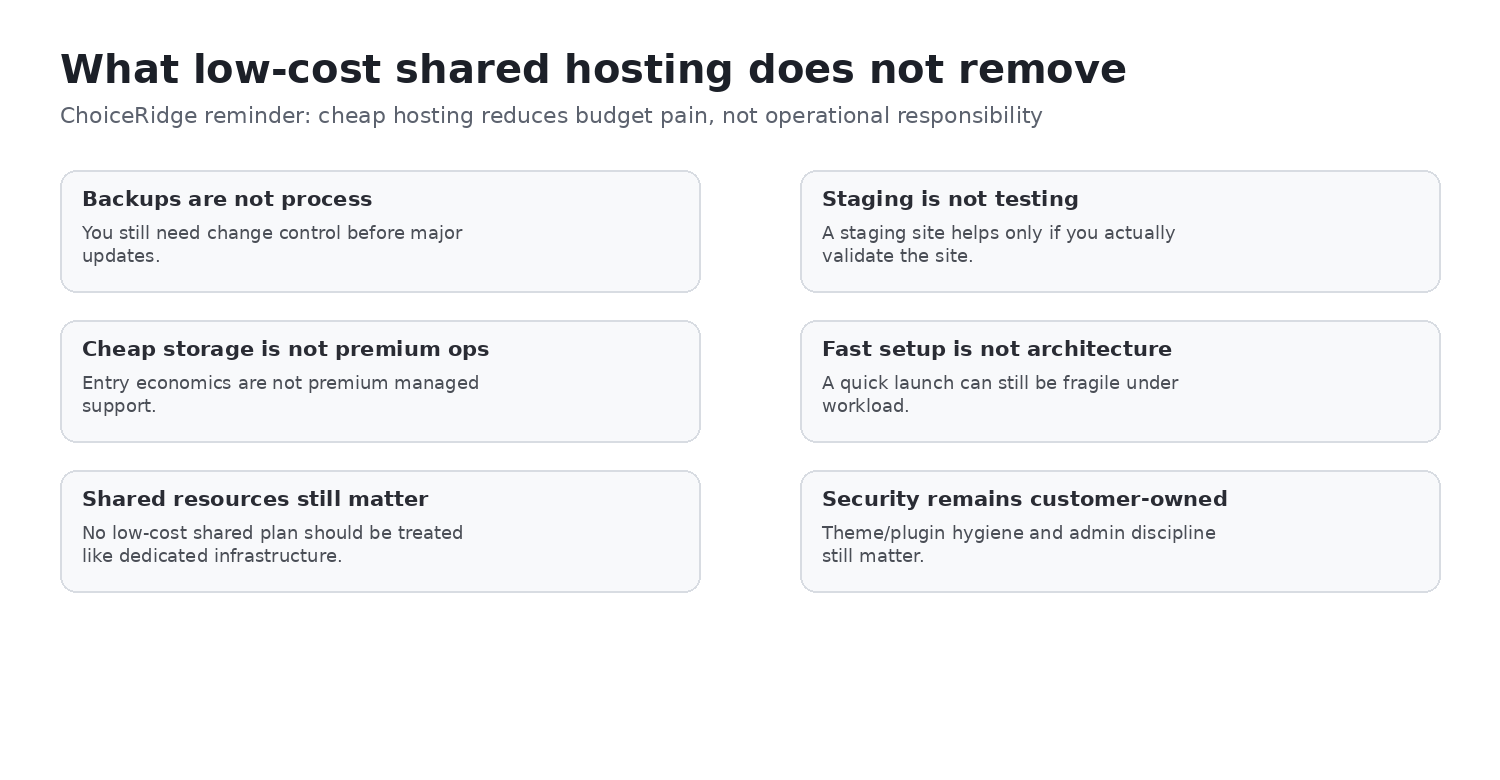
“Unlimited websites” does not mean unlimited compute. Buyers should review Hostinger’s published parameters for CPU, RAM, PHP workers, database capacity, I/O, concurrent processes, inodes, and storage, then match them to the application’s traffic and workload. Unlimited allowances remain subject to Hostinger’s Hosting Agreement and service limitations.
Security, support, locations, and scaling
- Security: Hostinger lists SSL, malware scanning, domain privacy, IP/country blocking, and backup features. Keep MFA, strong passwords, least privilege, prompt WordPress updates, plugin hygiene, and an independent backup.
- Support: Hostinger advertises 24/7 digital support. Phone support is not available, so organizations that require a telephone escalation path should evaluate alternatives carefully.
- Locations: Select the region closest to the main audience where the plan permits it; server location, CDN, and audience geography all affect latency. See Hostinger’s current server-location guidance.
- Scaling: Shared hosting, cloud hosting, and VPS are different operating models. VPS can add control and resources, but it also increases operational responsibility.
Pros and cons
Pros
- Strong introductory value
- NVMe, daily backups, and CDN on Unlimited
- WordPress tools and documented staging workflow
- Free migration and global locations
- Clear path to cloud and VPS
- Published resource information
Cons
- Long upfront commitment for the lowest rate
- Materially higher renewal
- No phone support
- No cPanel on mainstream plans
- Fair-use and shared-resource sensitivity
- Domain and email renewal economics require review
Buyer fit
| Buyer | Fit | Why |
|---|---|---|
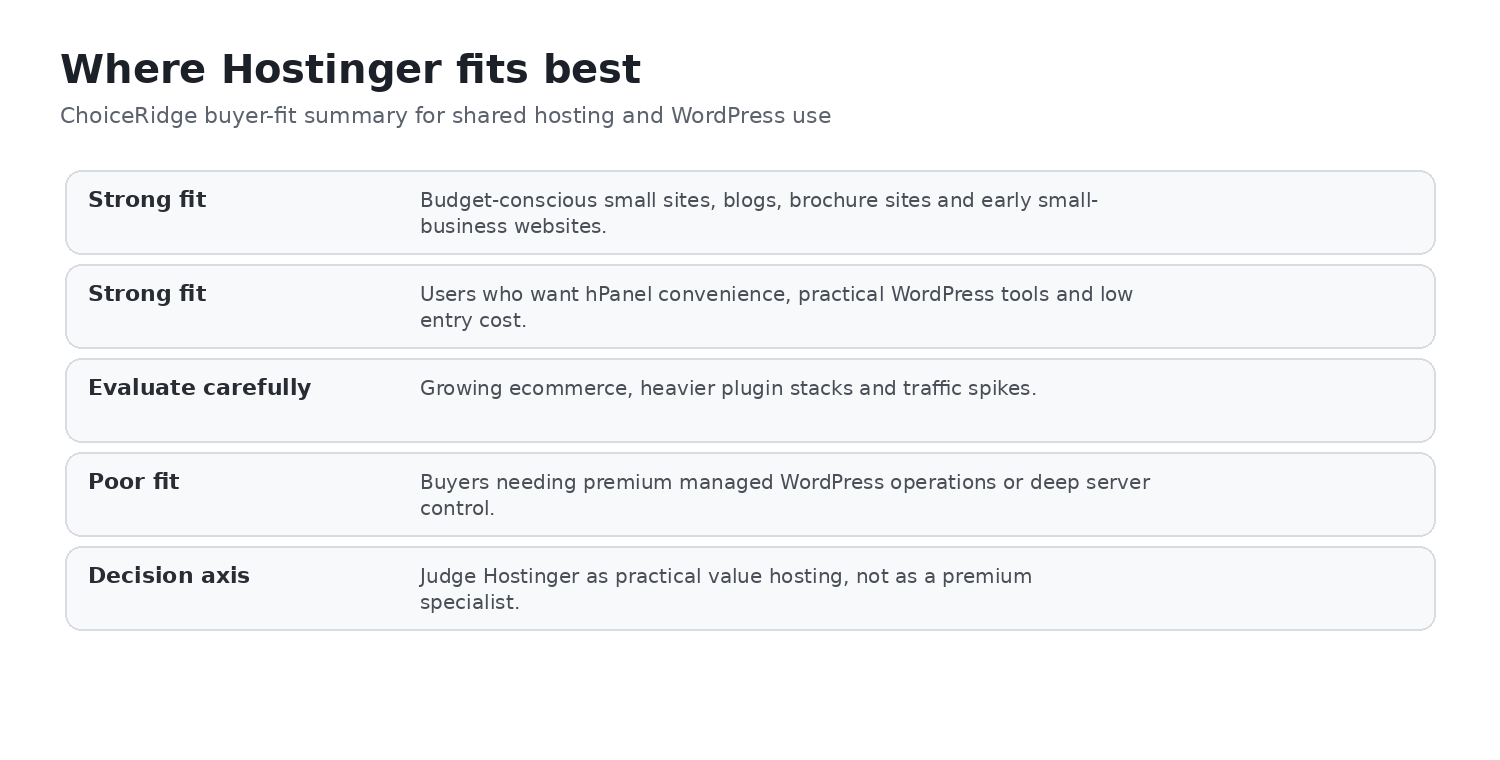
| Small businesses and beginners | Strong fit | Integrated tools and low first-term equivalent can work well if the term fits. |
| Multi-site owners and agencies | Potential fit | Unlimited offers multiple sites, but capacity and client workload need review. |
| WooCommerce and high-I/O workloads | Evaluate carefully | Assess resource limits, staging workflow, backups, and upgrade path. |
| cPanel- or phone-dependent organizations | Poor fit | hPanel replaces cPanel, and support does not include phone service. |
Alternatives and comparisons
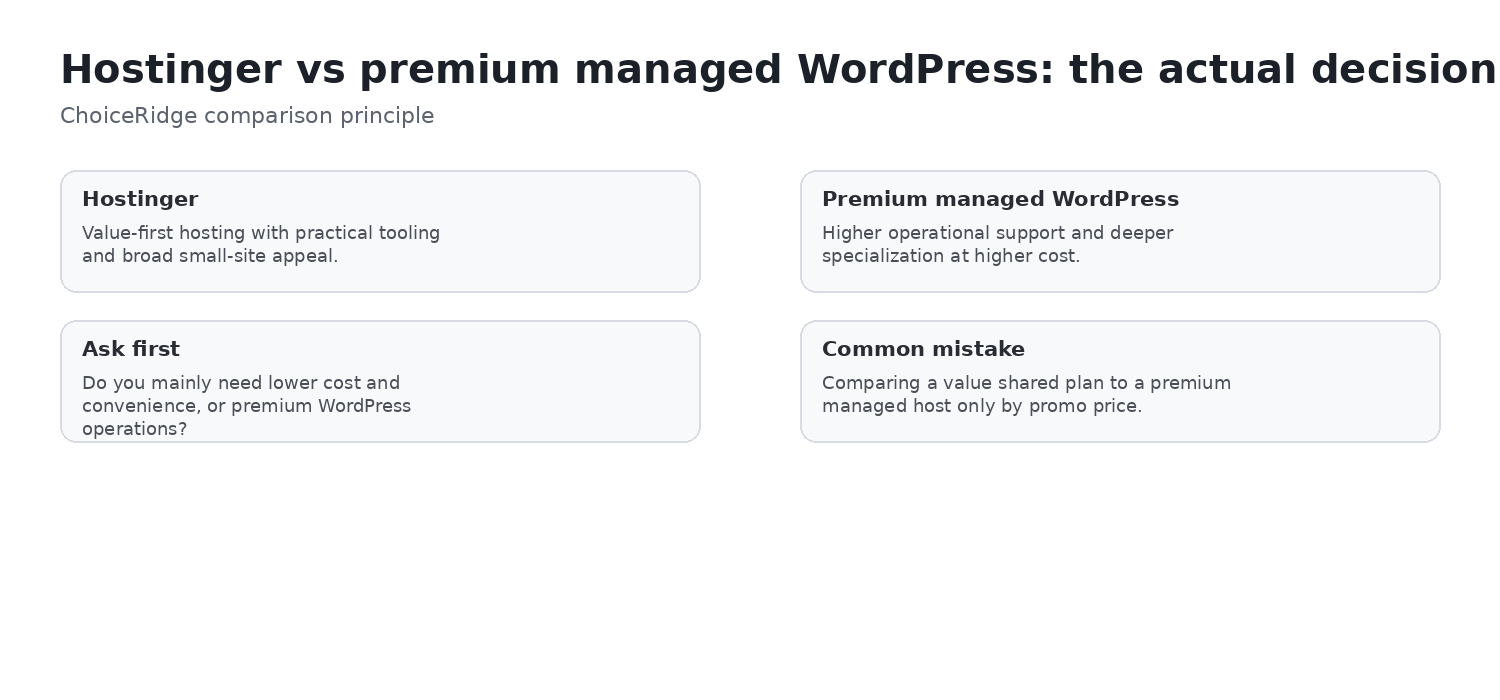
Before choosing a plan, compare the management model and long-term economics with ChoiceRidge’s Best Web Hosting for Small Businesses guide and the comparison library. SiteGround, Cloudways, Kinsta, and HostGator can be better fits when their support model, WordPress specialization, cloud flexibility, or control-panel expectations match your requirements more closely.
Evidence map
| Finding | Primary evidence | Independent context | ChoiceRidge tested? |
|---|---|---|---|
| Pricing and renewal | Hostinger pricing page | Not required for published price | Verified published information; no checkout test claimed |
| Storage, backups, WordPress, and staging | Hostinger plan pages and support documentation | Not required for documented availability | No account test claimed |
| hPanel interface | Hostinger public documentation screenshots | Not required | No account test claimed |
| Performance | Provider infrastructure claims | TechRadar reporting, attributed | No |
| Support and locations | Hostinger support documentation | TechRadar may provide context | No ticket or latency test claimed |
| Buyer recommendation | Editorial analysis of the evidence above | Contextual comparison | Research-based judgment |
What ChoiceRidge verified
- Published pricing, renewal figures, and plan differences
- Official screenshots, WordPress features, staging documentation, backup controls, support policy, server-location guidance, and stated policies
- Publicly available independent evidence, kept attributed to the original publication
What ChoiceRidge did not test
- No Hostinger account was purchased specifically for this edition.
- No uptime monitor, TTFB benchmark, load test, support-ticket timing test, PHP benchmark, database benchmark, or identical competitor deployment was run.
Frequently asked questions
Is Hostinger good for small businesses?
It can be a strong fit for modest business and WordPress sites when the buyer accepts the prepaid term, renewal, and hPanel workflow.
Which Hostinger plan is best?
Unlimited is the plan analyzed first here because it combines daily backups, 50 GB NVMe storage, CDN, and a multi-site allowance. The right choice still depends on workload and term.
Does Hostinger use cPanel?
No. Its mainstream managed plans use hPanel.
Is Hostinger really unlimited?
Unlimited allowances remain subject to Hostinger’s Fair Usage Policy and resource limits.
Does Hostinger include daily backups?
Hostinger advertises daily backups on Unlimited and daily plus on-demand backups on Cloud Startup; Premium lists weekly backups. Check the current plan terms before purchase.
Does Hostinger have phone support?
No. Hostinger documents digital support rather than phone support.
Is Hostinger fast?
Hostinger publishes speed-related infrastructure, while independent reports use their own methods. ChoiceRidge has not measured it for this edition.
Can I use staging?
Hostinger documents a WordPress staging workflow. Confirm your plan and site eligibility in the current documentation.
Continue comparing
Compare the HostGator Review, SiteGround Review, Cloudways Review, Kinsta Review, Best Web Hosting for Small Businesses, the comparison library, our Methodology, Editorial Policy and How We Make Money.
Sources
- Hostinger — current US web-hosting plans and pricing
- Hostinger — hPanel guide
- Hostinger — WordPress Overview
- Hostinger — WordPress staging
- Hostinger — backups, restore and download
- Hostinger — phone-support availability
- Hostinger — Refund Policy
- Hostinger — Hosting Agreement and service limitations
- Hostinger — server locations
- TechRadar — Hostinger review and independent testing