This is a research-based HostGator review built from current official pricing and documentation, public interface evidence, and clearly attributed independent reporting. ChoiceRidge does not claim account ownership, lab benchmarks, support calls, or screenshots captured from its own HostGator account for this edition.
- Evidence checked: August 14, 2026
- Review type: Research-based Expanded Review
- Evidence basis: official sources plus attributed independent evidence
- ChoiceRidge lab testing: not claimed
Commercial-link disclosure: The provider links in this edition are direct, non-tracked links. ChoiceRidge may add properly disclosed affiliate links in the future; this does not affect the methodology or verdict. See How We Make Money.
ChoiceRidge verdict: a strong traditional-hosting choice — especially if cPanel and phone support matter
| Best for | Traditional shared-hosting buyers, cPanel users, and SMBs valuing phone support |
|---|---|
| Plan to evaluate first | Baby for general multi-site use; Business when 50 GB or a higher allowance is needed |
| Strongest differentiator | cPanel plus phone and chat on qualifying tiers |
| Biggest caveat | Renewal jump and courtesy-backup limitations |
| Evidence level | Research-based |
| ChoiceRidge testing | No account benchmark claimed |
HostGator is most compelling when the buyer values a conventional cPanel operating model and the eligible plan’s support channels. It is less compelling when the purchase decision ignores recurring price, shared-account ceilings, or the need for an independent backup. Our verdict is conditional: model the renewal bill, verify the selected tier’s support channel, and keep recovery copies outside the hosting account.
Pricing: introductory rate versus regular price
HostGator presents low 36-month introductory equivalents, but those rates require an upfront multi-year commitment and do not represent the recurring cost. The official US pages checked on August 14, 2026 showed the following figures; promotions, taxes, checkout configuration, and geographic pricing can change.
| Plan | Intro 36-month equivalent | Published regular 36-month equivalent | Decision note |
|---|---|---|---|
| Hatchling | $3.75/mo | $10.99/mo | 10 websites, 10 GB SSD, about 40K visits/mo listed |
| Baby | $4.50/mo | $16.49/mo | 20 websites, 20 GB SSD, about 50K visits/mo listed |
| Business | $6.25/mo | $21.99/mo | 50 websites, 50 GB SSD, about 200K visits/mo listed |
| Pro | $13.95/mo | $29.69/mo | 100 websites, 100 GB SSD, about 400K visits/mo listed |
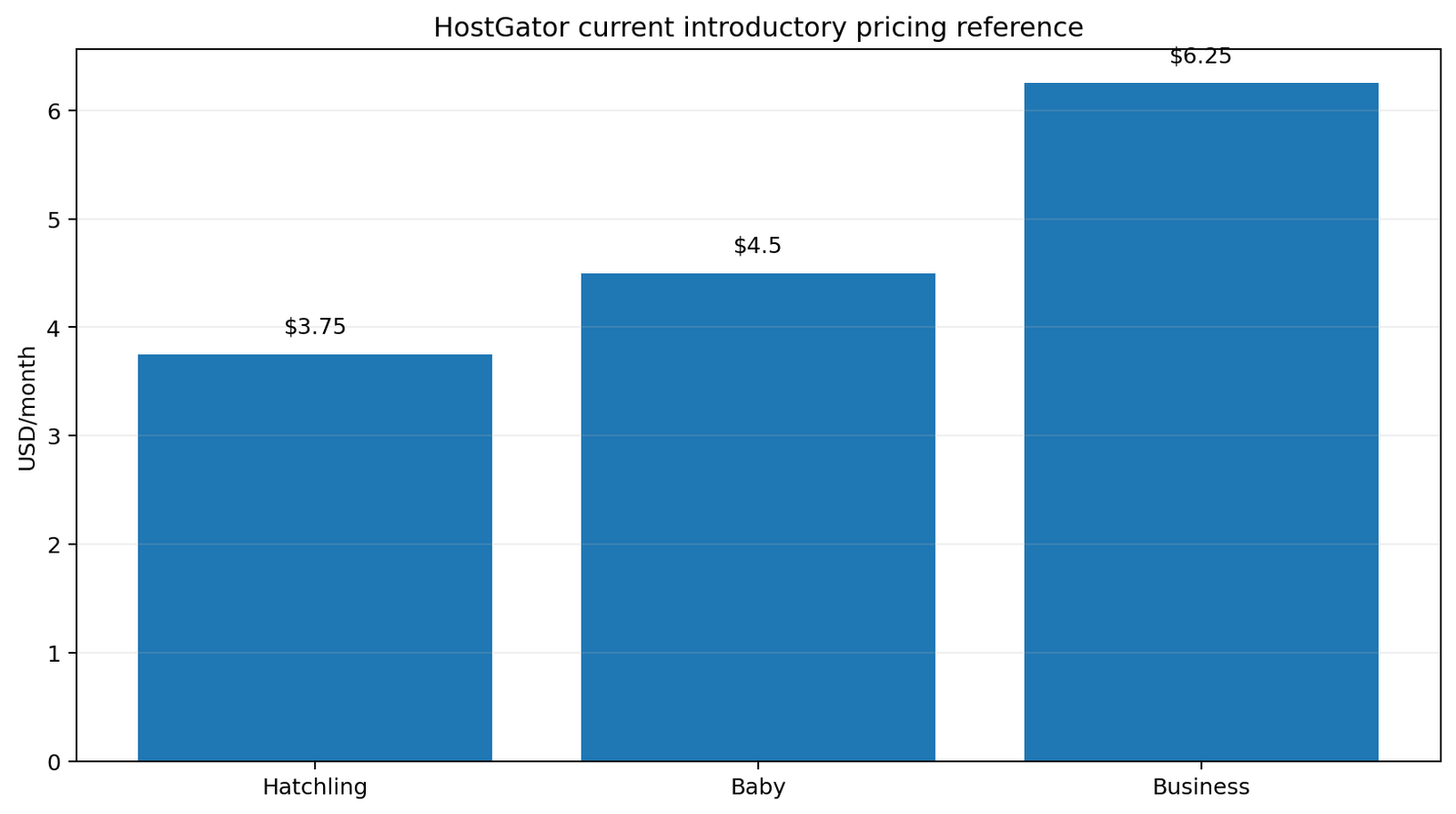
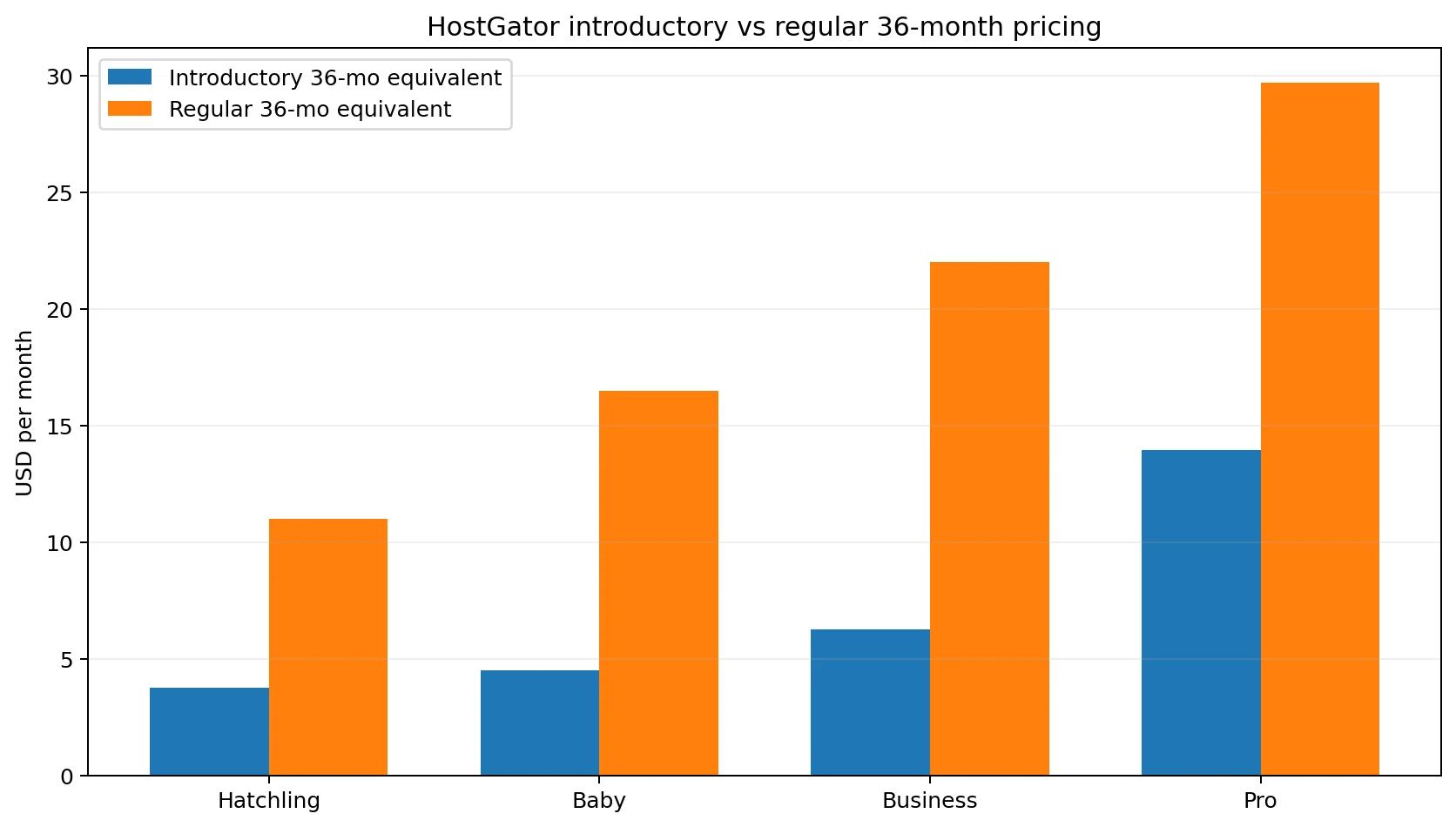
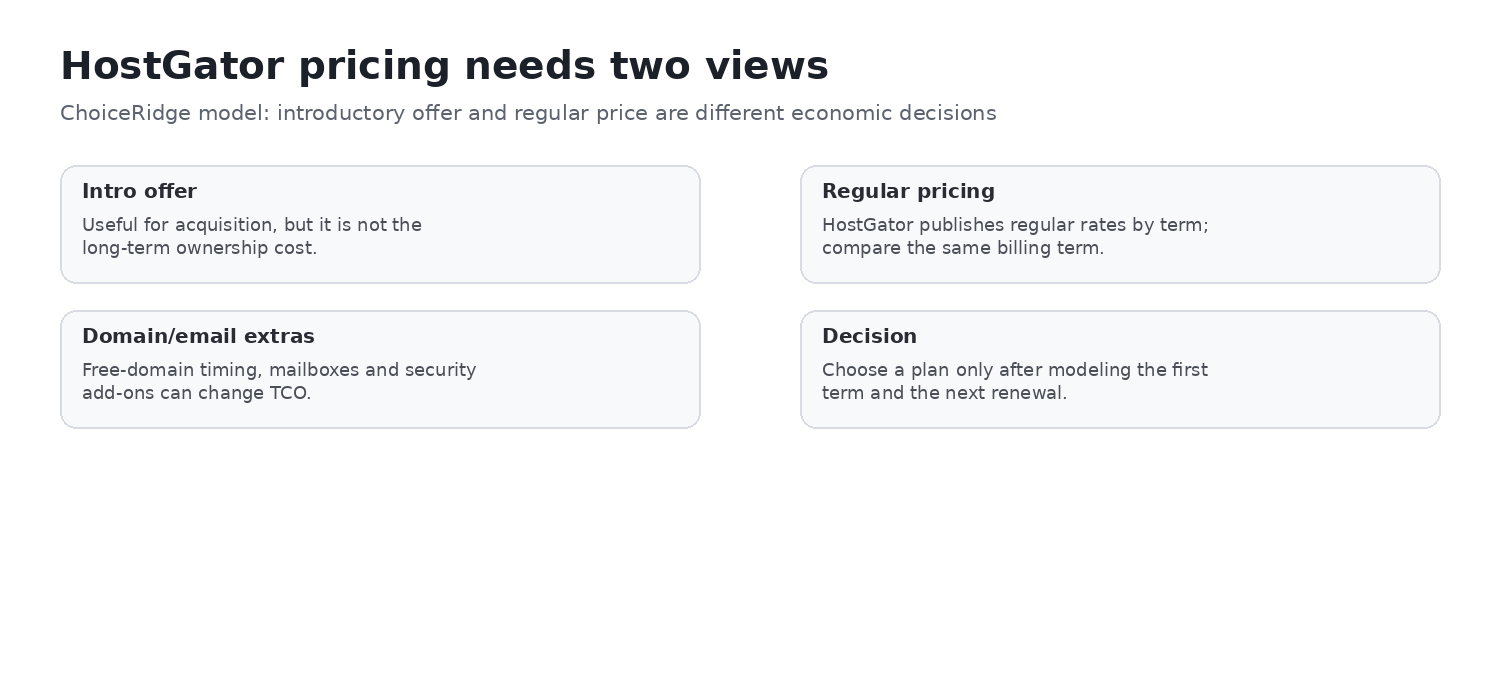
For a fair comparison, calculate the full initial invoice, the next renewal invoice, domain renewal, email after any trial, and optional security or backup services. View current HostGator pricing and confirm the final checkout total before purchase.
Plan comparison: Hatchling, Baby, Business, and Pro
| Plan | Websites | SSD storage | Listed monthly visits | Support shown |
|---|---|---|---|---|
| Hatchling | 10 | 10 GB | 40K | Chat |
| Baby | 20 | 20 GB | 50K | Chat and phone |
| Business | 50 | 50 GB | 200K | Chat and phone |
| Pro | 100 | 100 GB | 400K | Chat and phone |
Hatchling is the low-cost entry point but does not include phone support in the current comparison. Baby is the practical starting point for several modest sites. Business expands storage and the listed visit allowance. Pro offers the largest shared plan allowances, but the published account-level resource ceilings still apply; the website count should not be read as permission to run 100 demanding applications without constraint.
Customer Portal and cPanel
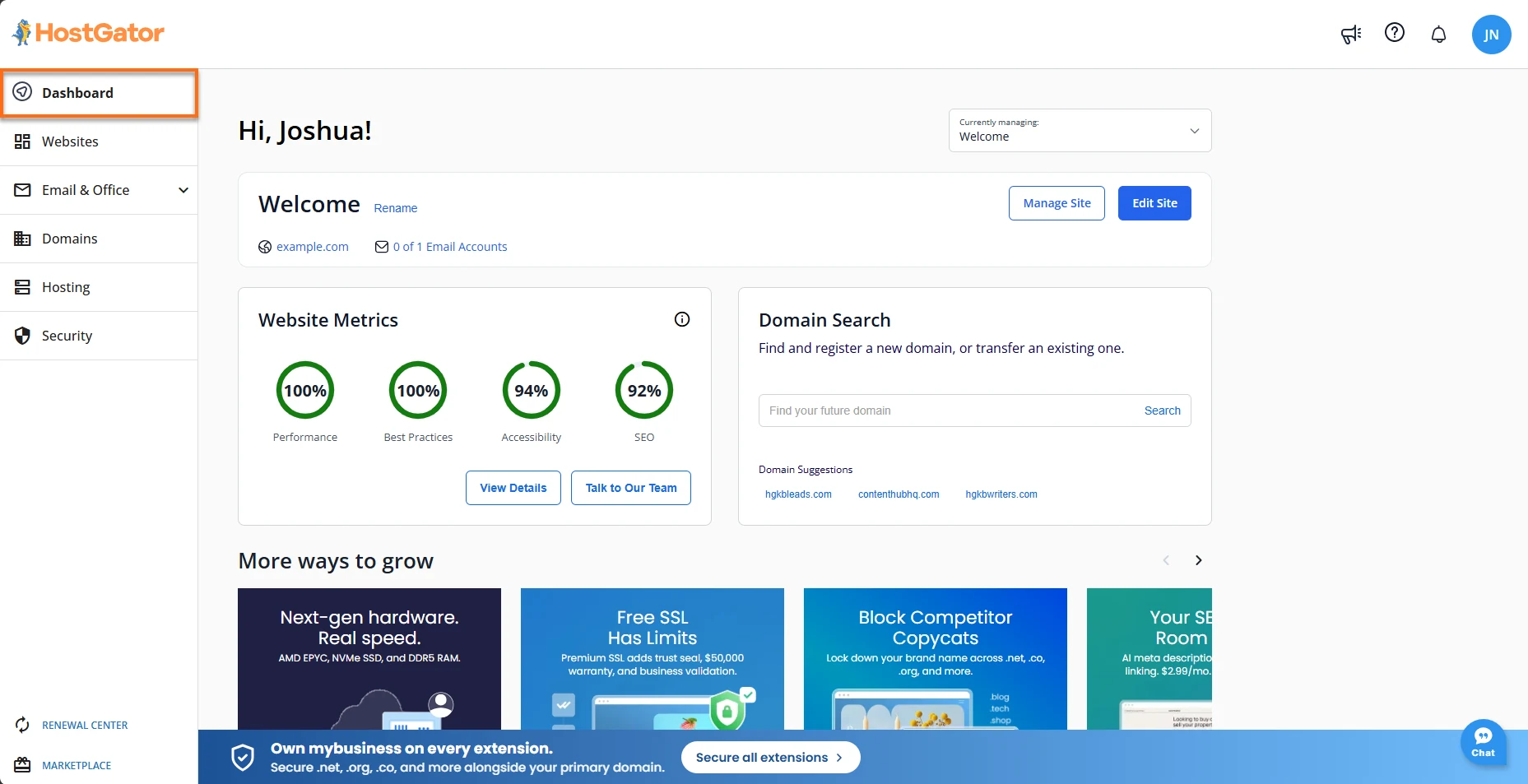
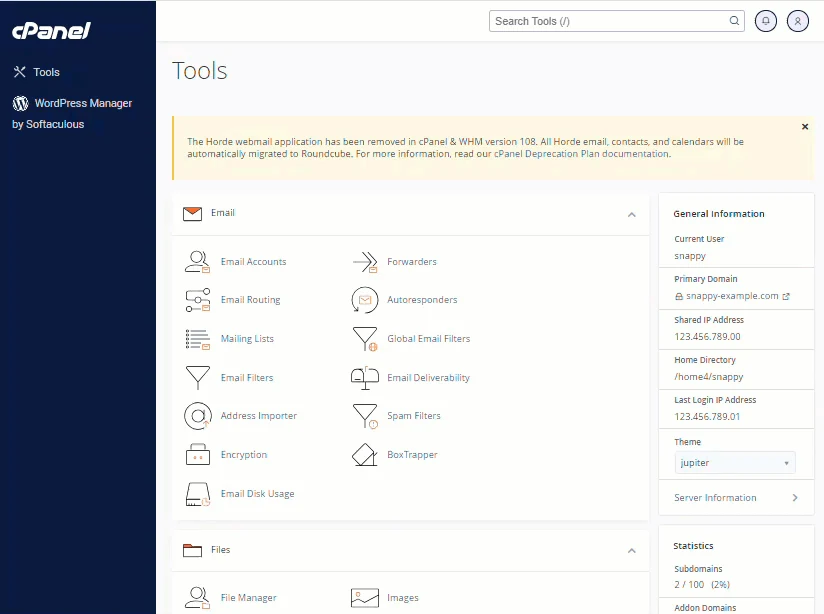
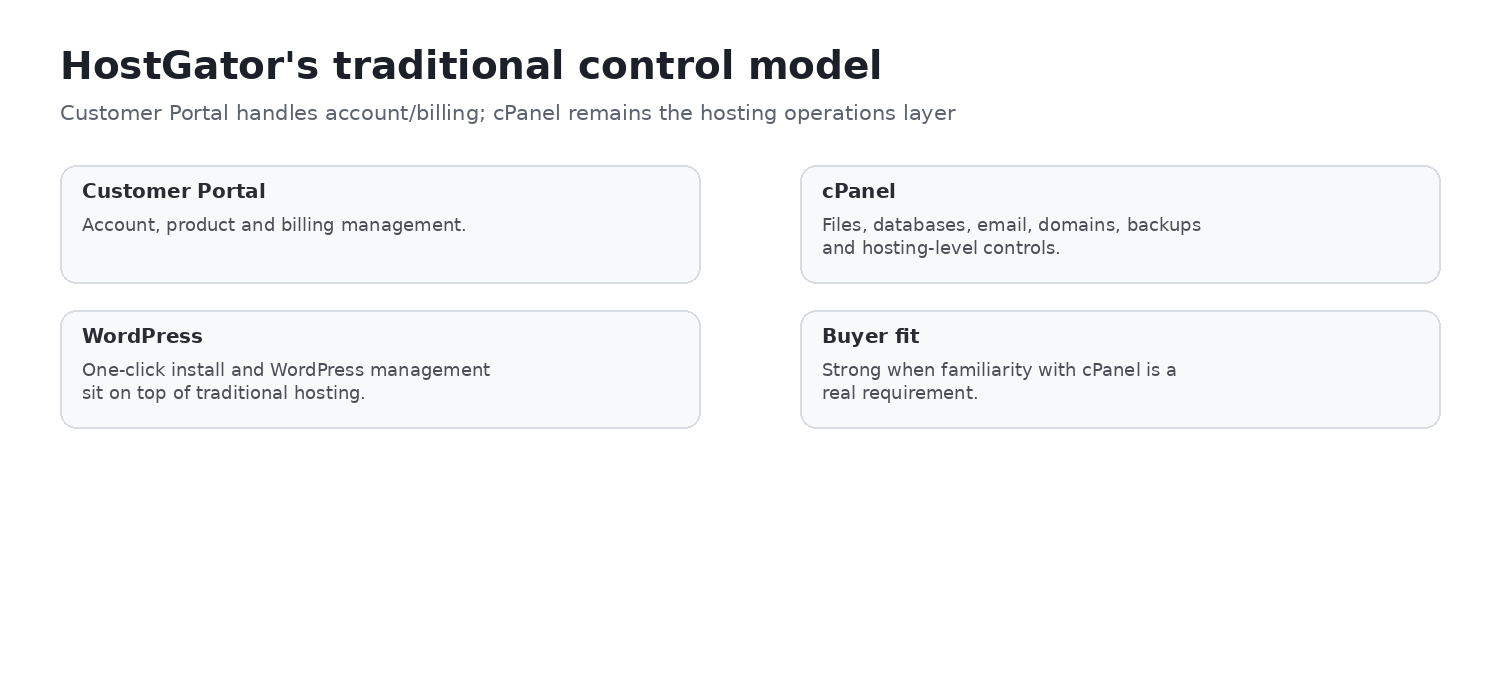
HostGator separates customer, billing, domain, and product management in the Customer Portal from technical hosting administration in cPanel. That familiar split can help organizations delegate technical access without sharing the primary billing login, provided roles and credentials are managed carefully. cPanel remains a meaningful differentiator for buyers who already know its file, database, email, backup, and domain tools.
WordPress workflow
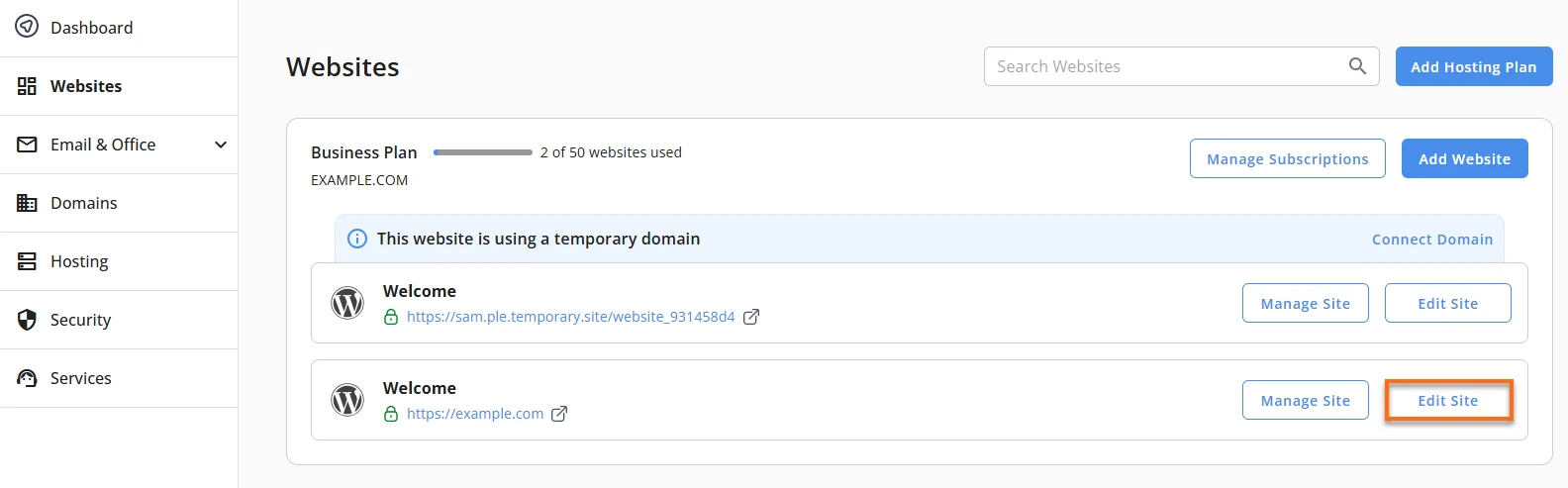
For eligible shared-hosting installations, HostGator documents WordPress access from the Customer Portal and management through cPanel. The advertised toolkit includes installation and management features, staging or workflow capabilities on eligible products, and technical access such as SSH or WP-CLI where documented. Availability should be confirmed for the exact plan. ChoiceRidge did not install, migrate, stage, or benchmark a WordPress site for this review.
Backups: courtesy coverage is not a disaster-recovery plan
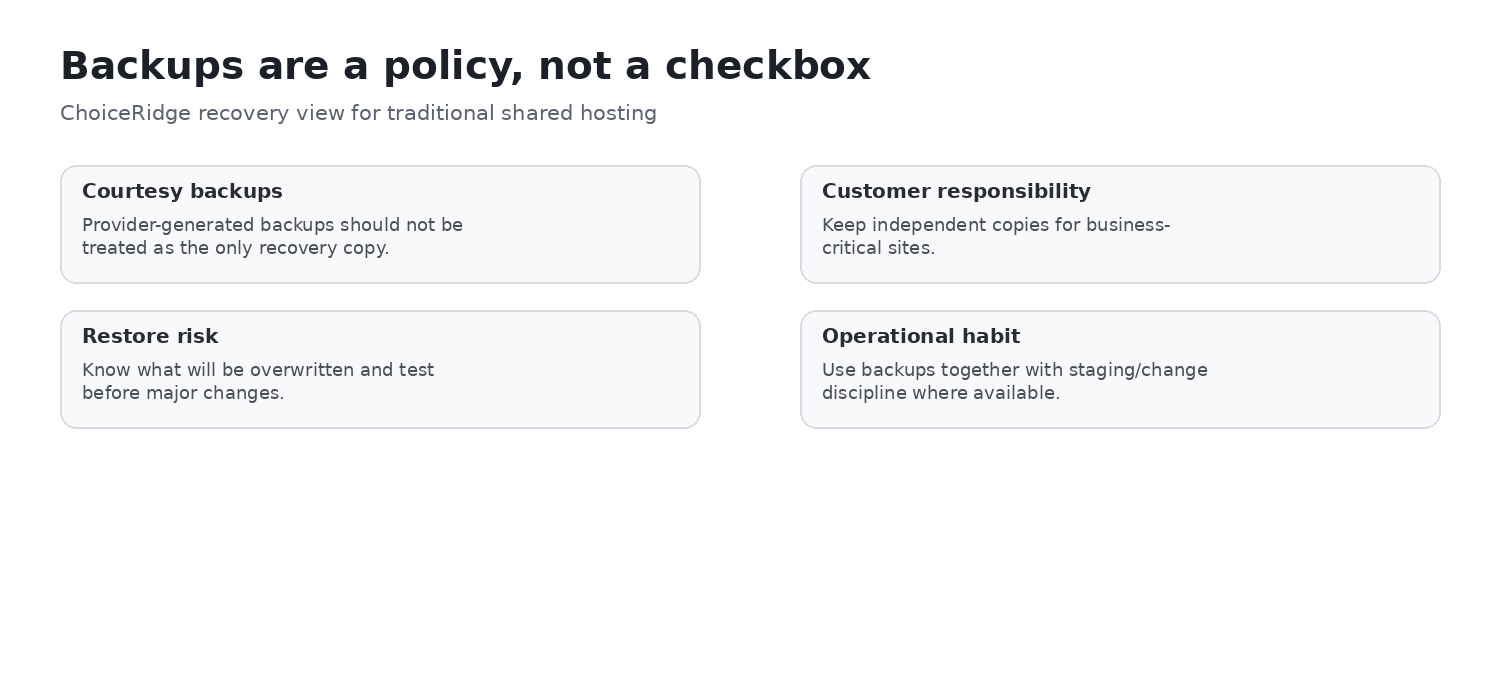
HostGator’s backup policy says automatic backups are a courtesy, are not guaranteed, and remain the customer’s responsibility. Eligibility can depend on account size and inode limits; manual cPanel backup limits apply, and some restoration scenarios can carry a fee. Business-critical sites should maintain versioned, tested backups in an independent location outside the HostGator account. A provider-generated copy should never be the only recovery copy.

Published shared-hosting resource limits
HostGator’s Account Limits Summary makes important ceilings visible. The published shared-hosting summary lists 25% CPU usage per cPanel, 25 simultaneous processes, 25 concurrent MySQL connections, a 5 GB maximum database size, 10 GB total database usage, a maximum file count of 1,000,000, and 500 outgoing emails per hour. Unmetered bandwidth is governed by policy and does not mean unlimited compute, database concurrency, storage, or file count.
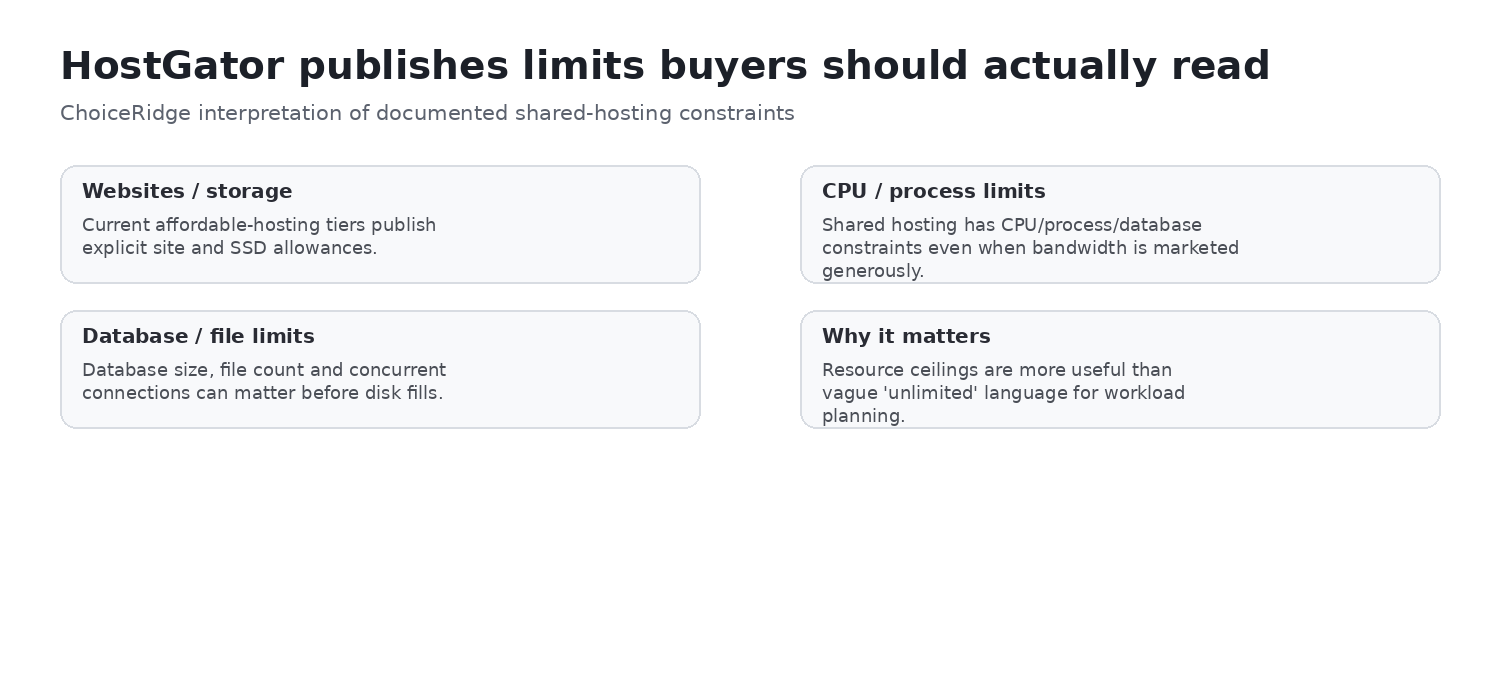
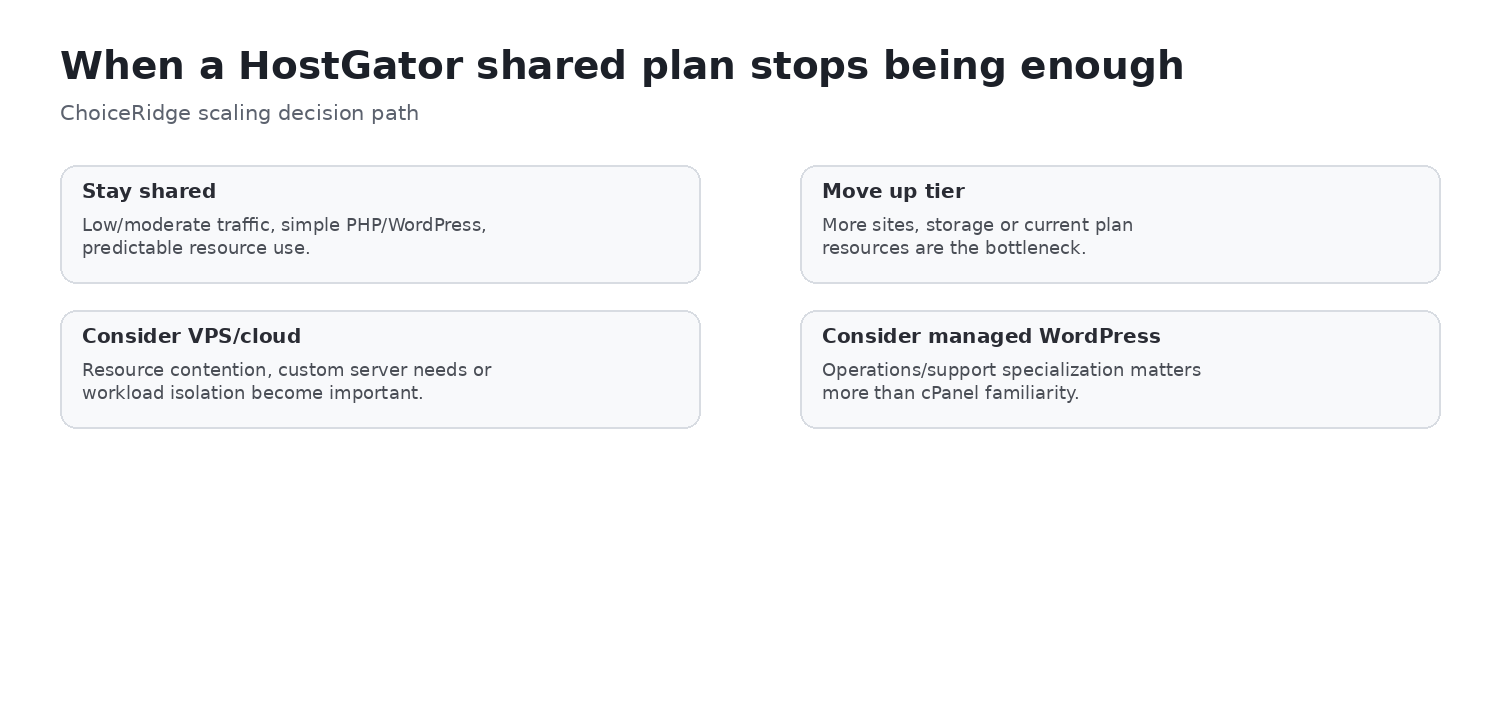
These limits are especially relevant for WooCommerce, membership sites, busy forums, cron-heavy workloads, large databases, and agencies consolidating many clients. “100 websites” does not mean 100 demanding WordPress sites with unrestricted resources. Monitor resource usage and plan a migration path before reliability depends on repeatedly reaching account ceilings.
Security: useful layers, shared responsibility
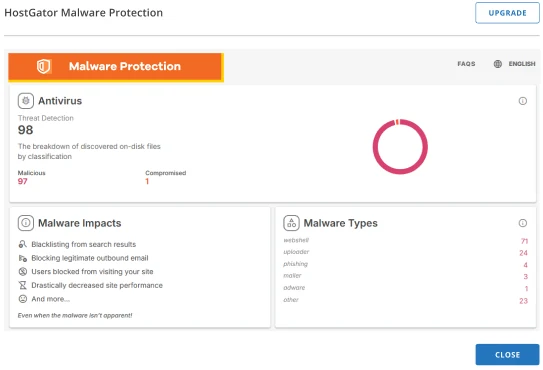
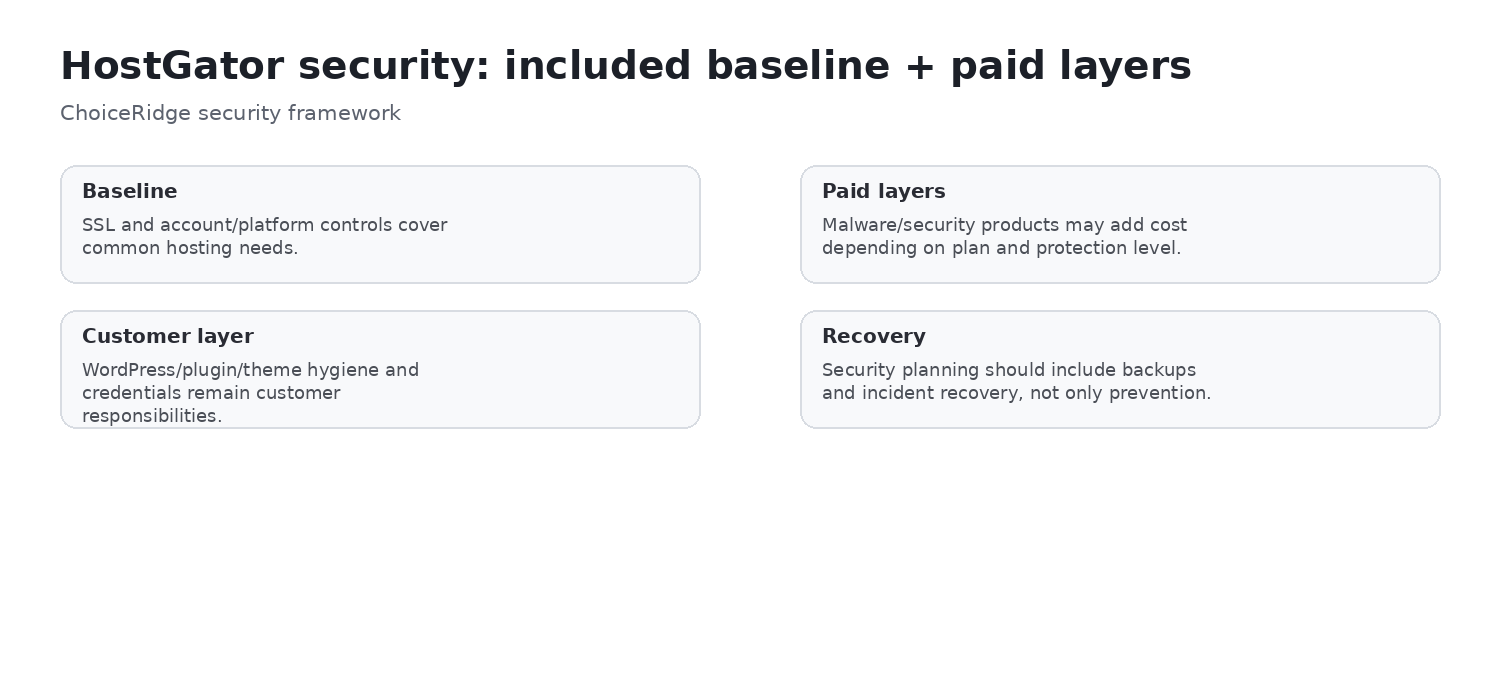
Current HostGator material lists SSL and multiple malware, web application firewall, CDN, and DDoS-related controls. Exact coverage, monitoring, cleanup, and remediation can depend on plan or paid add-on. Hosting controls do not replace timely application updates, strong authentication, least privilege, secure DNS and email configuration, vulnerability management, or independent backups.
Support: phone availability depends on the plan
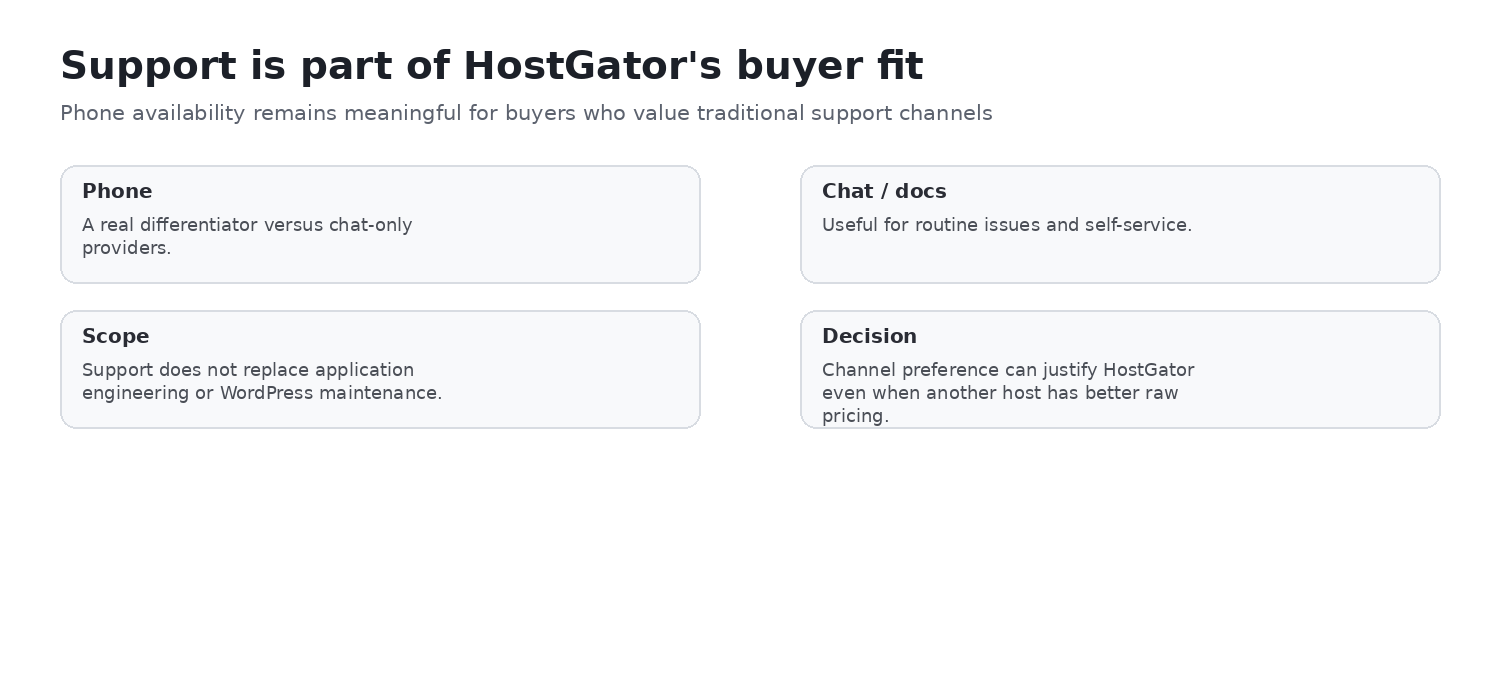
HostGator broadly promotes 24/7 assistance, but the current shared-hosting comparison distinguishes channels: Hatchling shows chat support, while Baby, Business, and Pro show chat and phone support. Buyers who require phone escalation should verify the exact plan and checkout wording. ChoiceRidge did not open a support case or measure response and resolution times for this edition.
Performance evidence and scaling path
TechRadar reported an LCP of 0.551 seconds in one November 2025 test, 99.63% uptime over 14 days, about 15 requests per second in k6, and some failed transactions in a heavier Siege test. Those are TechRadar’s measurements, not ChoiceRidge’s, and do not guarantee every account, server, workload, or region.
Shared hosting can suit modest workloads, brochure sites, and smaller content sites. High-concurrency, highly dynamic, regulated, or mission-critical applications should evaluate cloud, VPS, managed WordPress, or dedicated operating models with monitoring, recovery objectives, and support requirements defined in advance.
Money-back guarantee, domain, and email economics
- Money-back guarantee: eligible hosting fees have a 30-day guarantee. Exclusions include renewals, monthly services, domains, setup fees, and add-ons; confirm the current terms.
- Free domain: the current offer applies to qualifying 12-, 24-, or 36-month Shared, WordPress, or Cloud terms and the first registration term only. The domain renews at the regular rate.
- Professional Email: a free trial may be included and can automatically renew at a paid rate. The material checked listed $2.99 per month after the trial.
Include domain renewal, email, privacy, security, backups, migrations, and staff time in the total cost of ownership. A lower hosting headline can be outweighed by add-ons or operational constraints.
Pros and cons
Pros
- Familiar cPanel ecosystem
- Low introductory prices and clear site/storage tiers
- SSL, CDN, migration, WordPress tooling, staging, SSH, and WP-CLI documented
- Phone and chat on qualifying tiers
- Transparent resource-limit documentation
- VPS and dedicated scaling paths
Cons
- Substantial renewal jump
- Courtesy backups are not guaranteed
- Backup eligibility and limits matter
- Support channels are plan-specific
- Shared-resource ceilings
- Some security functions are add-ons
- Mixed independent uptime result in a short test
Buyer fit
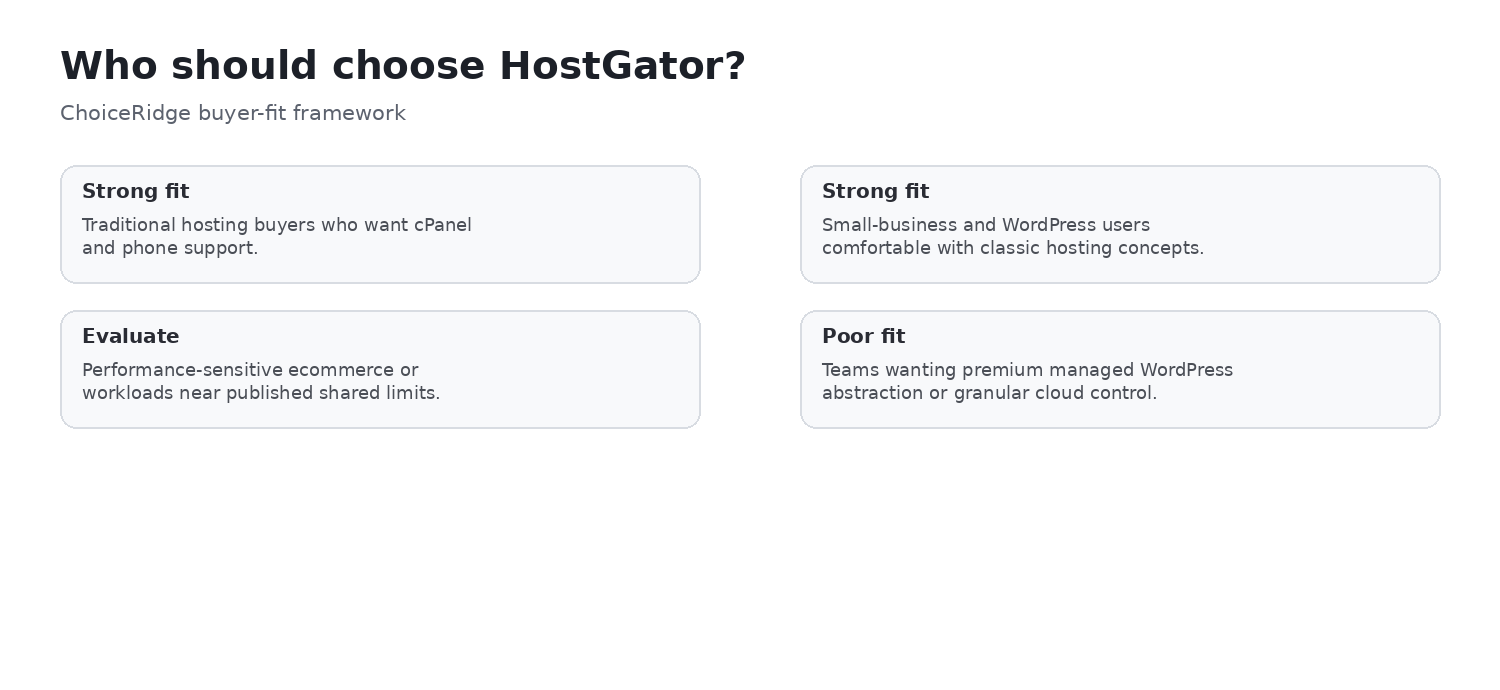
| Buyer | Fit | Decision condition |
|---|---|---|
| Small businesses wanting traditional hosting | Strong fit | Model renewal and backup operations |
| cPanel users and agencies | Strong fit | Watch account-wide resource limits |
| Beginners | Good fit | Understand plan, renewal, and add-on terms |
| Phone-support-dependent organizations | Potentially strong fit | Choose a qualifying tier |
| WooCommerce or dynamic WordPress | Conditional | Evaluate concurrency and database needs |
| Backup-sensitive organizations | Conditional | Independent backup required |
| High-concurrency or mission-critical apps | Weak shared-hosting fit | Evaluate a higher operating tier |
Alternatives
- Hostinger Review — evaluate when a proprietary control panel and a different price/feature model are acceptable.
- Hostinger vs HostGator — compare the two providers directly for small-business use.
- SiteGround Review — compare managed WordPress workflow, support, and renewal economics.
- Cloudways Review — consider a managed cloud operating model when workload control matters more than cPanel familiarity.
- Kinsta Review — consider premium managed WordPress when observability and managed operations justify the price.
- Best Web Hosting for Small Businesses — compare broader buyer profiles and tradeoffs.
Evidence map
| Finding | Primary evidence | Independent context | ChoiceRidge tested? |
|---|---|---|---|
| Intro and regular pricing | HostGator pricing page and price chart | Not required | Published information checked; no checkout test claimed |
| Plans, cPanel, Portal, and WordPress | HostGator product and help documentation | Not required | No account test claimed |
| Backup and resource policy | HostGator policy and limits documentation | Not required | No restore drill claimed |
| Performance | Provider specifications | TechRadar, attributed | No |
| Security and support | HostGator documentation | Contextual only | No |
| Buyer recommendation | ChoiceRidge editorial analysis | Contextual comparison | Research-based judgment |
What ChoiceRidge verified
- Published US introductory and regular 36-month pricing shown in this review.
- Current website, storage, listed-visit, and support-channel distinctions for Hatchling, Baby, Business, and Pro.
- The documented Customer Portal, cPanel, WordPress access, backup-policy, account-limit, security, guarantee, domain, and email statements cited here.
- The wording and date context of the attributed TechRadar performance evidence.
- The existence of the ChoiceRidge internal pages linked below.
This verification is documentation and evidence research, not hands-on account testing.
What ChoiceRidge did not test
- No HostGator account was purchased specifically for this edition.
- No ChoiceRidge uptime monitor, LCP or TTFB benchmark, load test, support timing test, restore drill, security test, migration, checkout, or identical competitor deployment was run.
- The five interface screenshots come from official public documentation and do not prove ChoiceRidge account access.
Why there is no numerical rating
ChoiceRidge has not applied a validated quantitative scoring model to this edition. A star score or 10-point rating would imply precision that the research evidence does not support, so this review uses an evidence-qualified verdict instead. No Product rating or AggregateRating is claimed.
HostGator FAQ
How much does HostGator cost after the introductory term?
The official regular 36-month equivalents checked in August 2026 were $10.99/month for Hatchling, $16.49 for Baby, $21.99 for Business, and $29.69 for Pro. These are monthly equivalents billed according to the selected term; recheck checkout and renewal terms because pricing can change.
What is the difference between Hatchling, Baby, Business, and Pro?
The main published differences are websites, SSD storage, listed monthly visits, and support channels. Hatchling lists 10 sites/10 GB/40K visits; Baby 20/20 GB/50K; Business 50/50 GB/200K; and Pro 100/100 GB/400K. Shared-account resource limits still apply across the operating environment.
Does HostGator use cPanel?
Yes. HostGator documents cPanel as the technical hosting interface, while its Customer Portal handles account, billing, domains, and product access.
Does HostGator include phone support?
Current shared-hosting material shows chat support for Hatchling and chat plus phone for Baby, Business, and Pro. Verify the selected plan because support entitlements can change.
Does HostGator include backups?
HostGator documents courtesy automatic backups and manual cPanel backup workflows, but eligibility, account size, inode limits, and restoration conditions matter. Treat them as an additional layer, not a complete backup strategy.
Are HostGator backups guaranteed?
No. HostGator’s policy says courtesy backups are not guaranteed and that customers are responsible for their own backups. Keep versioned, tested copies in an independent off-account location.
Does HostGator have resource limits?
Yes. The published shared-account limits include CPU, simultaneous processes, concurrent MySQL connections, database size and total usage, file count, and outgoing email limits. Unmetered bandwidth does not remove these ceilings.
Is HostGator good for WordPress?
It can be a good fit for modest WordPress sites when cPanel familiarity, the selected support channel, renewal economics, backups, and resource limits align with the project. This edition does not claim a ChoiceRidge WordPress benchmark.
Is HostGator good for WooCommerce?
It may suit a small store, but WooCommerce can be database- and concurrency-intensive. Evaluate traffic patterns, catalog size, extensions, checkout reliability, backups, and the published shared-account limits; a managed or higher-resource tier may be more appropriate.
When should I choose another host instead of HostGator?
Consider another host or tier when you need guaranteed managed backups, a different control panel, premium managed WordPress operations, higher concurrency, stronger workload isolation, specialized compliance, or a support model not included with the chosen plan.
Continue comparing
Explore the ChoiceRidge comparison library, Hostinger vs HostGator, Best Web Hosting for Small Businesses, and the individual Hostinger, SiteGround, Cloudways, and Kinsta reviews. Read our Methodology, Editorial Policy, and How We Make Money before deciding.
Sources
- HostGator — Web Hosting
- HostGator — Hosting Price Chart
- HostGator — Hosting Comparison Feature Summary
- HostGator — Account Limits Summary
- HostGator — Hatchling Plan
- HostGator — Baby Plan
- HostGator — Customer Portal Overview
- HostGator — cPanel Style
- HostGator — WordPress Login Workflow
- HostGator — Backup Policy
- HostGator — Full cPanel Backup
- HostGator — Malware Protection Dashboard
- TechRadar — HostGator Review and Performance Context
Sources were checked August 14, 2026. Recheck final checkout pricing, renewal, policies, and plan features before purchase.