Review disclosure: This is a research-based editorial review, not a ChoiceRidge hands-on speed or uptime test. ChoiceRidge did not purchase a Kinsta account specifically for this edition. Public screenshots and independent benchmarks are attributed to their publishers. Kinsta pricing can be based on server bandwidth or visits, so plan limits must be compared using the same billing basis.
- Evidence checked: August 15, 2026
- Review type: Research-based
- Evidence: Official Kinsta documentation plus attributed independent reporting
- ChoiceRidge testing: No account benchmark claimed
Verdict: premium WordPress operations that must earn their price
Kinsta is a strong fit when WordPress operations are business-critical and a smaller team values specialist tooling over the lowest hosting price. The practical differentiator is MyKinsta: an operating layer for environments, backups, staging, cache, APM, users and access. The trade-off is explicit capacity: plan families use either server bandwidth or visits, plus storage and CDN allowances.
| Best for | Business-critical WordPress, agencies and lean operating teams |
|---|---|
| Plan to evaluate first | Single 20GB or Single 35k, after choosing one billing basis |
| Strongest differentiator | WordPress-specialized operating stack and MyKinsta |
| Biggest caveat | Premium pricing and explicit bandwidth, visits, storage and CDN limits |
| Evidence level | Research-based; no ChoiceRidge benchmark claimed |
Pricing, billing basis and overages
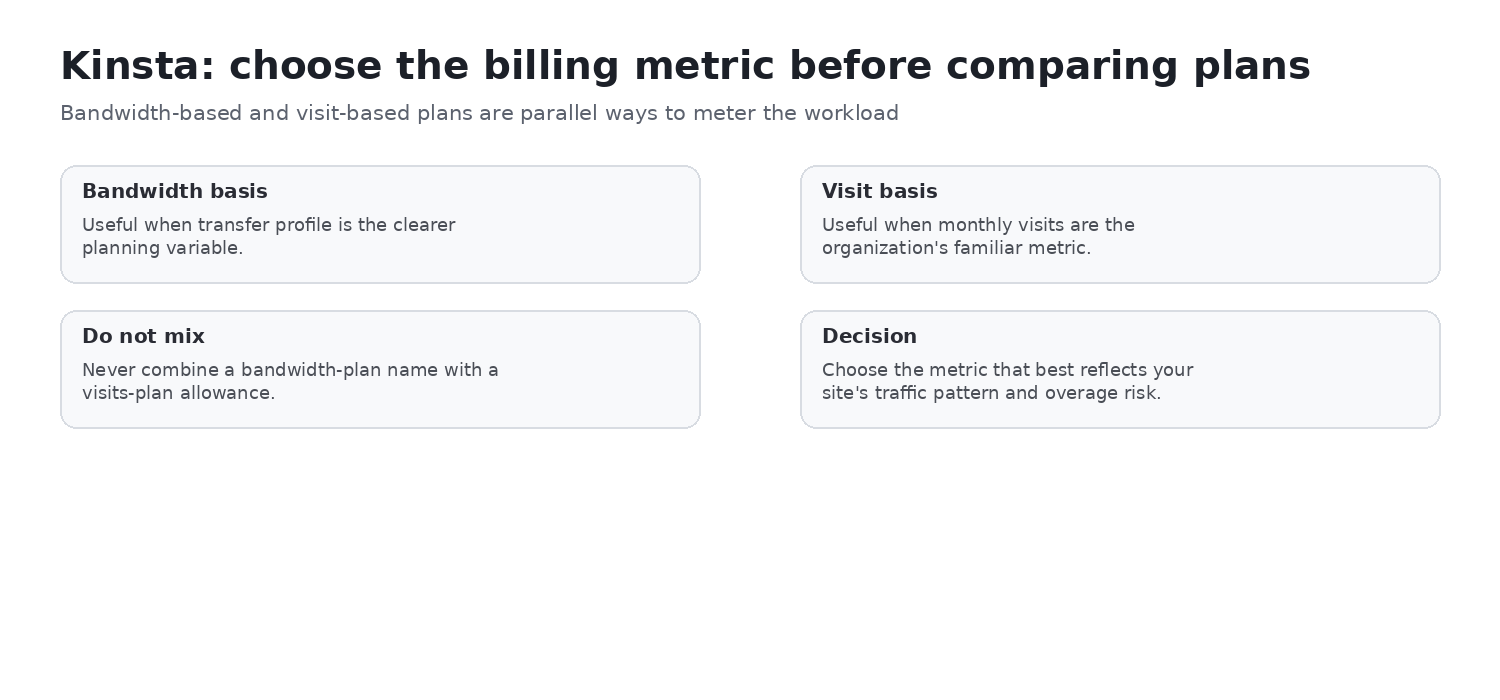
Kinsta publishes parallel bandwidth-based and visit-based plans. Do not combine a plan name from one family with allowances from the other. The figures below are the current US bandwidth-based published prices and allowances checked on August 15, 2026; taxes are excluded. Eligible new customers can receive a first month free on select plans, subject to Kinsta’s current terms.
| Plan | Monthly | Annual billing | Key published allowances |
|---|---|---|---|
| Single 20GB | $35 | $350 (shown as about $30/month) | 1 install; 20GB server bandwidth; 10GB storage; 125GB CDN; 14-day backups |
| Single 35k | $35 tier | $350 tier | Visit-based parallel option: 35,000 monthly visits; compare its own allowances only |
| WP 2 | $70 | $700 (shown as about $59/month) | 2 installs; 40GB server bandwidth; 20GB storage; 250GB CDN; 14-day backups |
| Agency 20 | $340 | $3,400 (shown as about $284/month) | 20 installs; 250GB server bandwidth; 50GB storage; 1,000GB CDN; 30-day backups |
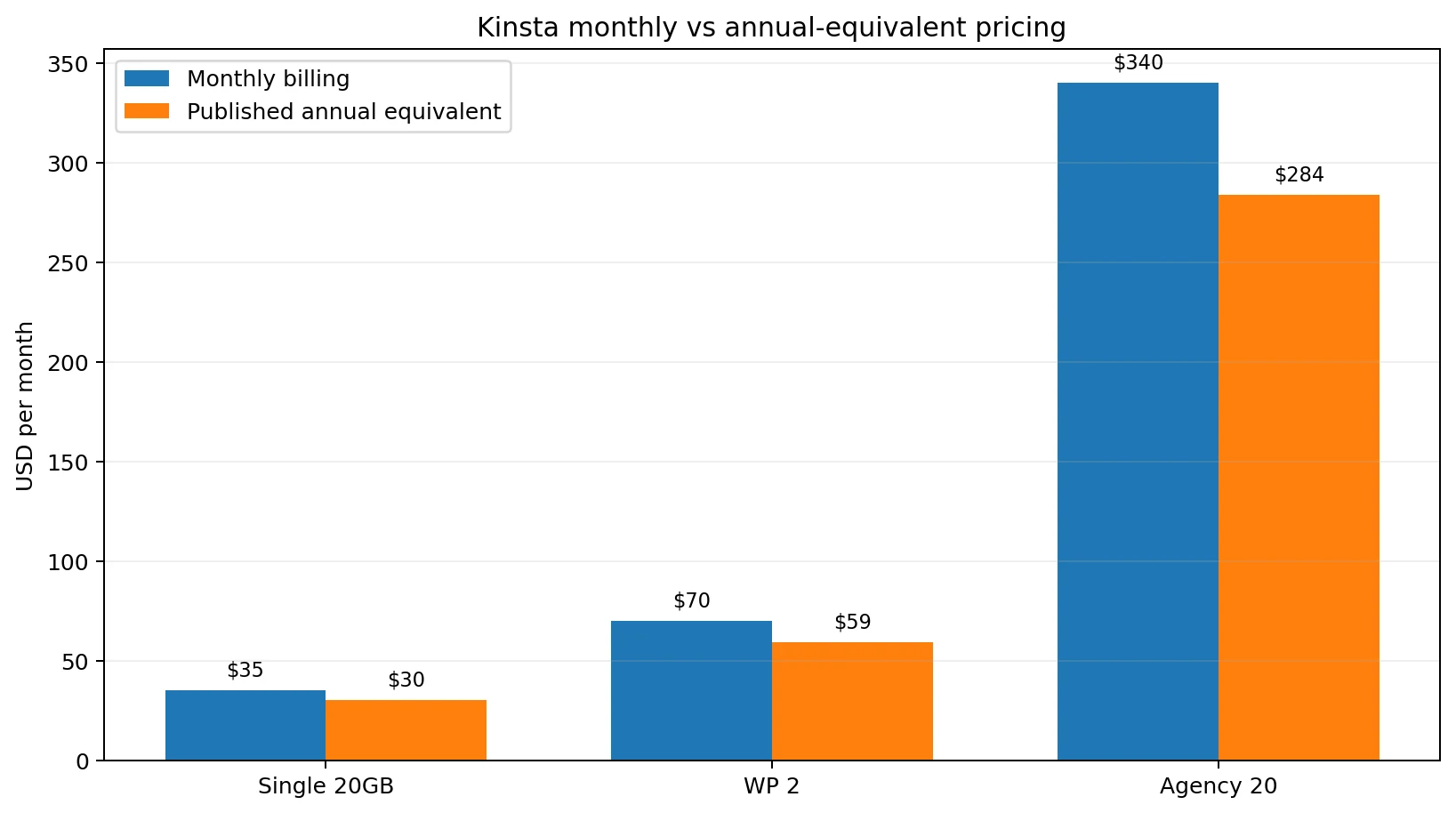
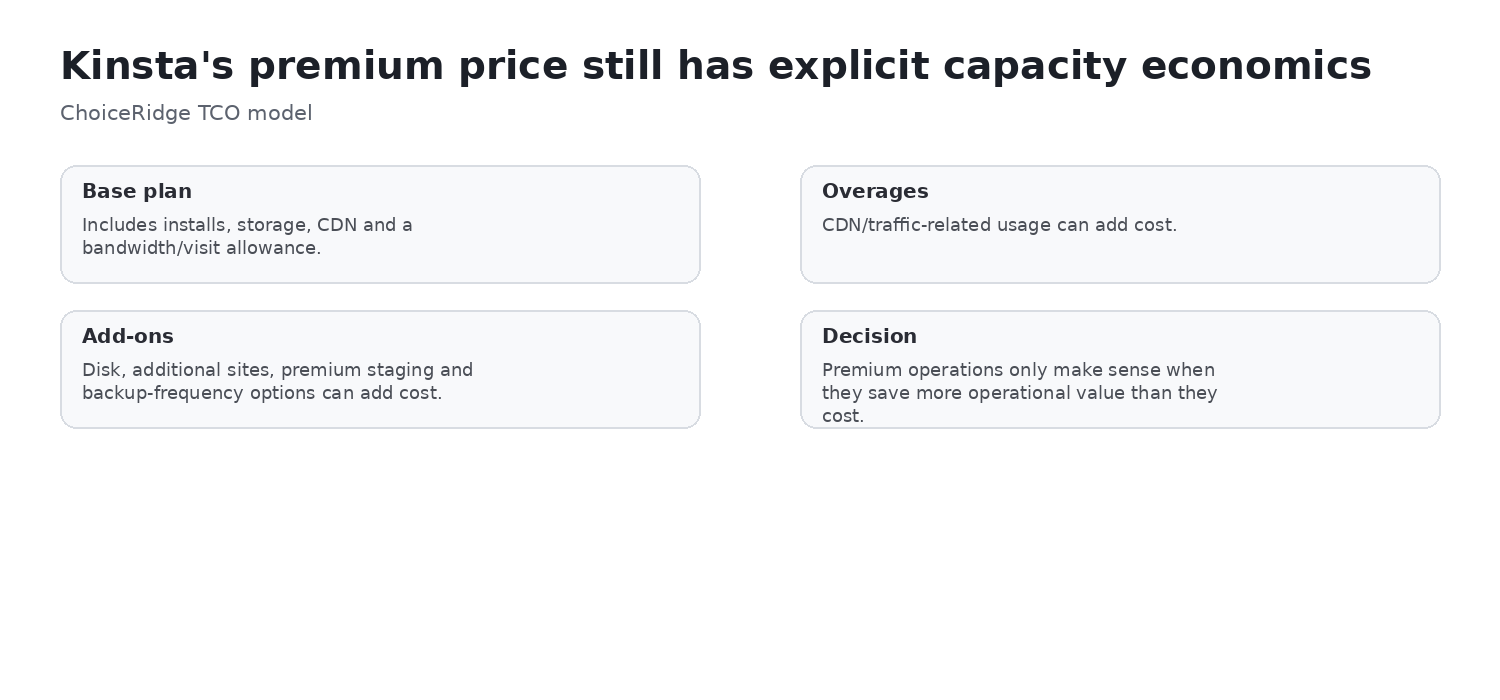
This is a monthly-versus-annual and capacity decision, not a conventional promotional-price-versus-renewal-price comparison. Kinsta says sites remain online when limits are exceeded, but overages may apply. Current published CDN overage is $0.05/GB; extra disk space is $20/month per 20GB. Higher-frequency backups are $20/site/month for six-hourly and $100/site/month for hourly backups. Premium staging is $20/month per environment, with up to five add-ons. Recheck all pricing before checkout.
MyKinsta: the operational layer
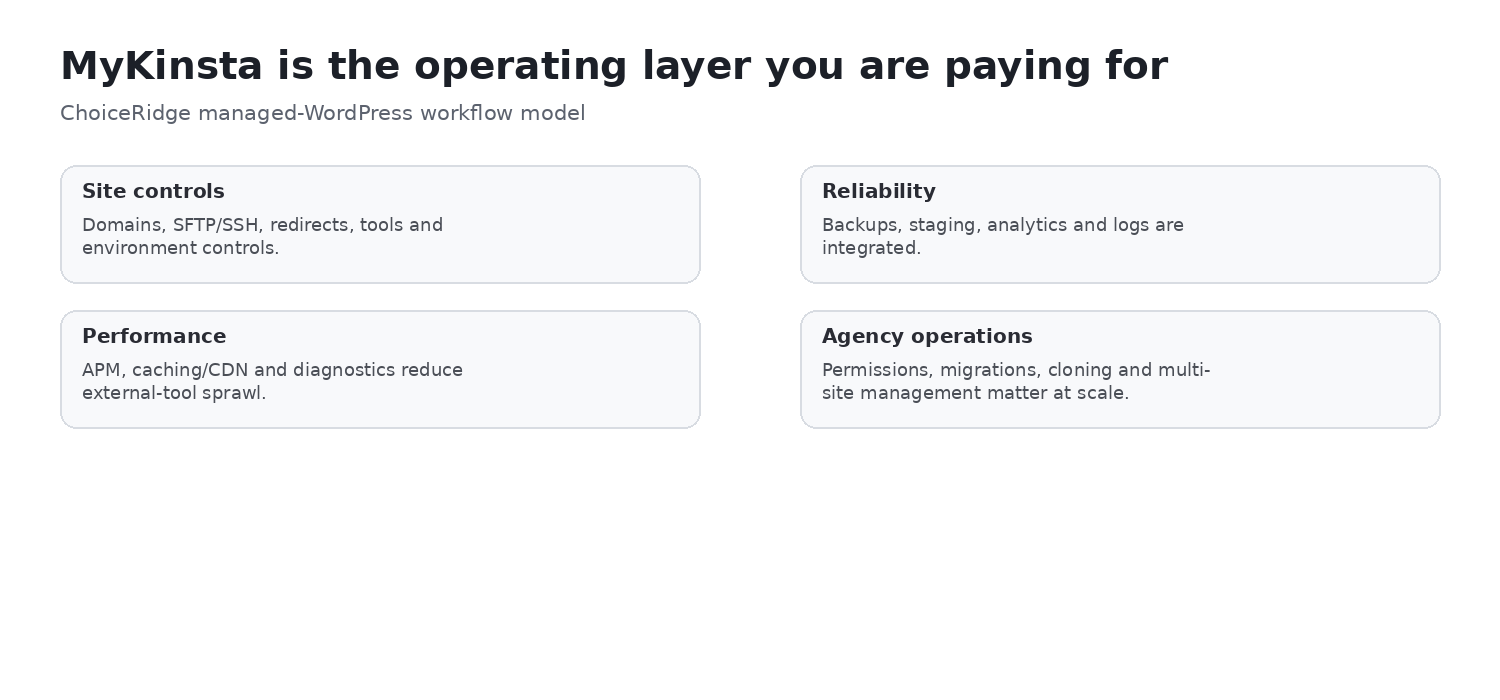
MyKinsta is the control plane rather than cPanel. Kinsta documents site information and environments, domains, backups, tools, redirects, plugins and themes, add-ons, IP deny, analytics, caching, APM, user management, logs and SFTP/SSH access. That combination is why Kinsta can suit teams that want serious WordPress operations without taking raw-server ownership.
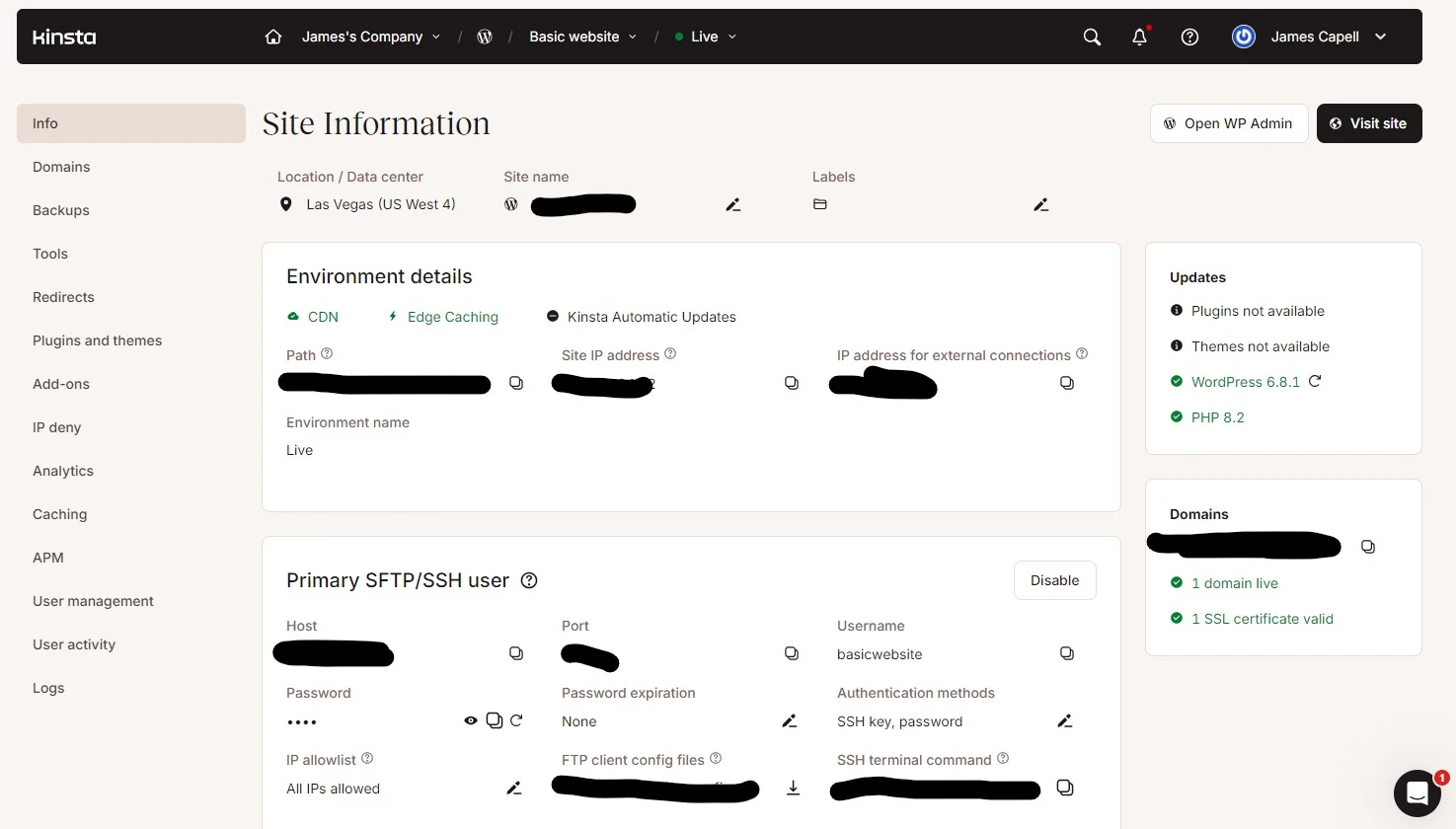
TechRadar’s Agency 20 walkthrough described a clean interface, clear documentation, minimal intrusive upselling and straightforward site creation. Those are TechRadar observations, used here as independent interface context—not ChoiceRidge hands-on claims.
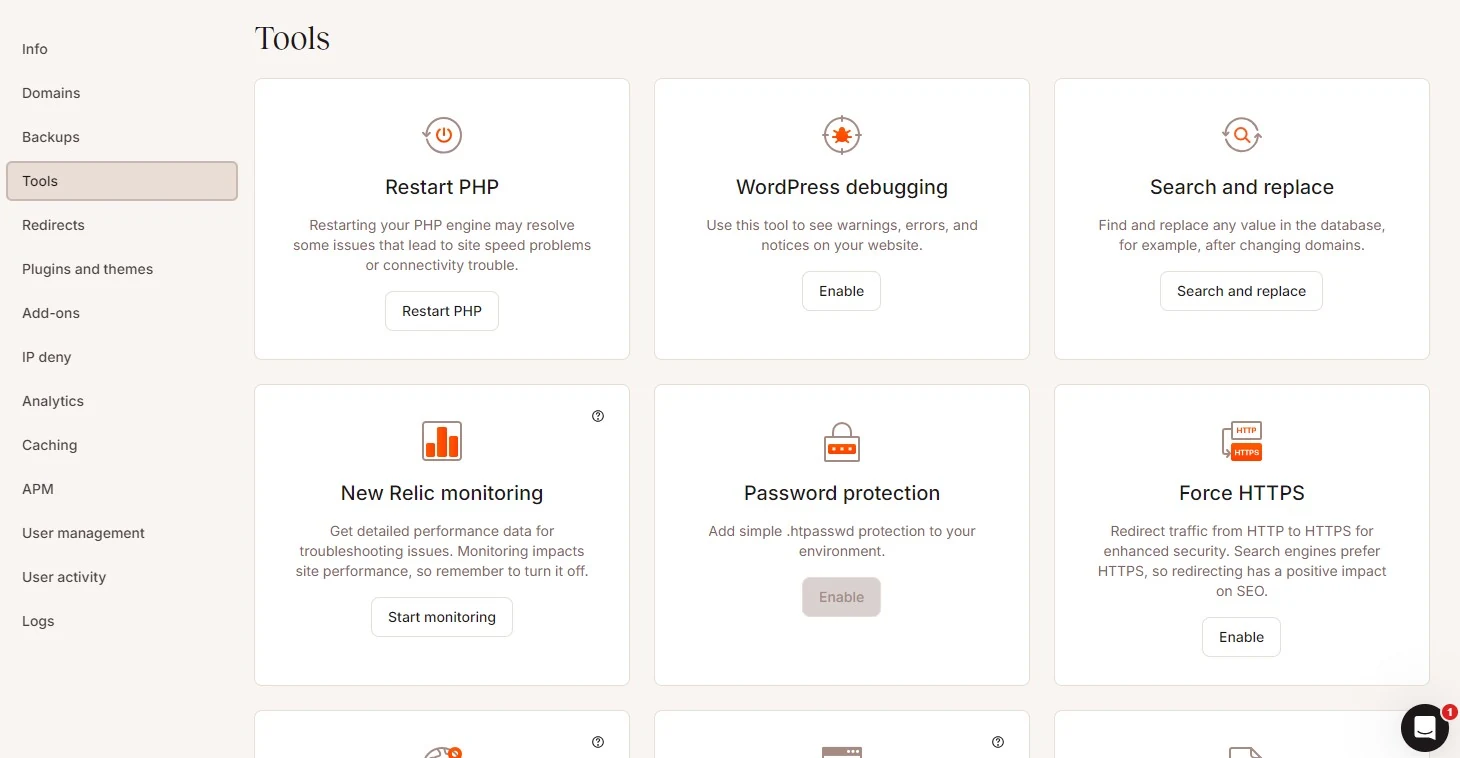
Backups, staging and safe deployment
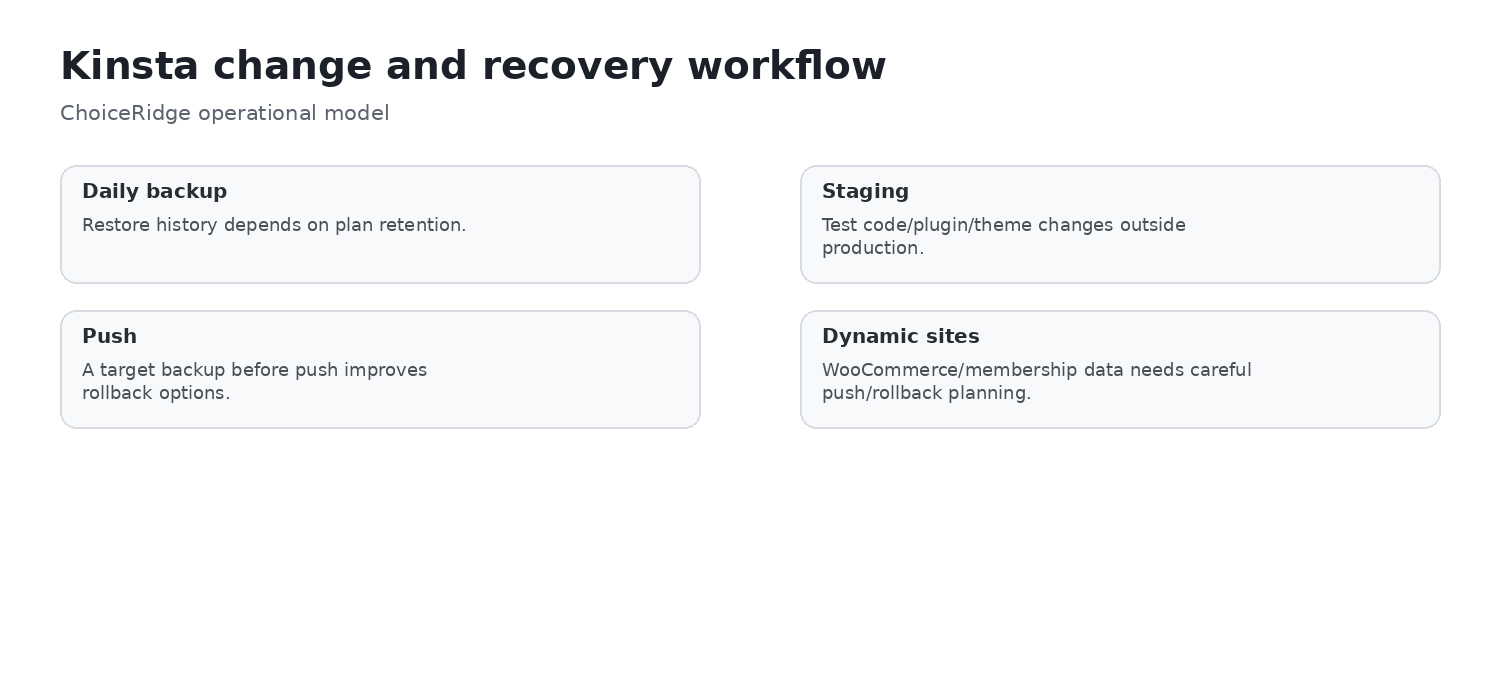
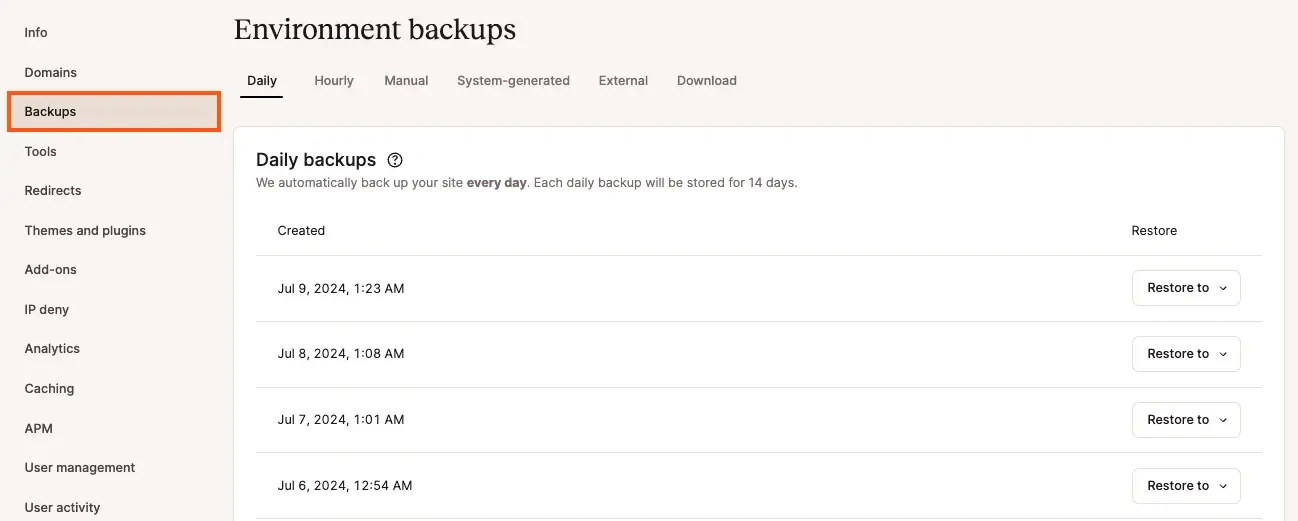
Kinsta documents backups as full-environment snapshots that include files, the database, redirects, Nginx configuration and MyKinsta settings. Manual backups are available; a downloadable backup is available once per week and its ZIP is available for 48 hours. Entry Single 20GB and WP 2 plans currently retain backups for 14 days; Agency 20 retains them for 30 days. Deleted-site backups are retained for 14 days under the current documentation.
Standard one-click staging is included. Kinsta creates a backup before a push to live and supports rollback, but staging is a process—not zero risk. For ecommerce, memberships and other dynamic sites, database changes made between a push and rollback can be lost. Schedule deployments carefully, confirm the target environment and retain an independent backup where policy or recovery objectives require provider-independent disaster recovery.
APM, CDN and edge controls
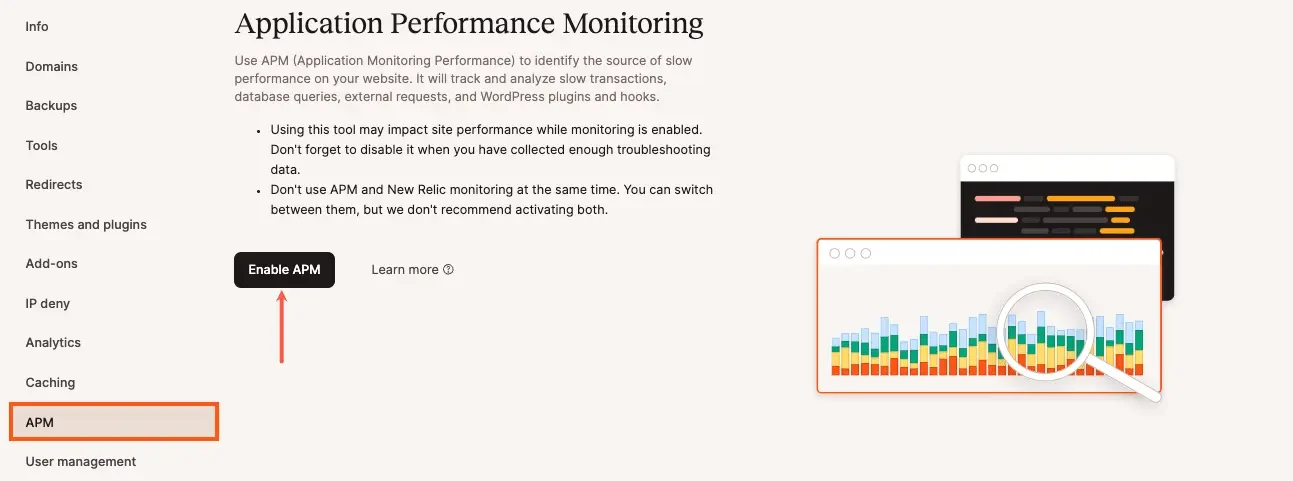
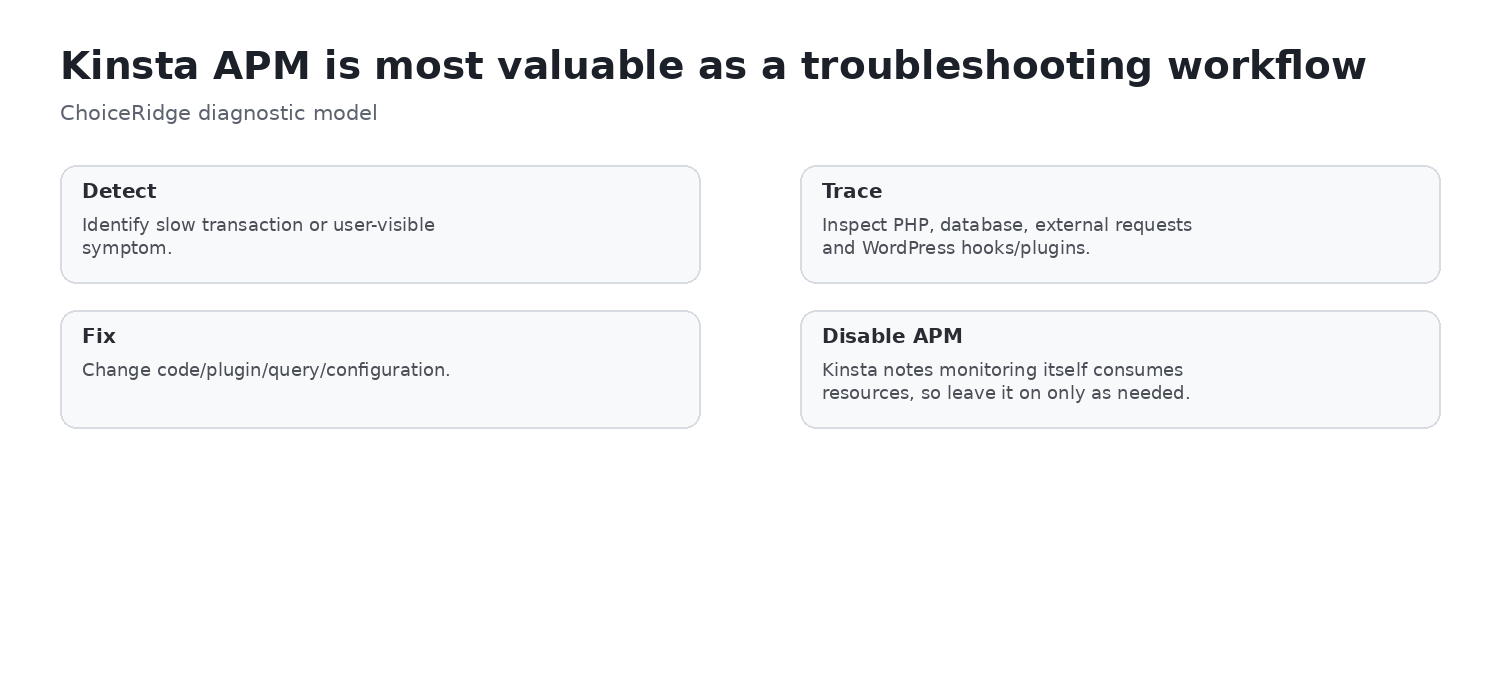
Kinsta’s included APM is intended for active troubleshooting. It can surface transaction, database, external-call, plugin and hook information, and Kinsta warns that monitoring itself consumes server resources; it should not be left enabled without a reason. This is a meaningful operational differentiator, but ChoiceRidge did not run APM on an account for this review.
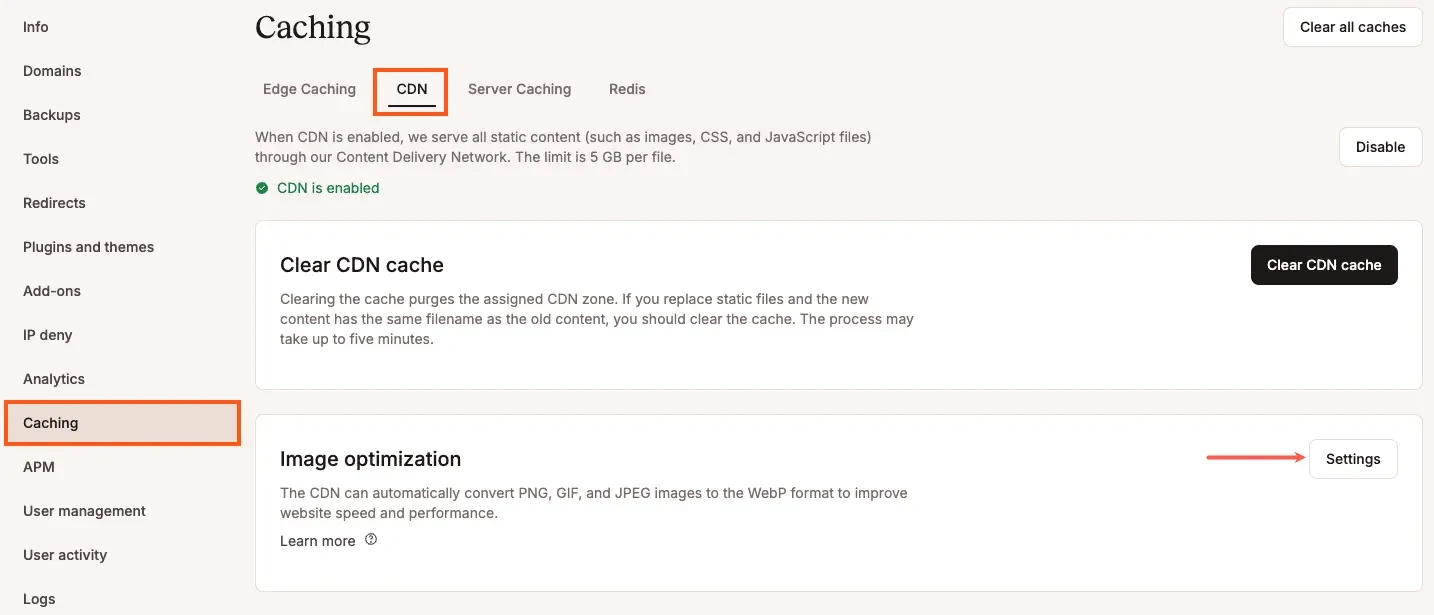
The WordPress CDN is Cloudflare-powered. Kinsta documents CDN and edge caching, WAF and DDoS protections, and image-optimization controls, with CDN bandwidth allocated by plan. These product capabilities should not be treated as a guarantee of a specific performance outcome or as an independent measurement of vendor speed claims.
Performance, infrastructure, security and support
TechRadar reported an overall WordPress score of about 8.2 for Single and about 8.0 for Agency, with particularly strong filesystem and database results. Its concurrency results were mixed: Agency handled some concurrent load better than Single, while Kinsta did not universally dominate lower-priced hosts in every high-load comparison. TechRadar characterizes its tests as indicative rather than conclusive; ChoiceRidge does not claim those measurements as its own.
- Infrastructure: Kinsta documents container-based, dedicated-resource architecture and 30 managed WordPress data centers; choose the location near the primary audience.
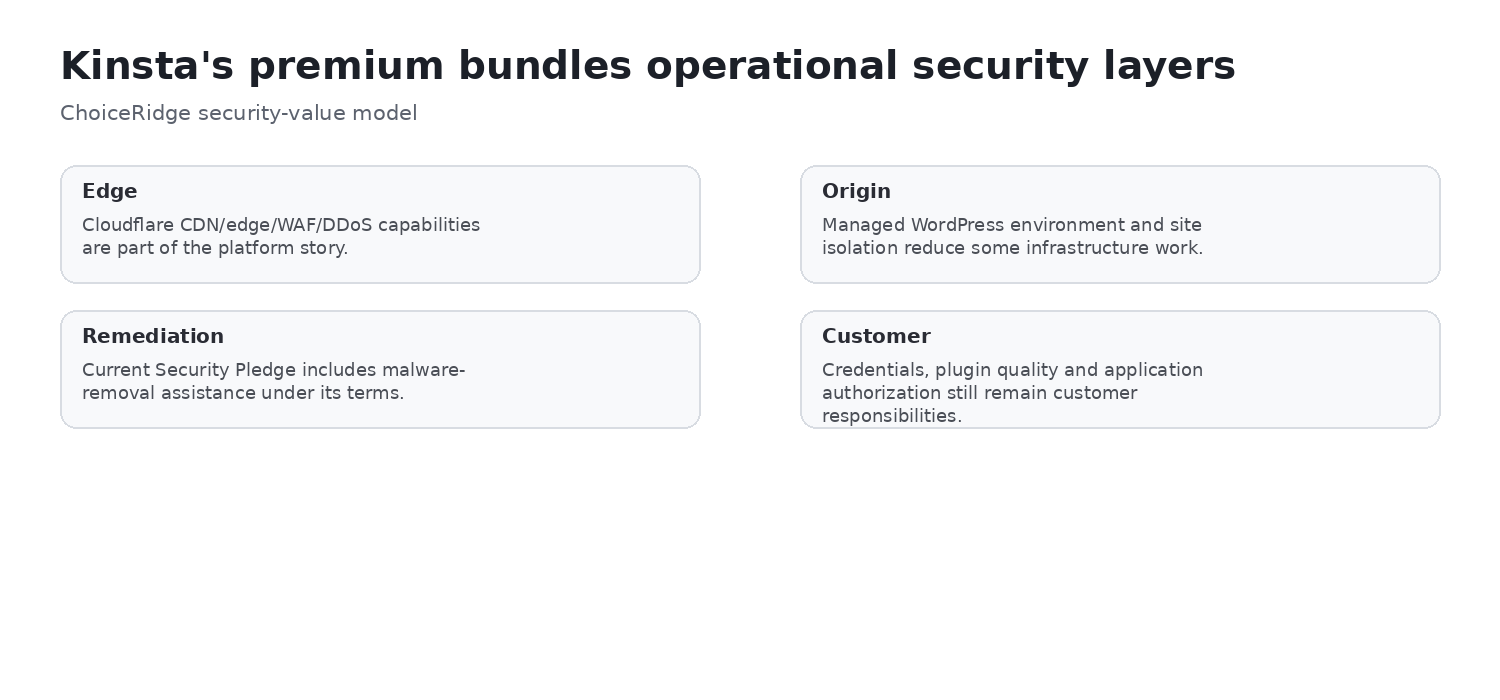
- Security: Current plan tables list bot protection, wildcard SSL, managed WAF, Cloudflare Enterprise DDoS protection and free malware removal under Kinsta’s current terms. These complement—not replace—MFA, least privilege, patching and independent backups.
- Support: Kinsta documents 24/7 support through MyKinsta chat, in eight published languages. It does not provide phone support.
Agency operations, domain/email and buyer fit
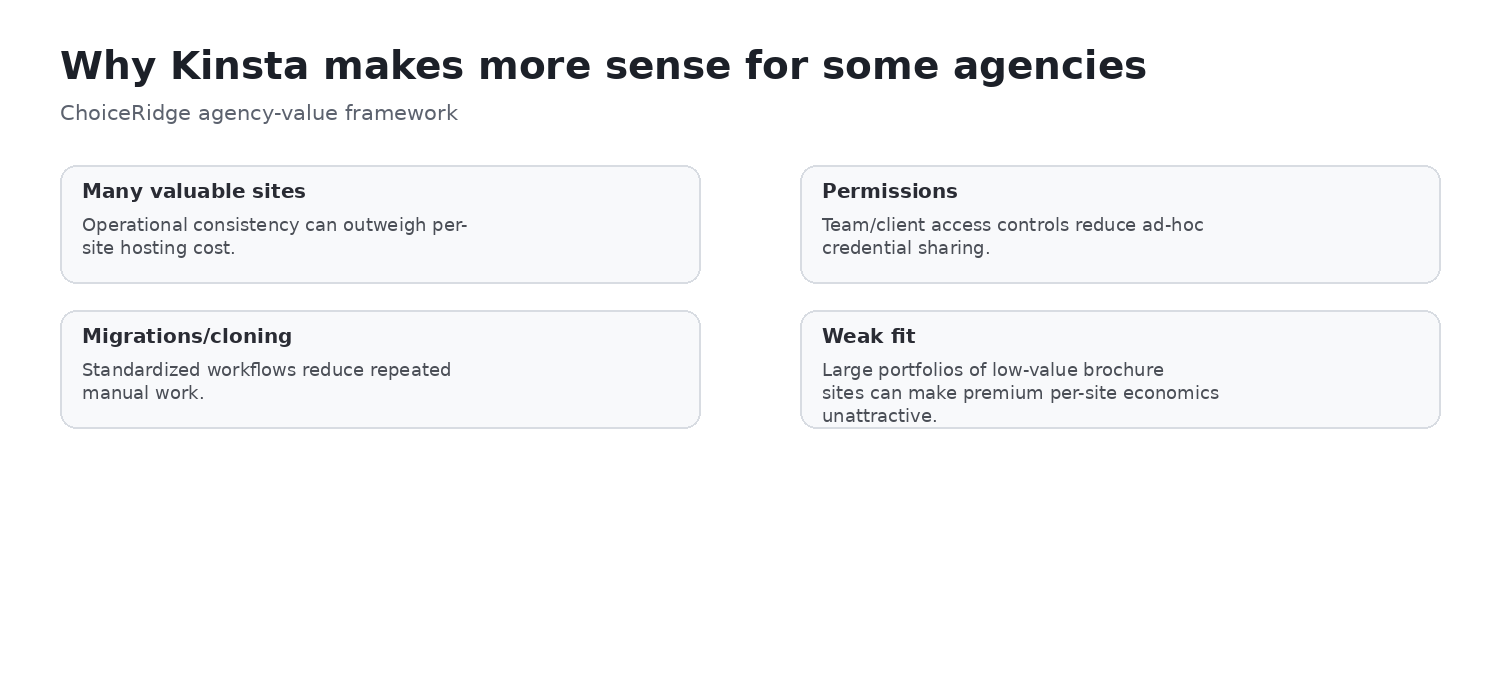
Agency 20 packages 20 installs with user controls, migrations, cloning, API access and developer tooling. Current published benefits also include agency-directory eligibility, hosting credits subject to eligibility, an unbranded WordPress-admin experience and account-management access. TechRadar found permissions and site creation straightforward, while its capacity testing remained nuanced.
Kinsta managed WordPress should not be positioned as a traditional all-in-one shared-hosting bundle: it is not cPanel, and buyers should not assume bundled domain registration or conventional mailbox hosting. That is a buyer-fit distinction, not necessarily a defect.
| Buyer situation | Fit | Why |
|---|---|---|
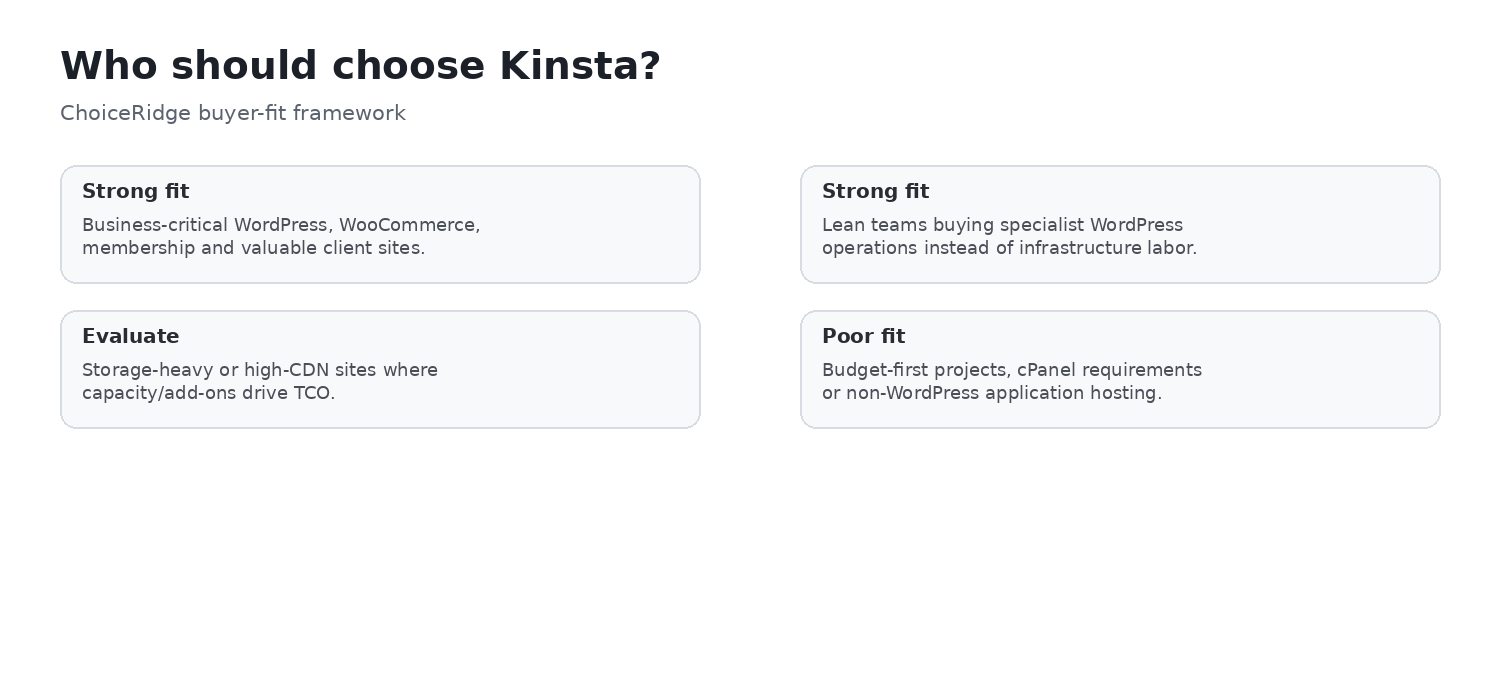
| Business-critical WordPress, WooCommerce or membership | Strong fit | Operational controls, staging, APM and specialist support may justify the price. |
| Agency with valuable client sites | Strong fit | Multi-site operations, permissions and Agency plans align with the workflow. |
| High media, CDN or storage use | Evaluate carefully | Allowances, add-ons and overages can materially affect economics. |
| Many modest sites or lowest-cost requirement | Poor fit | Premium per-site economics may not earn their price. |
| cPanel or phone support required | Poor fit | MyKinsta replaces cPanel and support is chat-based. |
Pros and cons
Pros
- Specialist WordPress operations and MyKinsta
- Container isolation, CDN/edge cache and Cloudflare protections
- APM, staging, backups, API, SSH and WP-CLI access
- Unlimited free migrations and malware remediation under current terms
- 30 data centers and agency/user controls
Cons
- High entry price and only 10GB storage on Single 20GB
- Explicit bandwidth, visit, CDN and storage ceilings
- Overages and paid add-ons can raise total cost
- 14-day entry backup retention; no phone support or cPanel
- Premium pricing does not win every independent benchmark
Alternatives worth comparing
- SiteGround: compare for managed WordPress workflows, backups and staging at a materially lower cost tier.
- Cloudways: compare for more direct cloud-provider and server-sizing control, with more infrastructure decisions to own.
- Hostinger: compare when storage, multi-site economics and lower cost matter more than a premium WordPress-only operations layer.
- WP Engine: compare when the buyer wants another premium managed WordPress specialist. No generic winner applies; model the workflow, risk and capacity needed.
Evidence map
| Finding | Primary evidence | Independent context | ChoiceRidge tested? |
|---|---|---|---|
| Pricing, billing basis and allowances | Kinsta pricing and billing docs | — | No |
| Overages and add-ons | Kinsta pricing, overage and add-on docs | — | No |
| MyKinsta interface | Kinsta docs | TechRadar Agency 20 walkthrough | No |
| Backups, staging, APM and CDN | Kinsta docs | — | No |
| Performance | — | TechRadar review and methodology | No |
| Security and support positioning | Kinsta pricing and support docs | TechRadar context where stated | No |
| Agency fit | Kinsta pricing/docs | TechRadar Agency 20 hands-on | No |
What ChoiceRidge verified
ChoiceRidge verified current published bandwidth-based entry pricing, the parallel visit-based Single 35k plan, monthly and annual billing, first-month-free eligibility wording, install limits, server-bandwidth or visit allowances, storage, CDN bandwidth, backup retention, CDN overage, disk add-on, backup and staging options, MyKinsta/APM/CDN documentation, the security/support positioning, the 30-data-center count, Agency 20 allowances, and current TechRadar benchmark/interface context. Verification means current documentation and clearly attributed independent evidence were checked; it does not mean ChoiceRidge provisioned or benchmarked Kinsta.
What ChoiceRidge did not test
- No Kinsta account was purchased for this edition.
- No site was provisioned; no uptime monitor, LCP/TTFB benchmark or Siege/load test was run.
- No support chat timing, malware remediation, restore drill or migration was tested.
Why there is no numerical rating
ChoiceRidge has not published a validated quantitative managed-hosting scoring model. This review therefore uses buyer-fit labels—Strong fit, Potential fit, Evaluate carefully and Poor fit—rather than stars, a score, AggregateRating or an unsupported “editor score.”
Kinsta FAQ
How much does Kinsta cost?
Current bandwidth-based Single 20GB pricing is $35 monthly or $350 annually. Exact allowances depend on whether you choose the bandwidth- or visit-based family.
Should I choose bandwidth-based or visit-based pricing?
Model the site’s traffic profile and use allowances from one family consistently. Do not mix visit-plan names with bandwidth-plan limits.
Does Kinsta include daily backups and staging?
Yes. Current entry plans have 14-day backup retention and standard one-click staging. Six-hourly, hourly and premium-staging options cost extra.
Does Kinsta include a CDN?
Kinsta documents a Cloudflare-powered CDN and edge cache. Included CDN bandwidth is plan-specific, so include it in cost modelling.
Does Kinsta have phone support or cPanel?
No. Current support is through MyKinsta chat and MyKinsta is the management platform rather than cPanel.
Does Kinsta include email hosting?
Do not treat Kinsta managed WordPress as a conventional bundled domain-and-mail shared-hosting package. Confirm email and domain needs separately.
Is Kinsta fast and good for WooCommerce or agencies?
TechRadar reported strong filesystem/database results and nuanced concurrency results, not a universal winner. For WooCommerce and agencies, staging, APM, isolation and specialist support can matter—but traffic, storage and CDN economics remain central.
Related reading
Read the SiteGround Review, Cloudways Review, Hostinger Review, Best Web Hosting for Small Businesses, the comparison library, our methodology, editorial policy and How We Make Money.
Sources
- Kinsta — WordPress Hosting Pricing
- Kinsta Docs — WordPress Hosting Plan Overages
- Kinsta Docs — WordPress Add-ons
- Kinsta Docs — WordPress Backups
- Kinsta Docs — Push Environments
- Kinsta Docs — APM
- Kinsta Docs — Kinsta CDN
- Kinsta Docs — Cloudflare Integration
- Kinsta Docs — Contact Support
- Kinsta Docs — Data-center Locations
- Kinsta Docs — WordPress Infrastructure
- TechRadar — Kinsta Review
- TechRadar — Kinsta Agency 20 hands-on