WooCommerce is an open-source commerce platform that runs inside WordPress and gives merchants control over hosting, code, data, themes, extensions and checkout. That control is its advantage and its operating burden. This research-based review examines current WooCommerce pricing guidance, WooPayments, hosting, extensions and production responsibilities; ChoiceRidge did not run a live-store benchmark.
Commercial disclosure: Links in this review are direct, non-tracked editorial links. ChoiceRidge does not currently earn commission from WooCommerce. Provider documentation and public screenshots are clearly distinguished from ChoiceRidge analysis.
Quick verdict: maximum WordPress commerce control—with responsibility attached
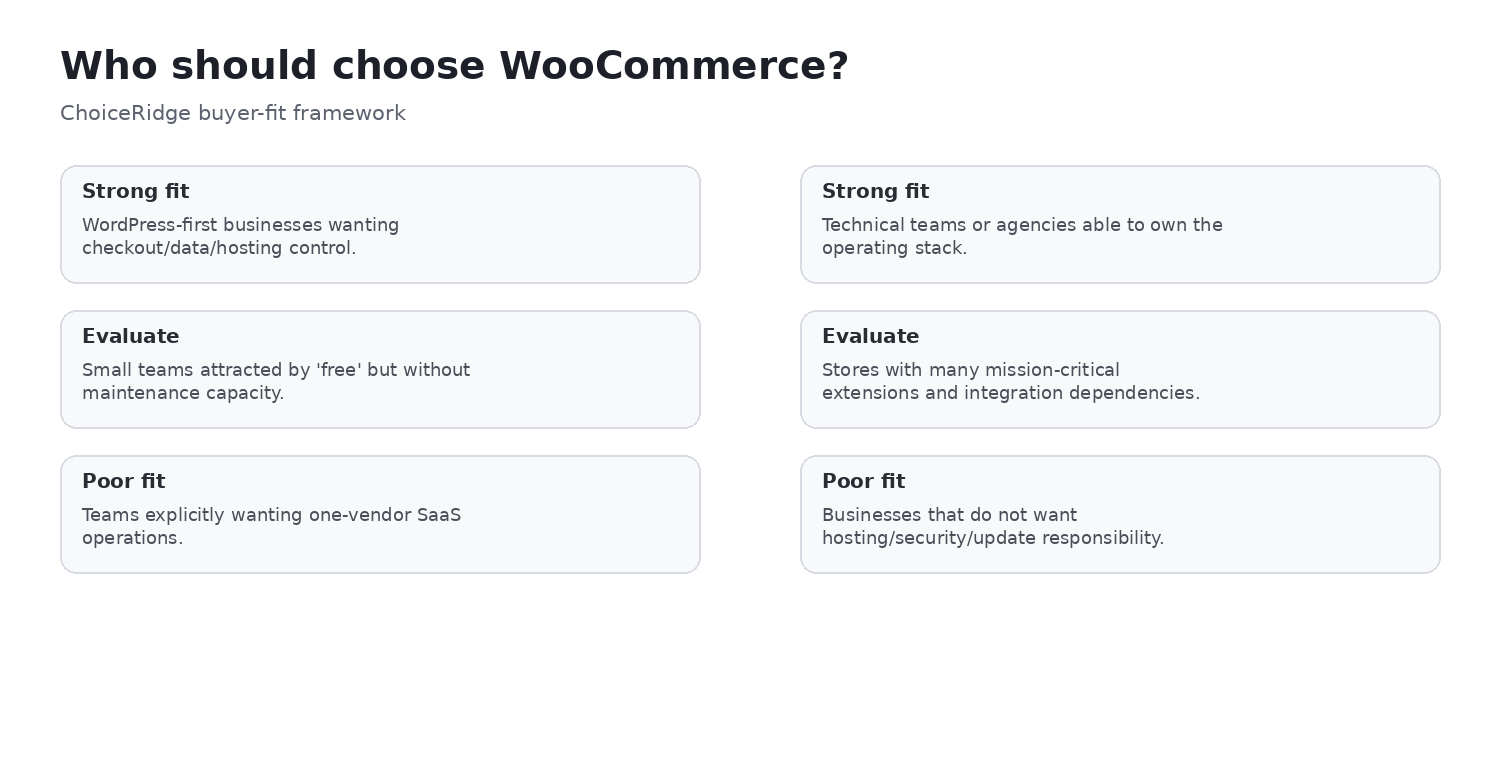
Choose WooCommerce when WordPress ownership, provider portability, custom data or checkout requirements and integration flexibility justify technical operations. Evaluate carefully if the attraction is only “free,” if no one owns updates and recovery, or if many mission-critical extensions form the store’s core. Teams wanting one vendor to operate the commerce platform should compare managed SaaS.
Real cost: free core is only the starting point
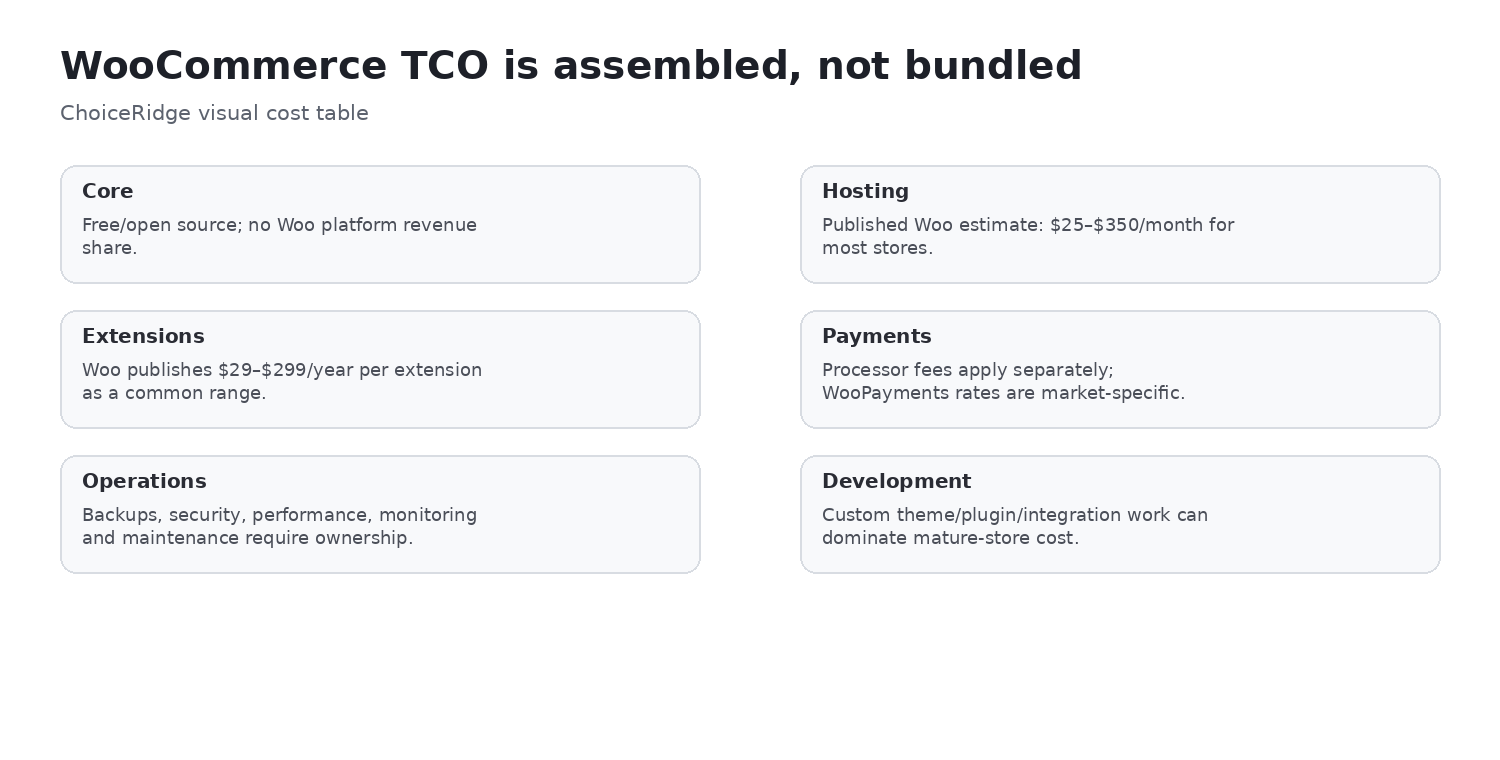
WooCommerce core is free and open source, and WooCommerce does not charge a platform revenue share. Its current pricing guidance estimates $25–$350 per month for hosting for most stores and $29–$299 per year per extension. These are ranges, not an average or guarantee. Traffic, availability targets, engineering and business complexity determine the real budget.
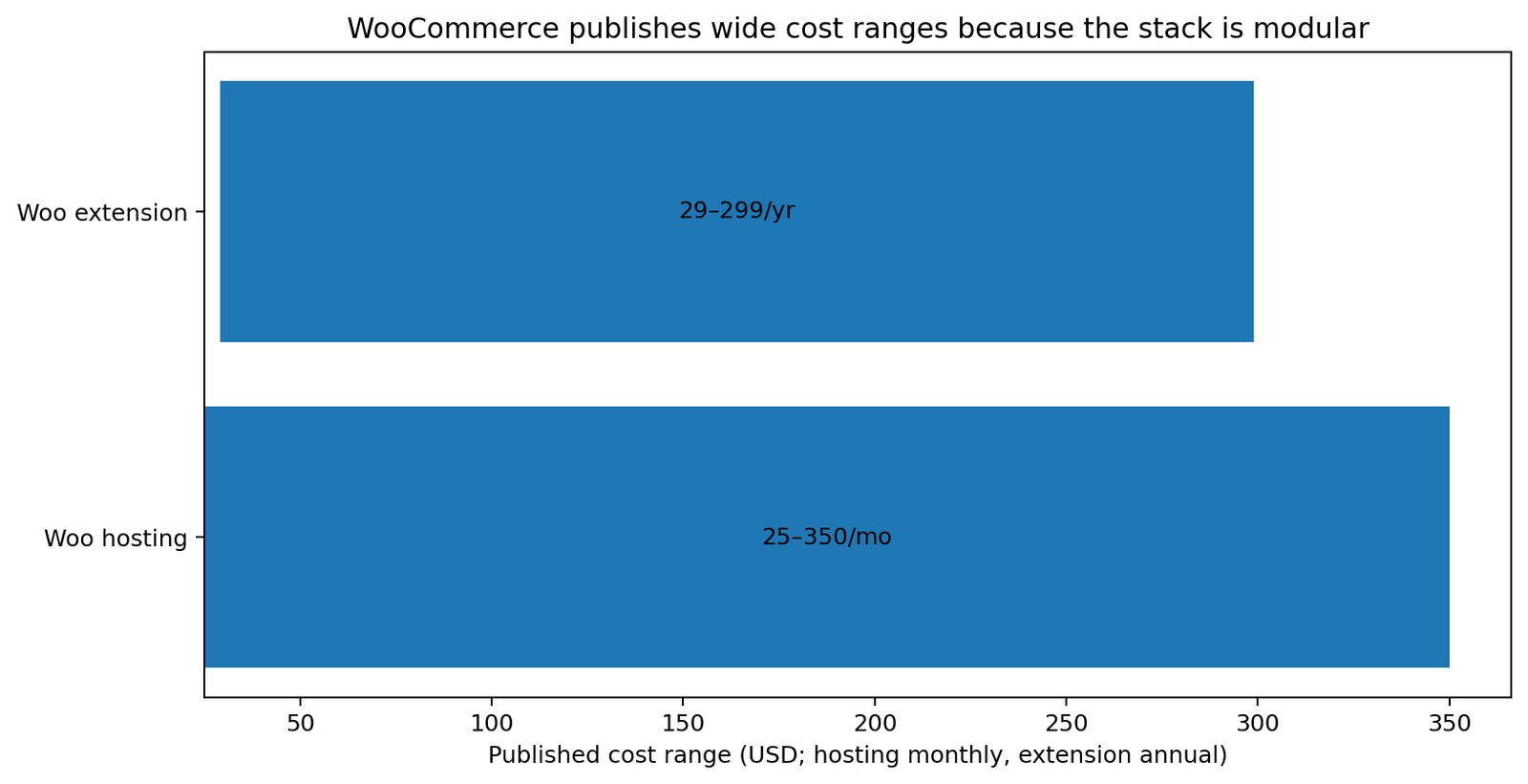
Separate fixed and variable costs and preserve their billing units: domain, hosting, licenses, payment processing, premium theme, development, monitoring, security, backup, tax, shipping, email and staff time. Plugin count is a weak proxy because one integration can carry more cost and risk than ten simple plugins.
WooPayments and transaction economics
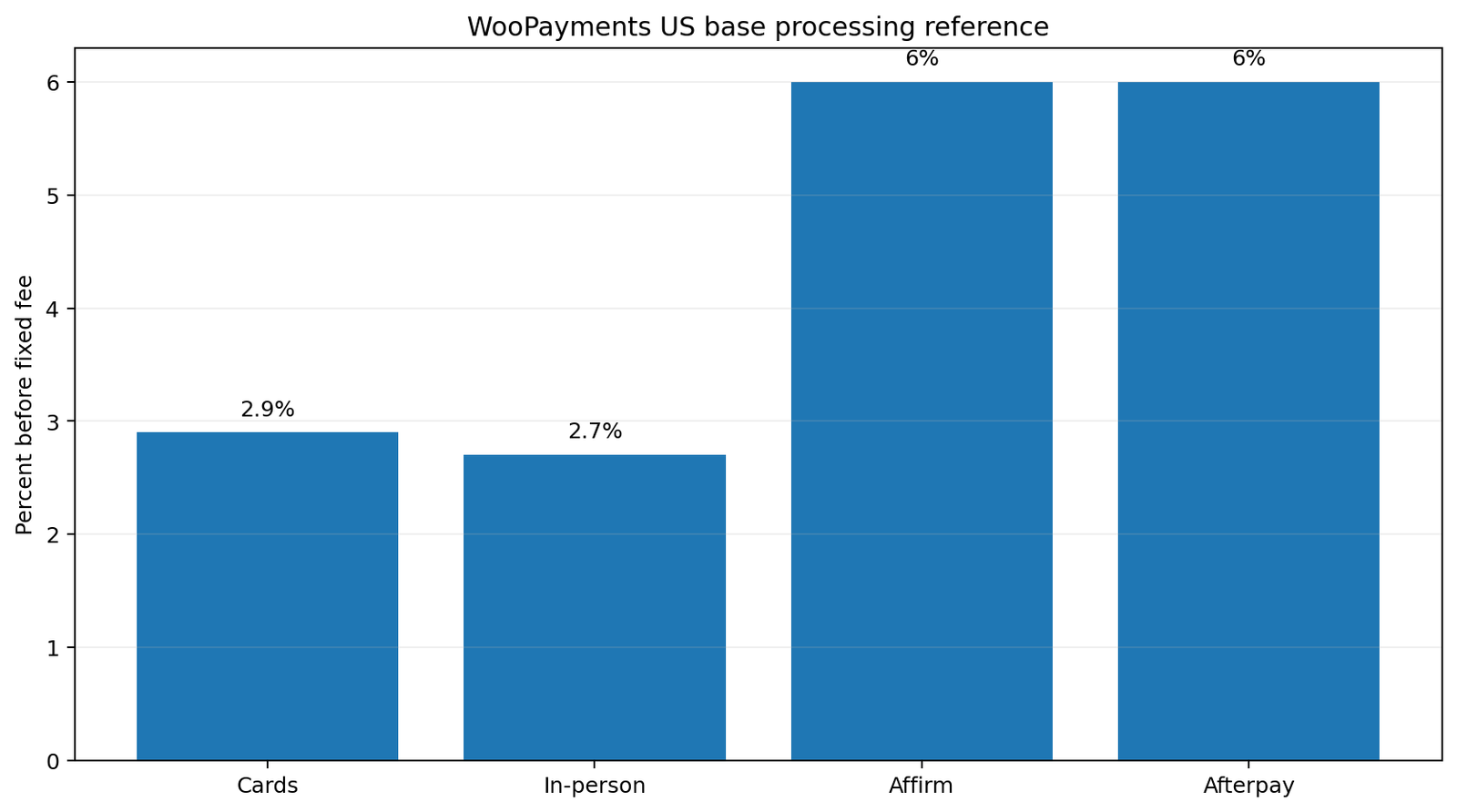
The current US reference for WooPayments is 2.9% + $0.30 for cards and 2.7% + $0.10 for in-person payments. International cards, currency conversion, disputes and alternative methods can have different charges. Those are payment-provider fees—not a WooCommerce platform revenue share—and cannot be generalized globally.
Hosting is part of the product decision
WooCommerce lets the merchant choose and change host. That portability is competitive, but infrastructure quality is not standardized by WooCommerce. Evaluate PHP workers and resources, database-heavy checkout traffic, object cache, CDN, page-cache exclusions, traffic spikes, staging, backups and monitoring. A host benchmark is not automatically a WooCommerce benchmark.
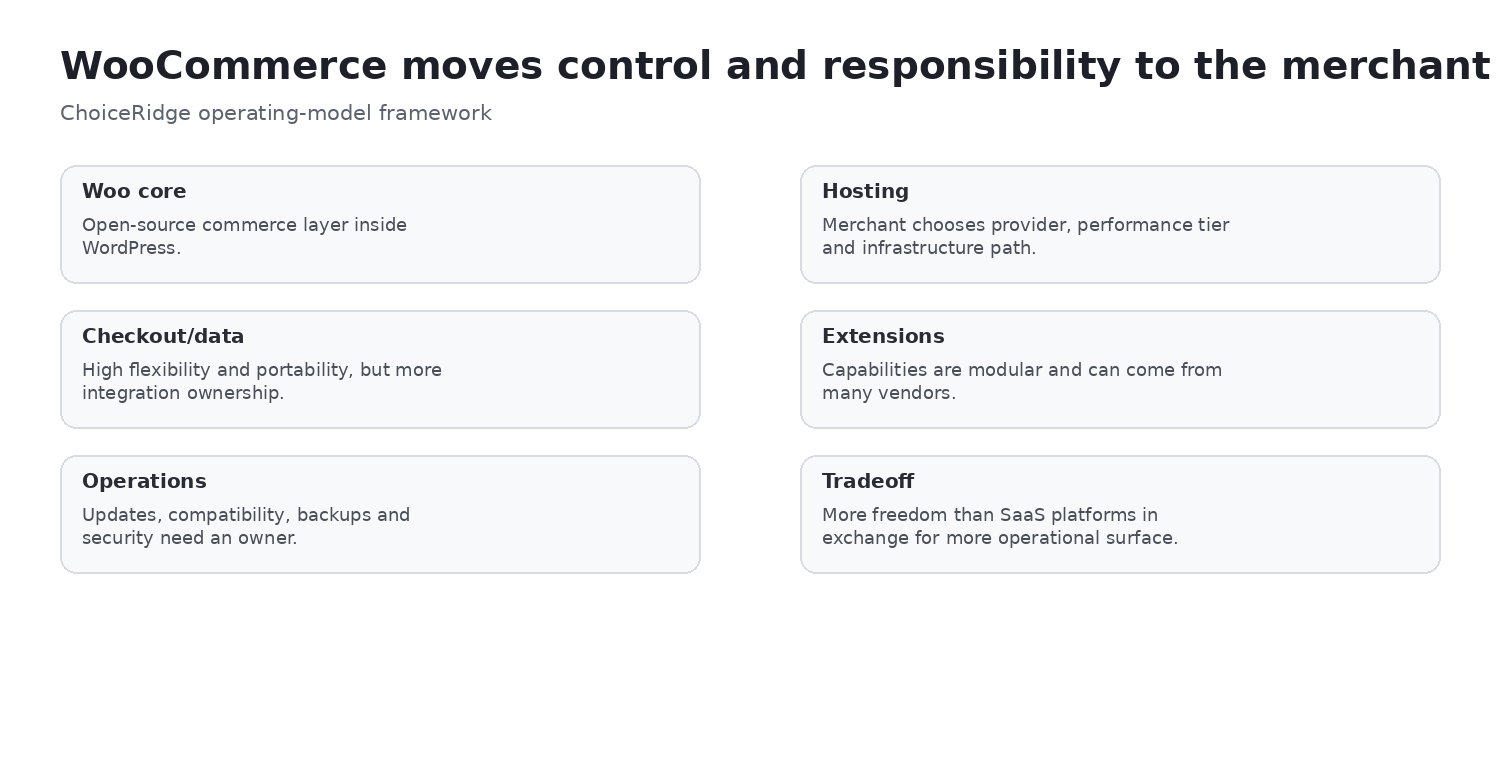
| Owner | Primary responsibilities |
|---|---|
| WordPress/WooCommerce | Commerce/content framework, plugin/theme architecture, APIs and data model |
| Hosting provider | Infrastructure, availability, server stack and plan-specific backup/resources |
| Merchant or agency | Dependencies, updates, credentials, configuration, integrations, testing and continuity |
Products, variants, inventory and orders
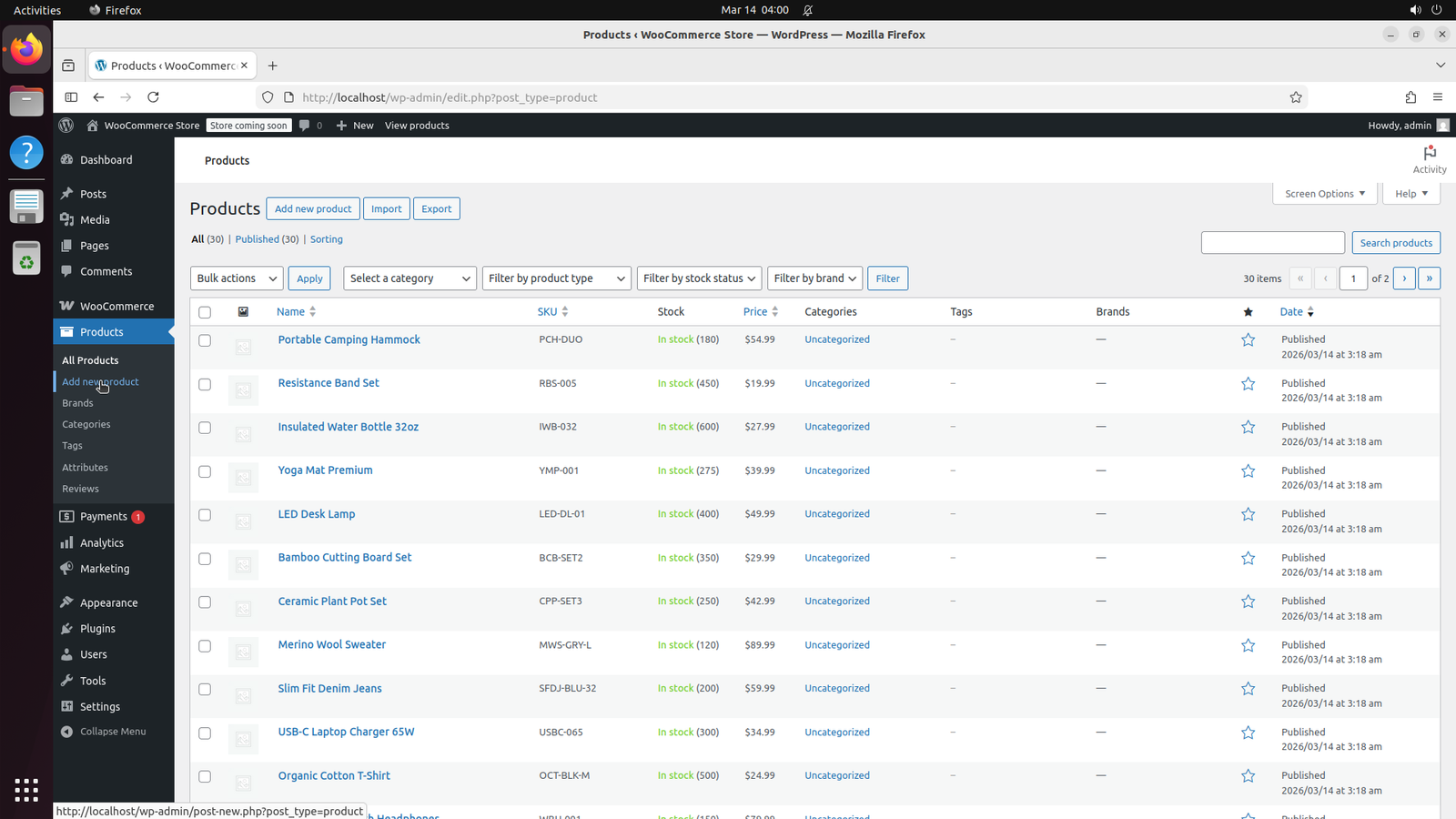
Products live in WordPress admin with price, status, categories, stock and extension-driven fields. Catalog governance matters: define SKU, variant, taxonomy, media and import rules before migration.
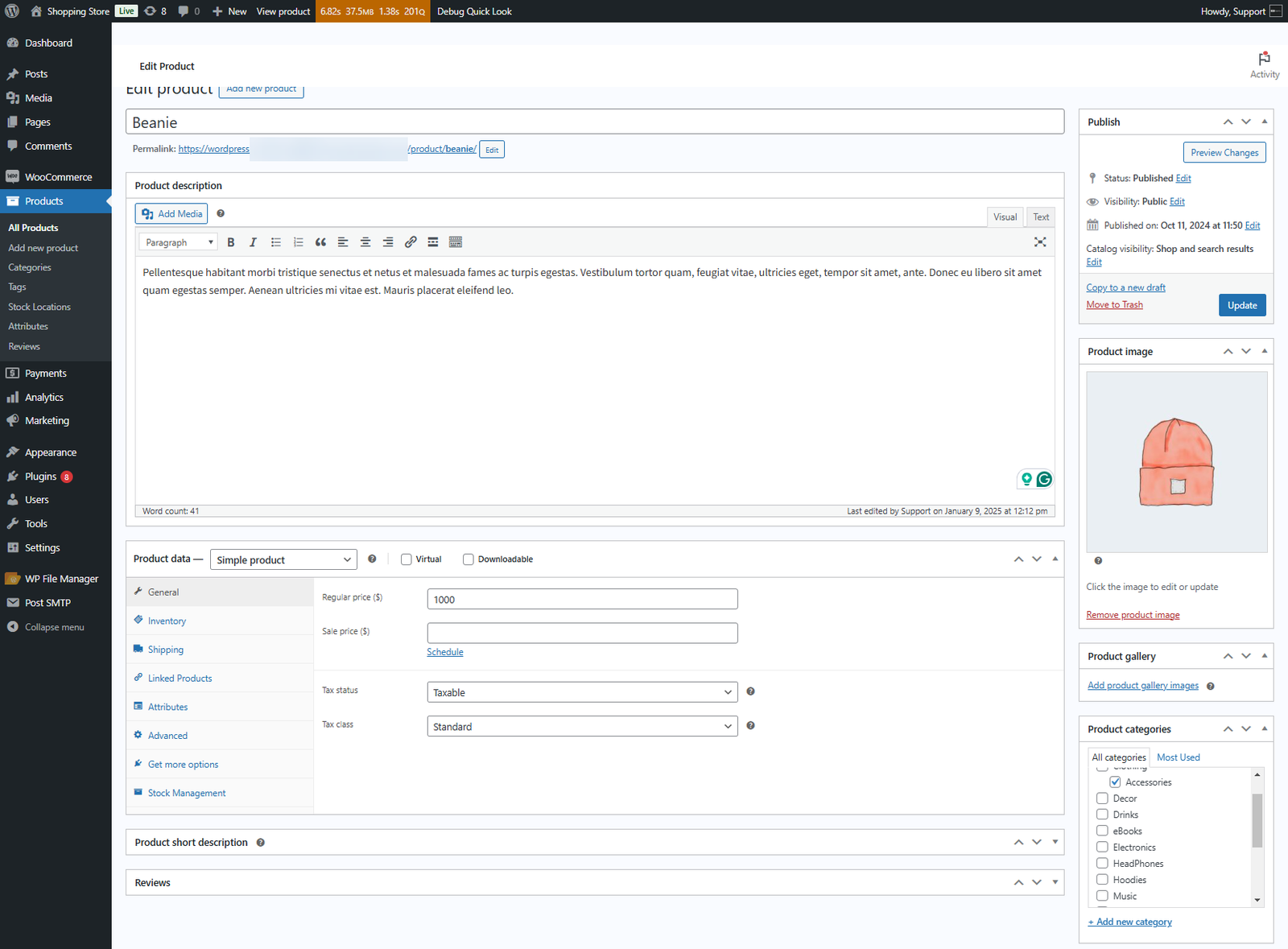
The Product data panel can coordinate inventory, shipping, attributes, variations and other product types. Extensions can add fields and behavior, which is useful but increases schema and compatibility ownership.
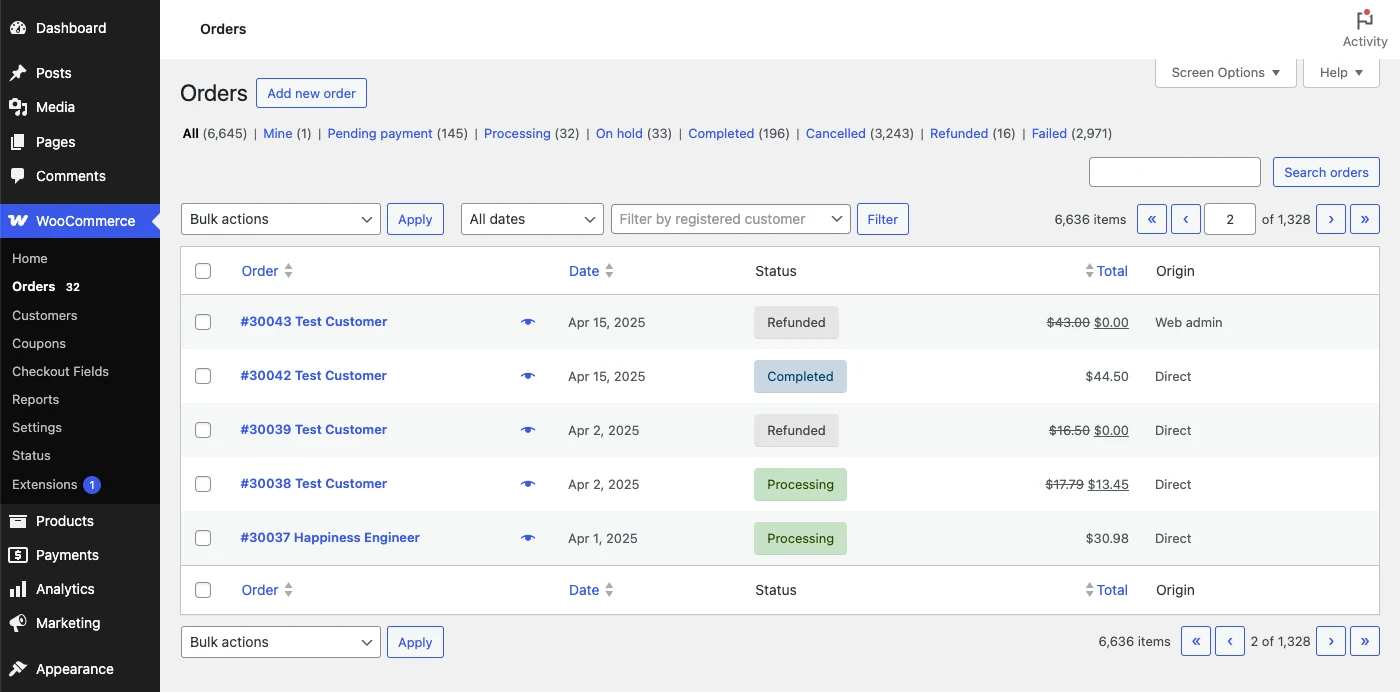
Orders integrate into WordPress administration with status, customer, totals and fulfillment workflow. Test taxes, shipping, inventory mutation, payment capture, refunds, emails and external systems as one end-to-end process.
Analytics and feature administration
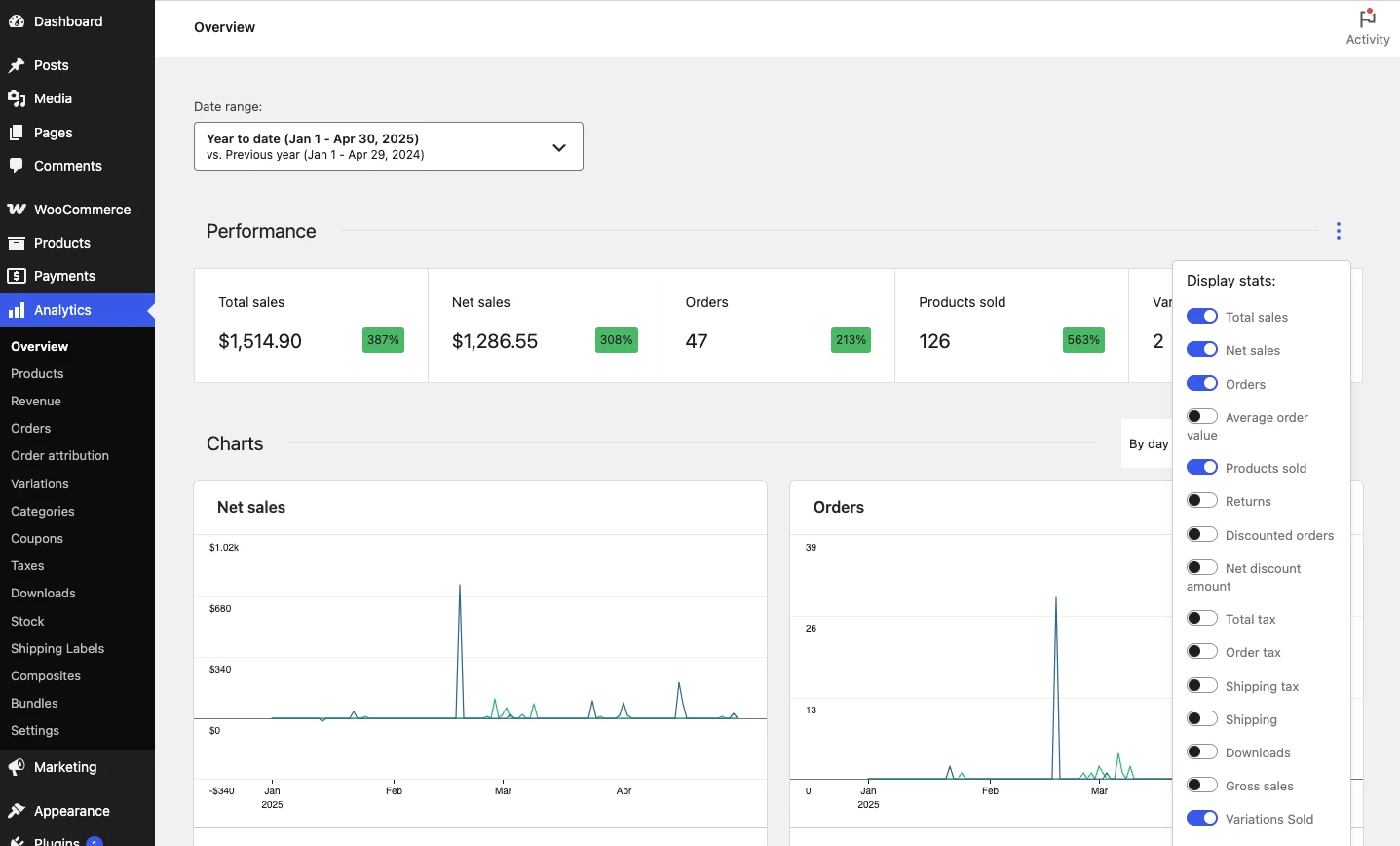
WooCommerce Analytics provides revenue, order, product and customer reporting. Validate data freshness, attribution, refunds, costs, exports and privacy against the finance and analytics stack.
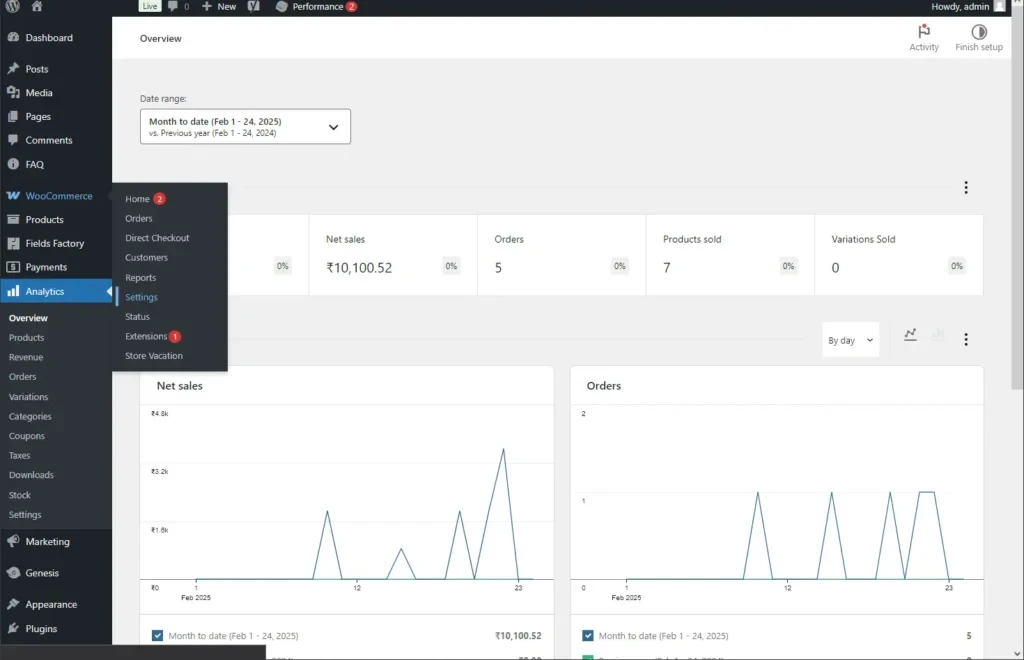
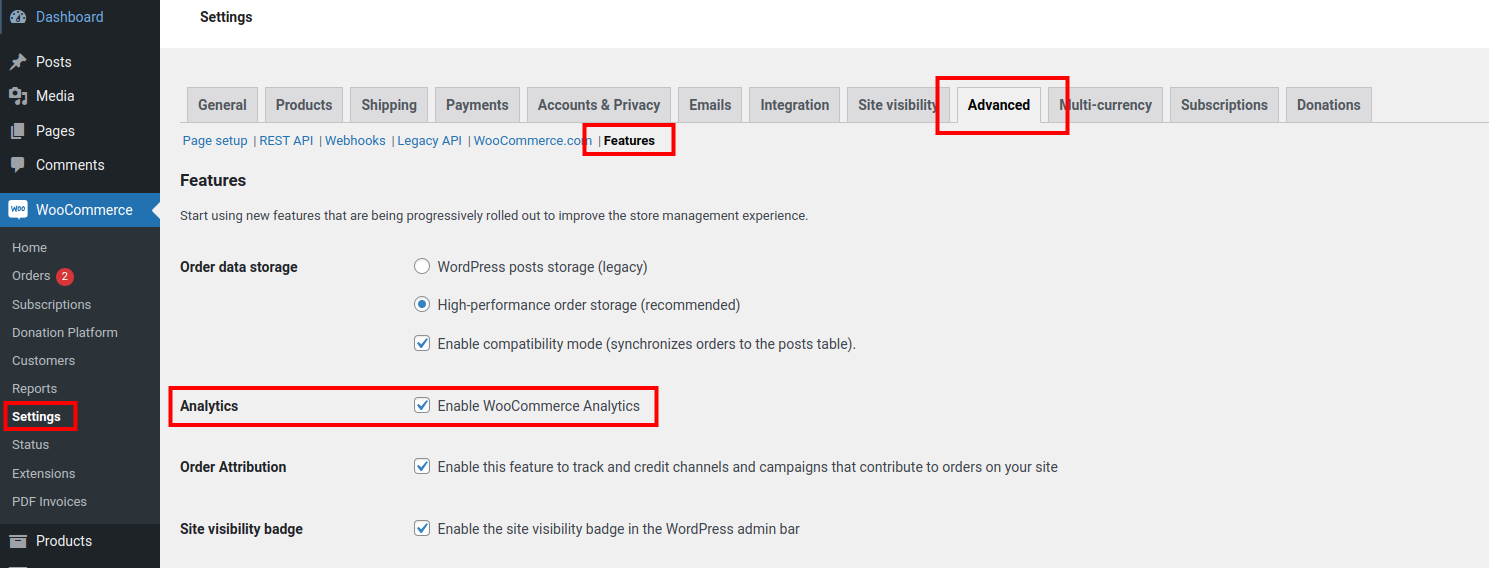
Settings and feature controls illustrate how capabilities evolve inside WordPress. Release status, extension compatibility and rollback plans matter more than a screenshot of a toggle.
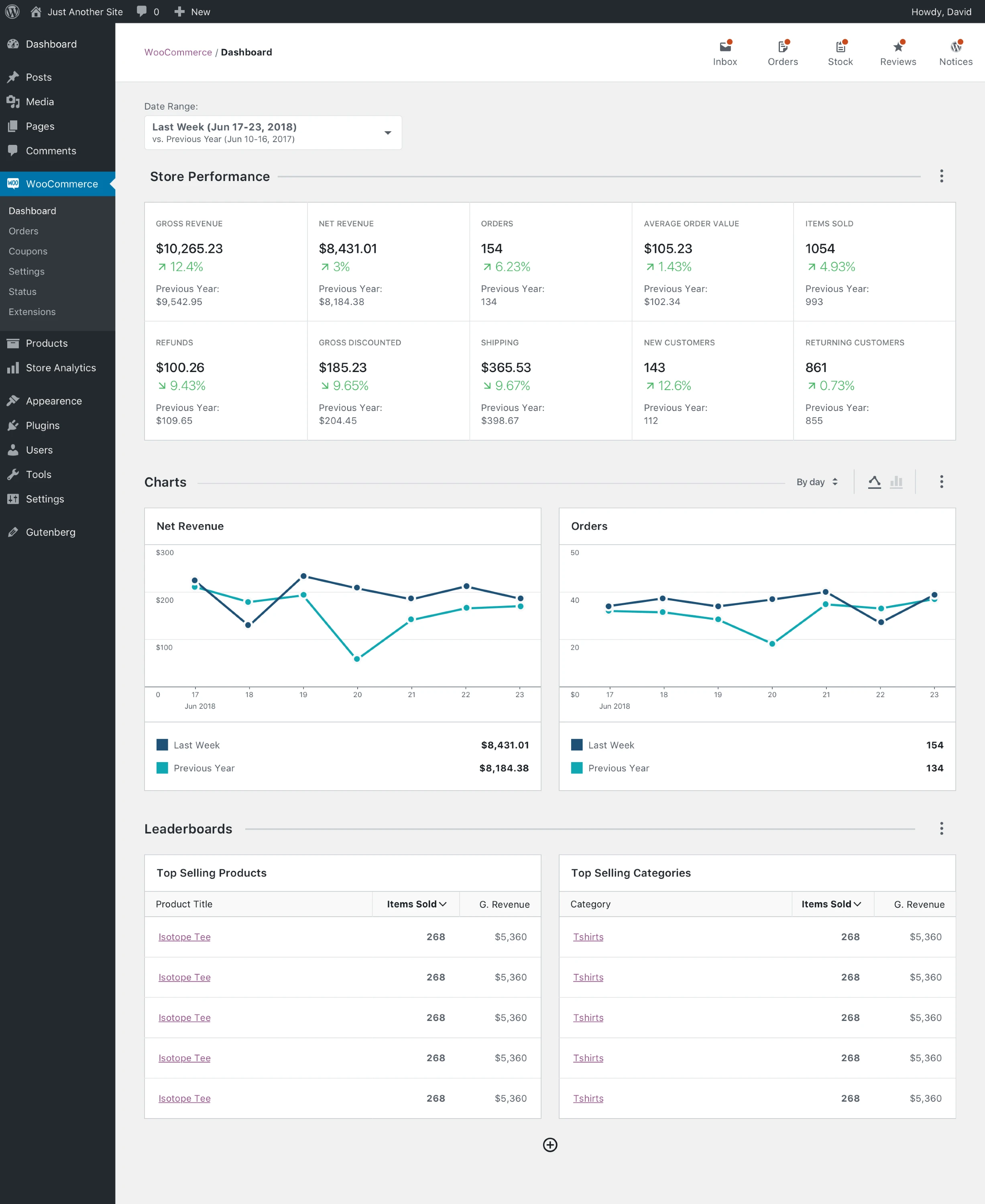
This older dashboard is retained only as historical context. It must not be used to describe the current admin, limits or performance.
Extensions: flexibility engine and risk surface
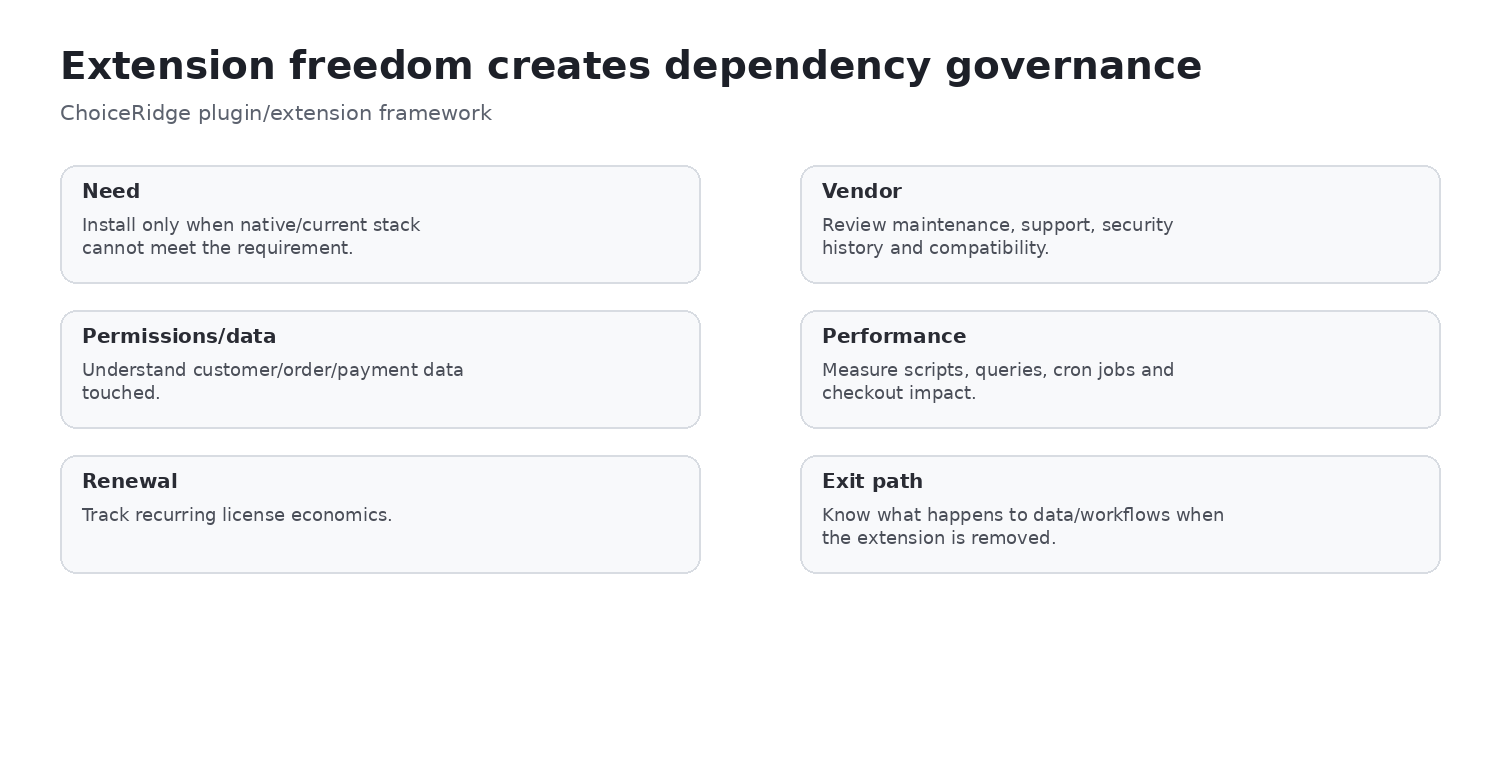
The ecosystem supports subscriptions, bookings, bundles, composite products, marketing, tax, shipping and payments through Woo Marketplace and many other vendors. Recurring price is only one dimension: audit compatibility, maintenance, support, security, data ownership, performance, vendor dependency and exit path.
Updates and change control
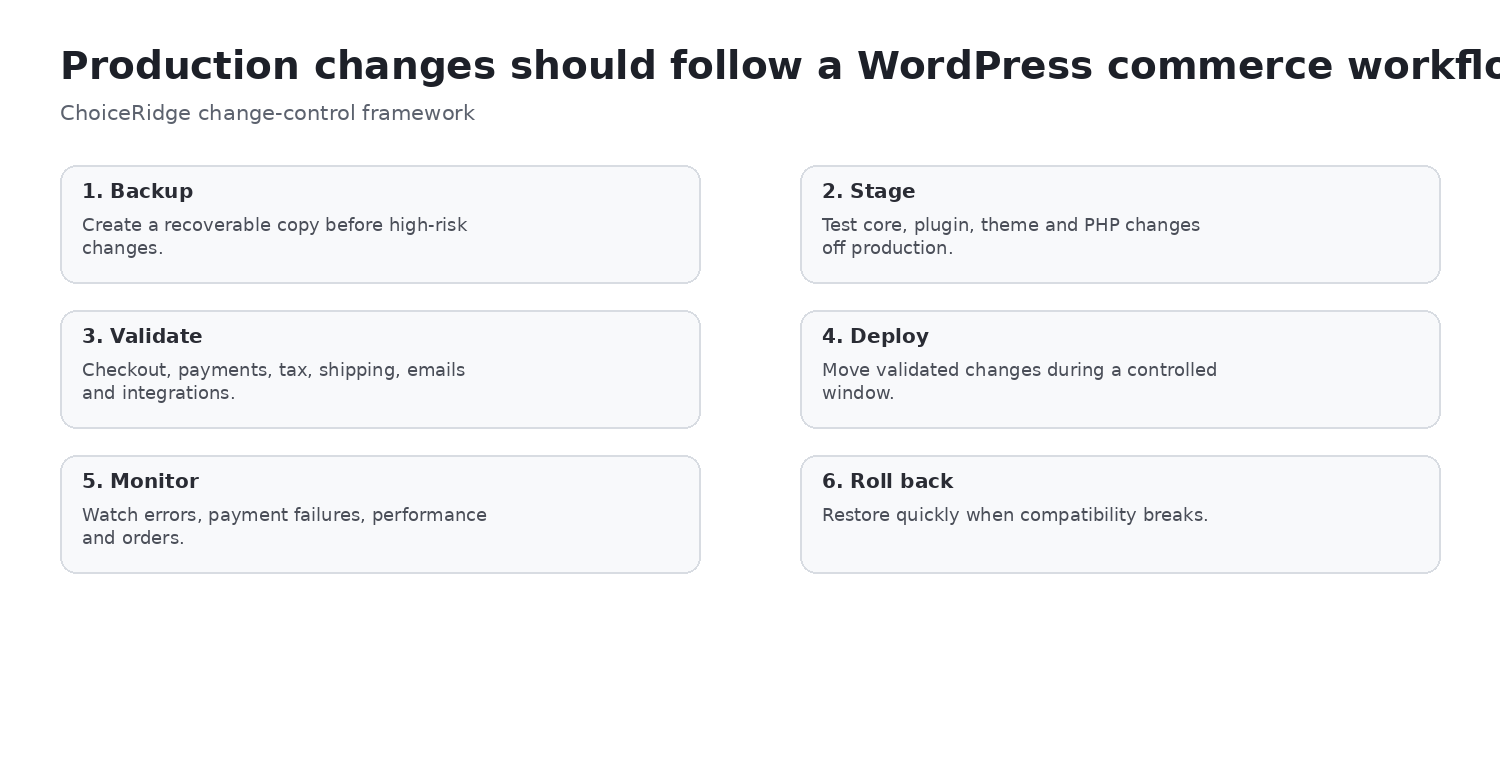
Updates are not inherently unsafe; unmanaged dependency change is. Back up, stage, update core/plugins/theme, test checkout and payments, verify shipping/tax/email/integrations, deploy in a controlled window, monitor and keep a rollback decision.
Backups and recovery
Protect both database and files, choose frequency from order volume, keep a pre-update restore point and retain an off-platform copy when recovery policy requires provider independence. Define recovery point and recovery time, then test restoration. A host backup is useful but not automatically sufficient.
Performance and scaling
WooCommerce has no universal speed result because host, theme, plugins, queries, background jobs and catalog differ. Dynamic cart, checkout and account traffic cannot be handled like fully static pages. Page cache, object cache, CDN and database work solve different problems; benchmark the uncached revenue path.
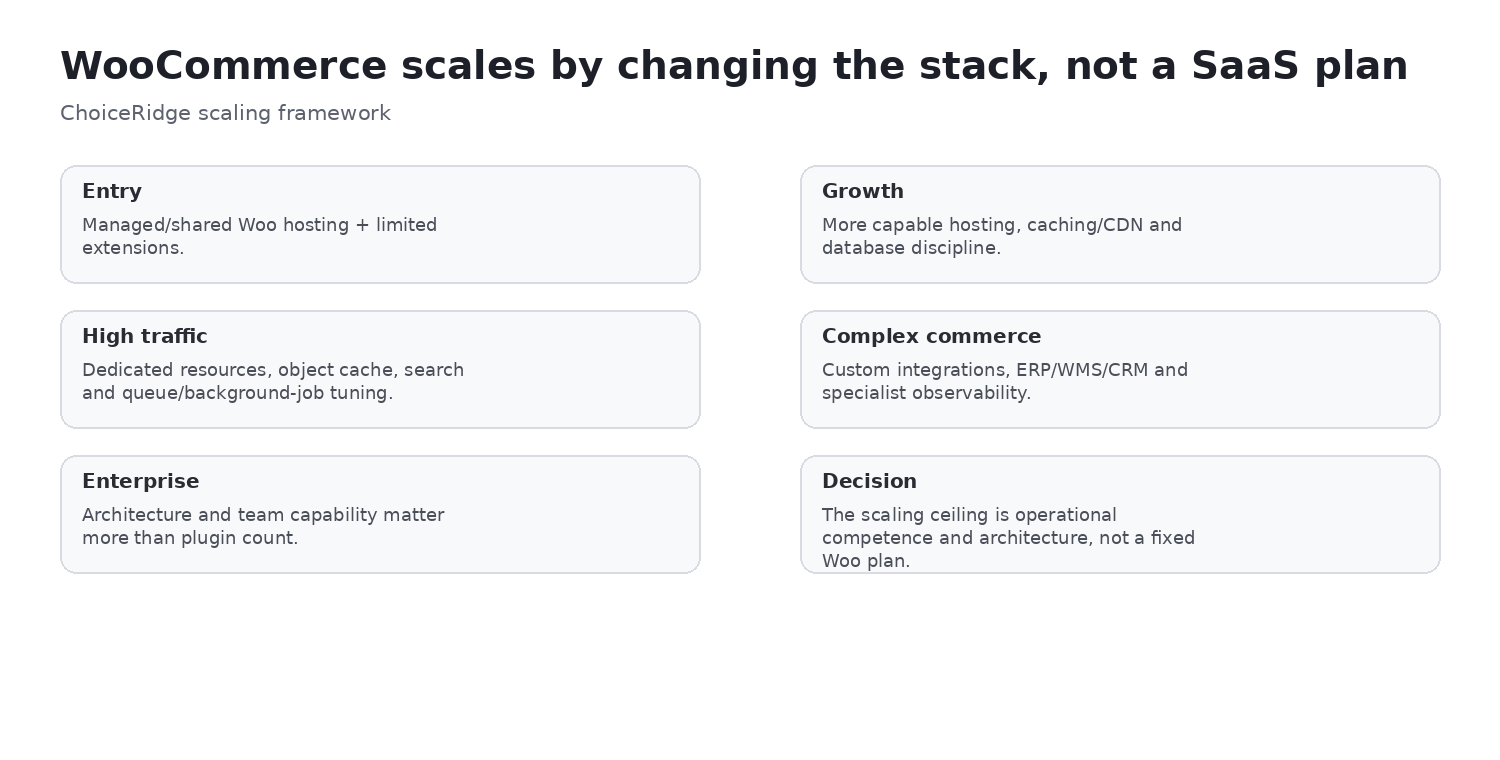
Scaling means evolving host, compute, cache, search, database, queues, integrations and operating process. There is no Basic-to-Advanced Woo subscription ladder; architecture and ownership must mature with demand.
Security
Security spans WordPress/Woo updates, plugin and theme supply chain, least privilege, MFA, payment integrations, file integrity, malware response, backups, patching and web protection. A patched extension vulnerability is evidence for disciplined maintenance, not proof that the whole platform is inherently insecure.
Buyer fit, pros and cons
| Strong fit | Evaluate carefully | Poor fit |
|---|---|---|
| WordPress-first organizations; agencies; technical owners; custom data/checkout; provider portability | High extension dependency; lean teams without technical ownership; high-volume stores lacking architecture capability | A single-vendor managed SaaS requirement |
| Pros | Cons |
|---|---|
| Open-source core and data/hosting control | Operations are distributed across host, merchant and vendors |
| Large extension and WordPress ecosystem | Compatibility and security require change control |
| No Woo platform revenue share | Free core can obscure production TCO |
| Provider portability and deep customization | Performance depends heavily on implementation |
Alternatives worth comparing
- Shopify for managed SaaS and lower infrastructure responsibility.
- BigCommerce for hosted commerce with deeper built-in B2B, multi-storefront and headless paths.
- Wix Ecommerce for website-builder-led SMB commerce.
- Squarespace Commerce for design- and content-led curated selling.
Evidence map
| Finding | Evidence | ChoiceRidge tested? |
|---|---|---|
| Free core/no revenue share | WooCommerce pricing and WordPress plugin listing | No |
| Hosting and extension ranges | WooCommerce pricing | No |
| WooPayments US reference | WooPayments fee documentation | No |
| Product/order/analytics UI | Official and attributed public screenshots | No |
| Extensions and change control | Marketplace and official documentation | No |
| Scaling and buyer fit | ChoiceRidge analysis of documented operating model | No |
What ChoiceRidge verified
ChoiceRidge verified the current Woo pricing ranges, US WooPayments reference, free/open-source positioning, current extension examples, hosting guidance and operational documentation on August 15, 2026. Verification means documentation review—not a production store test.
What ChoiceRidge did not test
- No production WooCommerce store or checkout load benchmark.
- No support timing, migration or backup-restore drill.
- No plugin compatibility matrix or WooPayments live transaction.
- No enterprise architecture, security penetration or recovery test.
Why there is no numerical rating
ChoiceRidge has not applied a validated quantitative ecommerce scoring model to this deployment-dependent platform. Buyer fit and evidence limits are more honest than stars or AggregateRating.
Frequently asked questions
Is WooCommerce free?
The core plugin is free and open source. Hosting, payment processing, extensions, development and operations still cost money.
What does WooCommerce actually cost?
Woo publishes hosting at $25–$350 per month for most stores and extensions at $29–$299 per year each. Real TCO depends on the workload and operating model.
Does WooCommerce charge transaction fees?
WooCommerce does not charge a platform revenue share. Payment providers such as WooPayments charge processing and other applicable fees.
What hosting does WooCommerce need?
Match resources, PHP workers, database, cache, CDN, backups, staging and support to traffic and checkout behavior.
Is WooCommerce scalable?
Yes with appropriate infrastructure, architecture and operations; there is no universal capacity independent of implementation.
Is WooCommerce secure?
It can be operated securely, but the owner must manage accounts, updates, dependencies, monitoring and recovery.
How many extensions do I need?
Use the fewest dependencies that solve documented requirements; risk depends more on criticality and quality than count.
Is WooCommerce better than Shopify?
WooCommerce favors WordPress control and portability; Shopify favors managed commerce operations. The better model depends on ownership.
Who maintains a WooCommerce store?
The merchant, agency, host and extension vendors share responsibility according to their contracts. Assign one accountable technical owner.
When should I move to managed SaaS?
When infrastructure and dependency ownership cost more than the control they provide or the team cannot maintain the required service level.
Continue comparing
Read Shopify vs WooCommerce, browse Best Ecommerce Platforms, use the Ecommerce App Cost Calculator, and review our Methodology, Editorial Policy and How We Make Money.