Choosing among ecommerce platforms is an operating-model decision, not a feature-count contest. For beginner setup and operational simplicity, the right answer depends on total cost, payment rules, hosting responsibility, daily workflows, technical ownership, and the capabilities the business actually needs. ChoiceRidge ranks platforms by scenario rather than declaring one universal winner. This guide uses current official pricing and product documentation checked August 12, 2026, plus the five detailed reviews already published in this cluster. No controlled performance, conversion, SEO, uptime, security, or support testing is claimed.
Affiliate disclosure: some companies operate affiliate programs, but every link on this page is a direct, non-tracked official or internal link. ChoiceRidge currently earns no commission from these links. Commercial availability does not determine placement.
Quick picks
Shopify for a guided commerce path; Wix for visual editing; Squarespace for curated design; BigCommerce for beginners with operational ambition; WooCommerce for learners willing to manage WordPress. Treat this as a shortlist, then verify the platform against a representative store workflow.
Best ecommerce platforms compared
| Platform | Current cost signal | Hosting model | Payment/platform fees | Maintenance | Key trade-off |
|---|---|---|---|---|---|
| 1. Shopify | Basic €24/month annually on the localized page checked | Hosted SaaS | Shopify Payments processing; outside-provider fee varies by plan | Low infrastructure burden | Third-party costs and platform boundaries |
| 2. Wix Ecommerce | Localized ecommerce-capable plans; verify market | Hosted site builder | Processor fees vary; US standard Wix Payments cards 2.9% + $0.30 | Low infrastructure burden | Regional packaging and less complex-commerce depth |
| 3. Squarespace Commerce | Localized Basic/Core/Plus/Advanced rollout | Hosted site builder | New Basic commerce fee 2%; other new plans 0%; processor separate | Low infrastructure burden | Plan transition and advanced-operation limits |
| 4. BigCommerce | Core $29, Growth $79, Scale $299 annually; Performance from $1,499 | Hosted SaaS | Embedded Provider fee $0; Open Provider 2%, 1% or 0.6% | Low infrastructure burden | GMV rules, overage and provider classification |
| 5. WooCommerce | Core $0; Woo guidance: hosting $25–$350/month, extensions $29–$299/year each | Self-hosted open source | No Woo platform transaction fee; processor charges apply | High unless managed | Hosting, compatibility, security and support ownership |
Platform-by-platform analysis
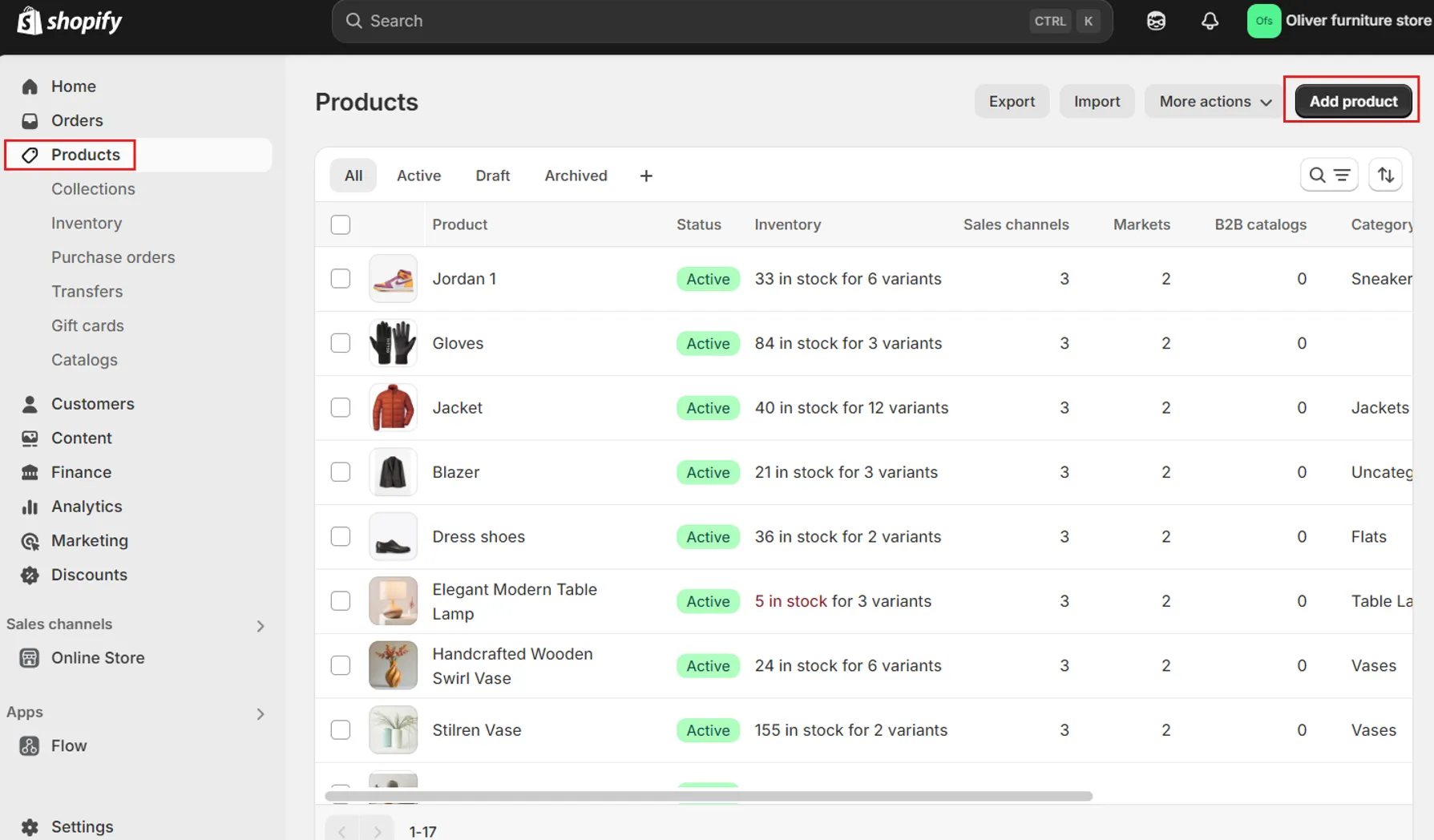
Shopify
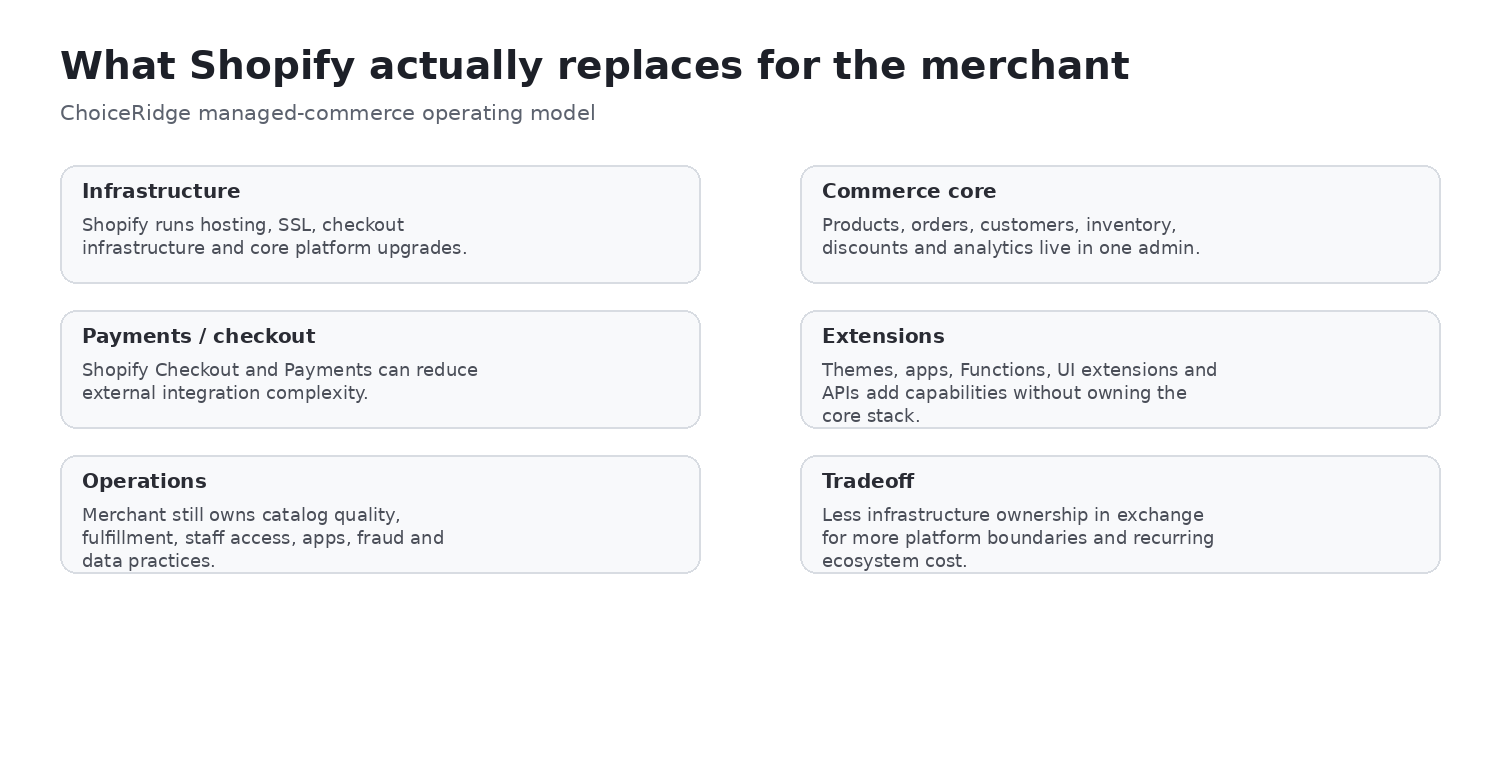
Why it fits: Broad managed commerce, apps, POS, channels and enterprise path.
Trade-off: Third-party costs and platform boundaries.
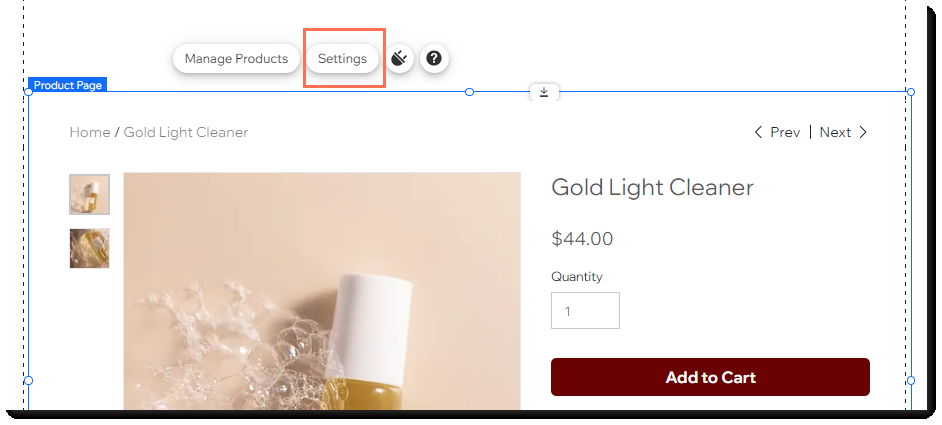
Wix Ecommerce
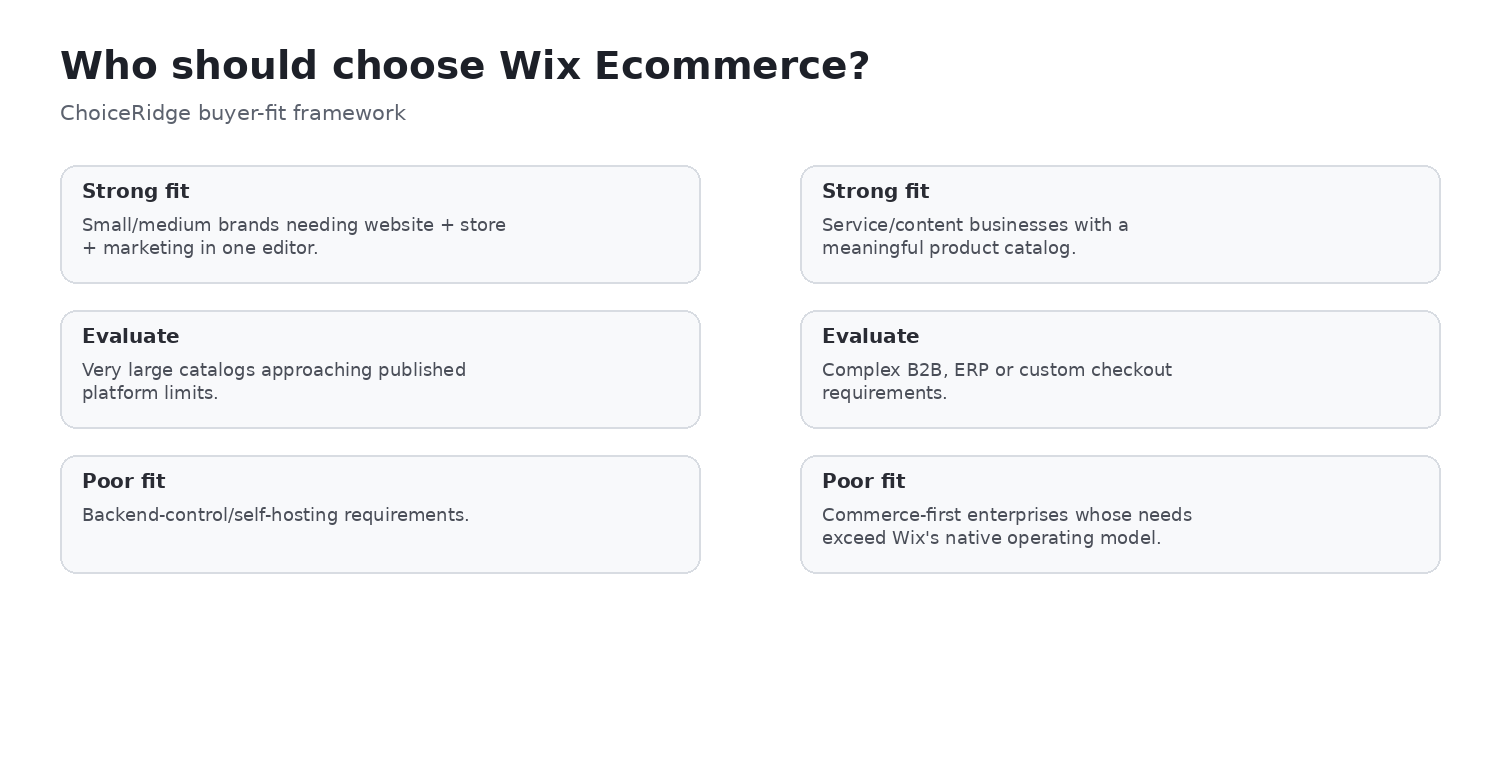
Why it fits: Visual building, services, content and SMB commerce.
Trade-off: Regional packaging and less complex-commerce depth.
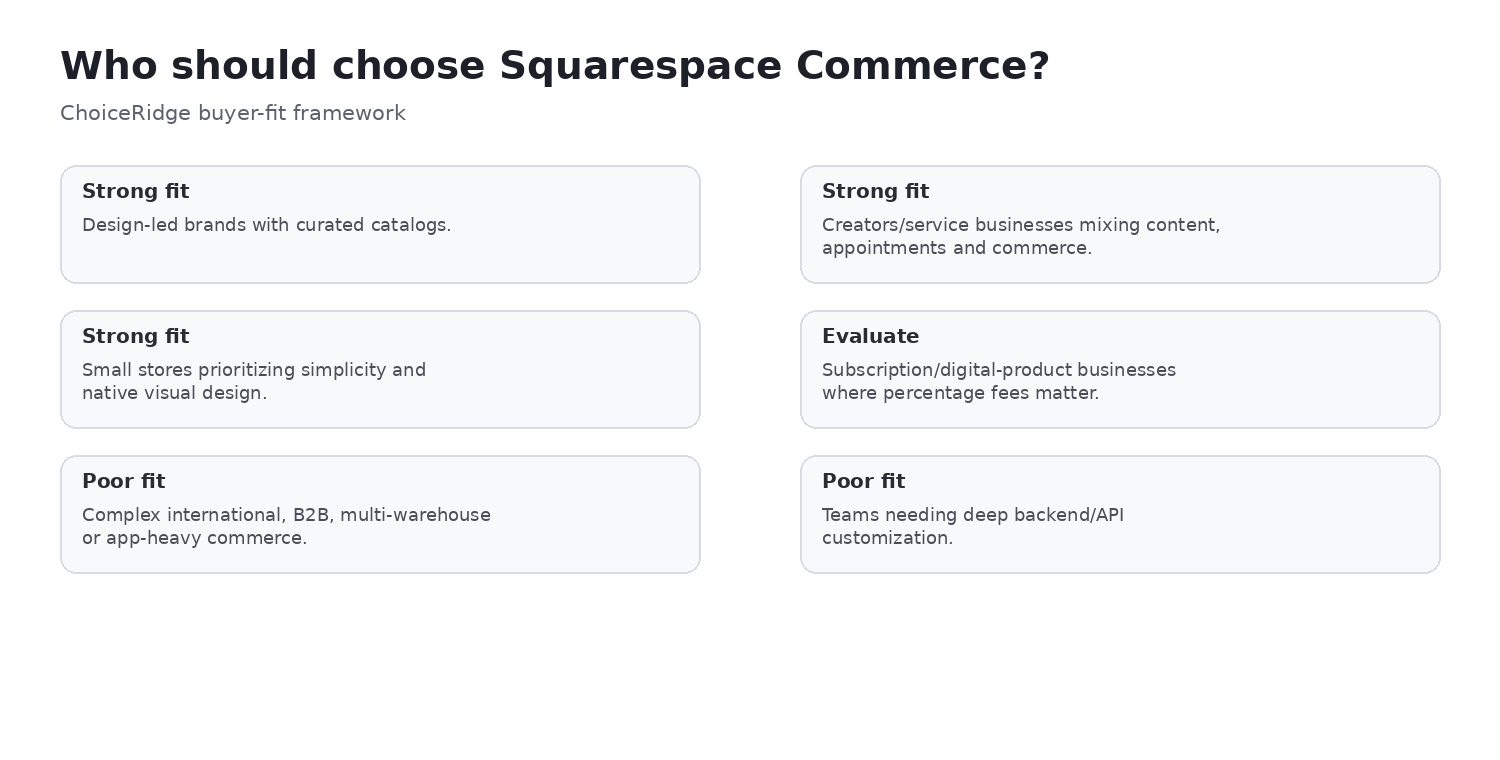
Squarespace Commerce
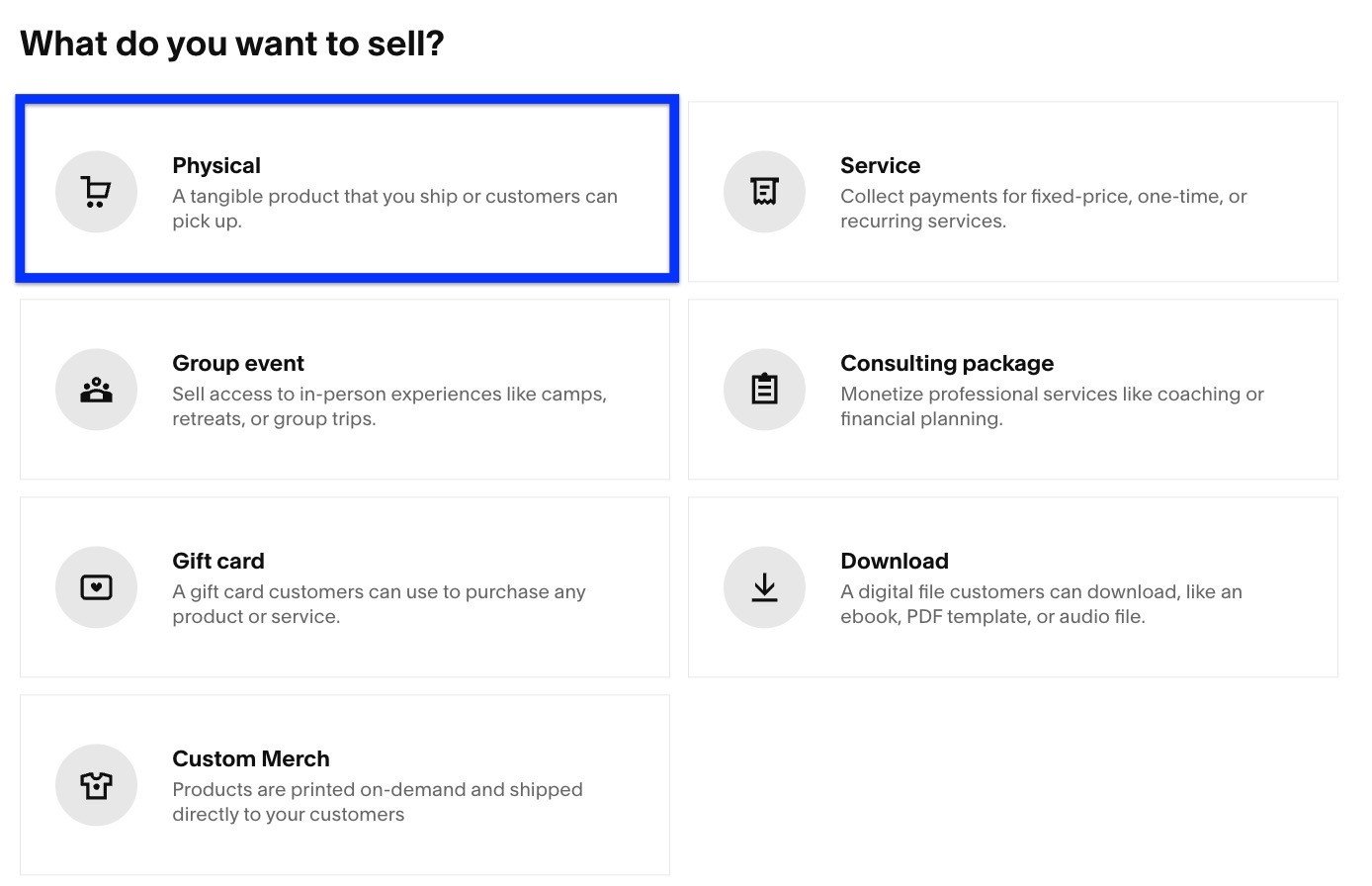
Why it fits: Design, content, services, downloads and subscriptions.
Trade-off: Plan transition and advanced-operation limits.
BigCommerce
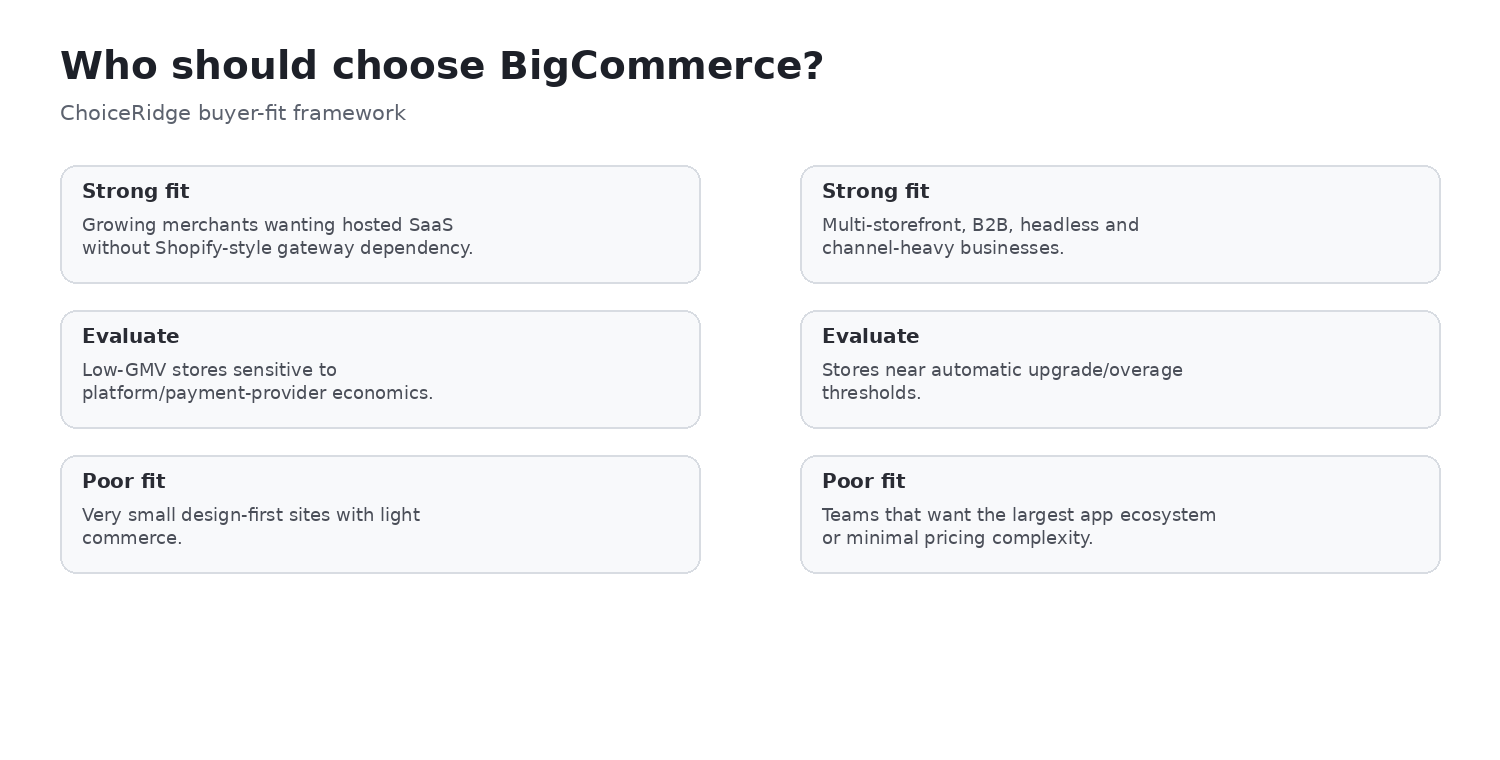
Why it fits: Native B2B, multi-storefront, multichannel and APIs.
Trade-off: GMV rules, overage and provider classification.
WooCommerce
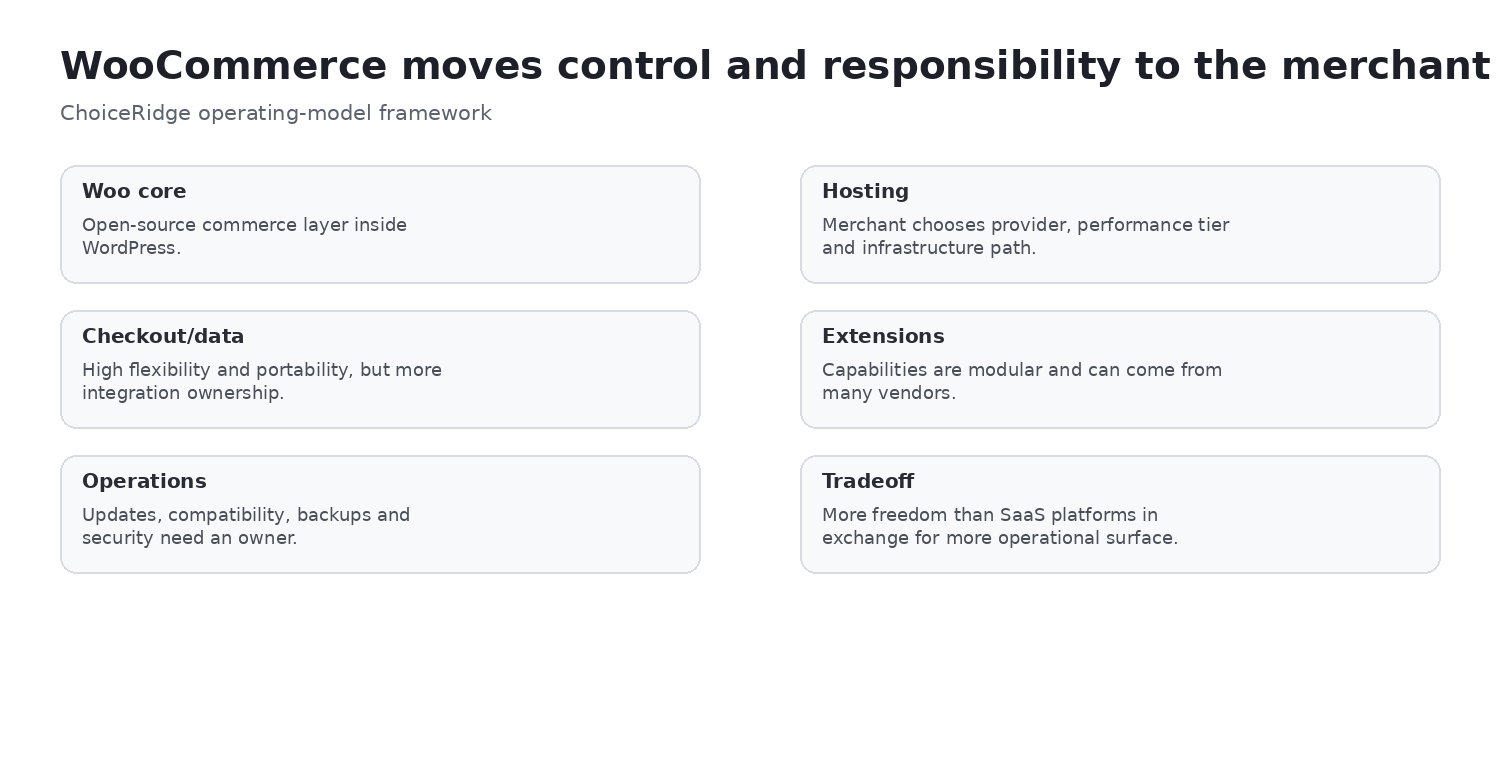
Why it fits: WordPress ownership, content, plugins, code and payment choice.
Trade-off: Hosting, compatibility, security and support ownership.
What matters most for beginner setup and operational simplicity
Document the required product types, variants, payment methods, countries, currencies, tax and shipping rules, inventory locations, channels, subscriptions, B2B workflows, content, roles, reporting, integrations, APIs, recovery objectives, and support expectations. Separate must-haves from optional capabilities and test the highest-risk workflows.
Hosted SaaS versus self-hosted software
Hosted platforms reduce server and update work but retain platform boundaries and plan economics. WooCommerce provides deeper hosting, code, and data control while making the merchant or managed provider responsible for updates, compatibility, monitoring, security, backups, and performance. These models should not be compared by subscription price alone.
Choose by scenario
Choose Shopify
When its primary strength aligns with the business and its trade-off is acceptable.
Choose Wix Ecommerce
When the second scenario is more important than the default recommendation.
Run a proof of concept
For complex checkout, subscriptions, international tax, B2B, large catalogs, headless, high volume, or legacy integrations.
Limitations that can change the ranking
Country availability, payment provider, GMV, catalog shape, staff roles, app dependence, contract terms, developer capacity, support ownership, and migration constraints can reverse the order. A vendor demo is not a substitute for testing your own products, checkout, orders, refunds, integrations, and administrative workload.
Migration and switching considerations
Inventory products, variants, collections, customers, orders, subscriptions, payment tokens, gift cards, discounts, reviews, content, URLs, redirects, tax rules, shipping rules, analytics events, feeds, and integrations. Verify what can be exported, imported, reconstructed, or cannot move. Plan parallel validation, redirects, reconciliation, rollback, and post-launch monitoring.
Decision visuals
Additional decision questions
Which platform gets a store live fastest?
That depends on catalog and payment requirements, but managed platforms remove infrastructure setup.
Do beginners need a developer?
Usually not for a standard managed launch; custom integrations or WooCommerce operations may change that.
What beginner mistake is most expensive?
Choosing from template appearance without testing payment, shipping, tax, export and ongoing app cost.
Can a beginner use WooCommerce?
Yes, with willingness or support to own WordPress maintenance and recovery.
How do I avoid outgrowing the platform?
Test the next 12–24 months of products, markets, integrations and staff workflows before launch.
Migration and proof-of-concept checklist
A beginner proof of concept should complete one physical or digital product, payment sandbox, tax rule, shipping or delivery method, domain connection, refund and full data export. Document every step that required external help.
Additional primary sources
Final recommendation
Shopify for a guided commerce path; Wix for visual editing; Squarespace for curated design; BigCommerce for beginners with operational ambition; WooCommerce for learners willing to manage WordPress. Make the final choice from a three-year cost model and a representative proof of concept, not a promotional starting price.
Explore all ecommerce reviews and comparisons or use the Ecommerce App Cost Calculator.
How ChoiceRidge evaluates ecommerce platforms
We compare official plan and fee documentation, hosting responsibility, commerce capabilities, extensibility, operational burden, and use-case fit. Rankings are editorial judgments supported by documented evidence. We do not publish a numerical score or claim hands-on tests that were not performed.
Read our Methodology, Editorial Policy, and How We Make Money.
Frequently asked questions
What is the best ecommerce platform?
There is no universal winner. The best platform matches the business model, team, payment needs, operating burden, and growth path.
Which platform is cheapest?
Compare total cost, not the starting subscription. Hosting, processing, apps, development, maintenance, and migration can dominate.
Should I choose hosted or self-hosted ecommerce?
Choose hosted SaaS for lower infrastructure responsibility; choose self-hosted software when control justifies the operational work.
Which platform is best for SEO?
No platform guarantees rankings. Implementation, content, crawlability, performance, links, and competition matter.
Can I switch platforms later?
Yes, but subscriptions, payment tokens, URLs, order history, apps, and custom workflows may not transfer cleanly.
How should I test a shortlist?
Build representative products, checkout, payments, fulfillment, refunds, reporting, and integrations before committing.